
Participant
January 6, 2025
Question

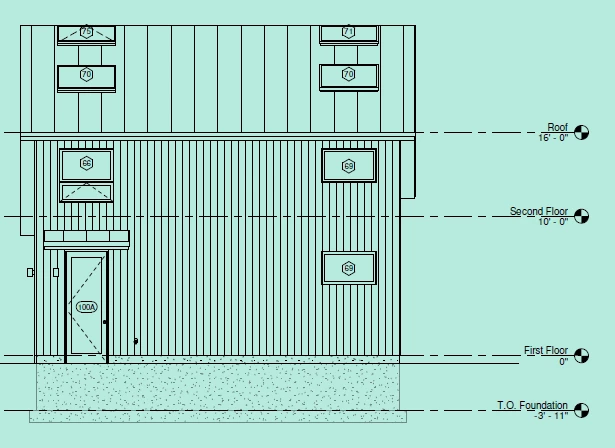
Green background on all pdfs when zoomed to fit one page

  • January 6, 2025
  • 1 reply
  • 235 views

Out of nowhere all my pdfs in acrobat have a green background when zoomed to fit one page (default when opening pdfs). If I zoom in or out it dissapears. All I can find online is someone saying it could be HDR but I turned that off and it didn't fix. 


1 reply

Community Manager
January 7, 2025

Hi @Anonymous2024


Thanks for reaching out. 

Please check this topic: "Replace Document Colors:" https://adobe.ly/3ZY75VG and check if that makes a difference. 

Ideally, zooming in shouldn't make any difference in the document's background color. 

Also, try to check for updates pending, to check for any pending updates, launch Acrobat > Help > Check For Updates.


^TD

Participant
January 9, 2025

Replace document colors didn't work and there are no new updates. This is an HDR issue and there appears to be no solution besides turning off HDR every time I use an adobe product which is really annoying. I've tried changing the windows graphics settings of acrobat to not use Auto HDR but it doesn't work. There has to be a solution but I can not find one in any forum!