
Participant
April 12, 2024
Question

having trouble coverting pdf line drawings to jpg with the highest quality

  • April 12, 2024
  • 2 replies
  • 1352 views

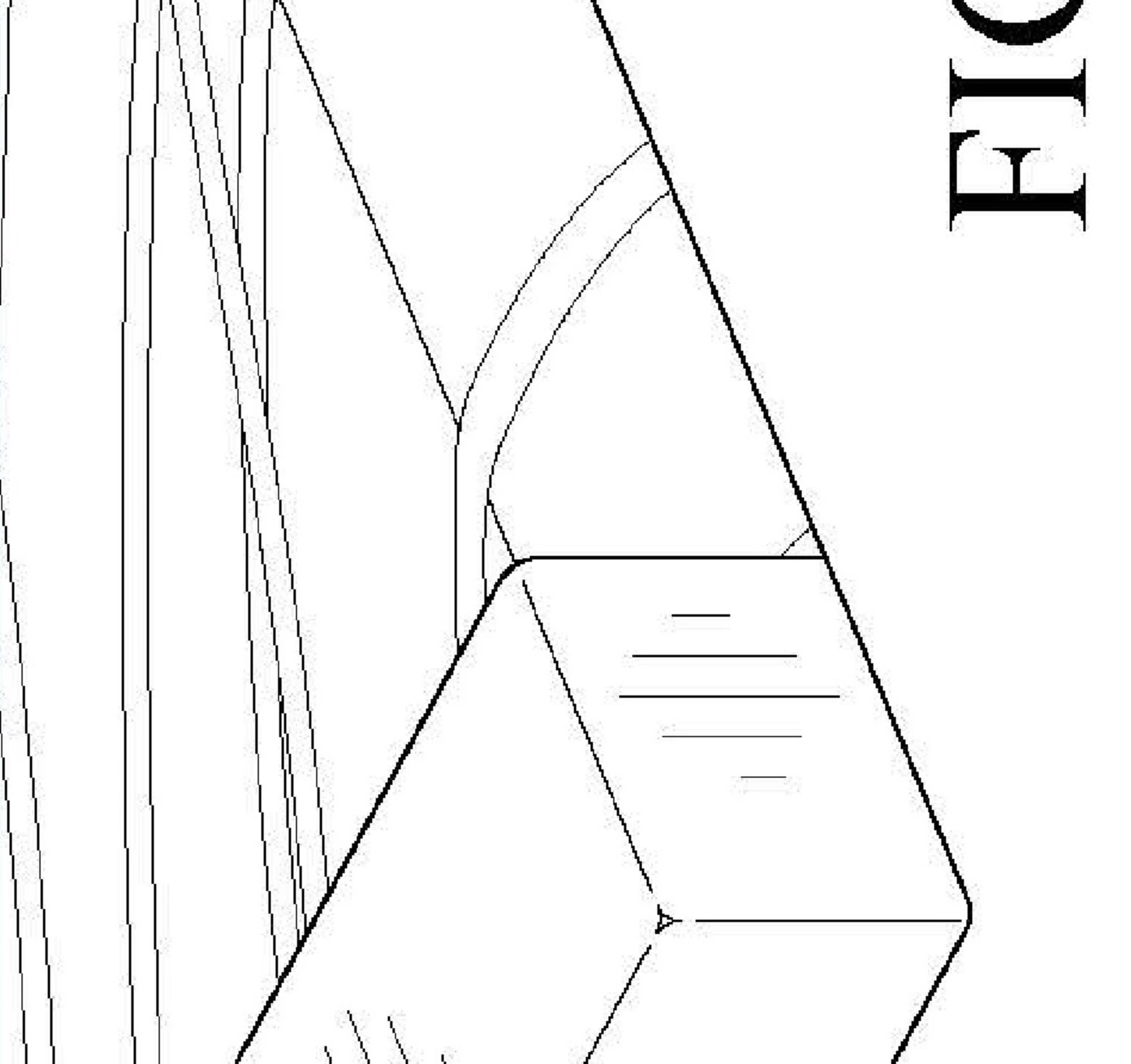
I'm a patent illustrator. I work exclusively in pdf's. A client asked me to send a set of drawings as jpg's. I purchased acrobat pro, and ran a conversion to jpg. All of the drawings that are b&w came out stepped (pixelated) with shadow artifacts. Is there any way to conver pdf to jpg and keep the same resolution and not create ghosting?
This topic has been closed for replies.

2 replies

try67
Community Expert
Community Expert
April 12, 2024

Why are you using JPEG if you want high-quality images? Use a lossless format, such as PNG.

JR Boulay
Community Expert
Community Expert
April 12, 2024

When exporting PDF from Illustrator, available lossless formats are JPEG2000 and Zip.

Acrobate du PDF, InDesigner et Photoshopographe
try67
Community Expert
Community Expert
April 12, 2024

They are using Acrobat, though. Illustrator is the name of the profession, not the application they're using.

barbara_a7746676
Community Expert
Community Expert
April 12, 2024

When saving as PDF, click the Settings button.

Set high resolution. That's the best you can do -- raster files of line art won't look as smooth as vector line art.

Participant
April 19, 2024

Thank you for your reply. I now know I cannot use acrobat to save as .jpg. They look terrible. I found a way to do it through my CAD software.
Thanks!