RFE1331
Participant
January 10, 2019
Question

Help - pop up saying not genuine software

  • January 10, 2019
  • 4 replies
  • 3598 views

Hi,

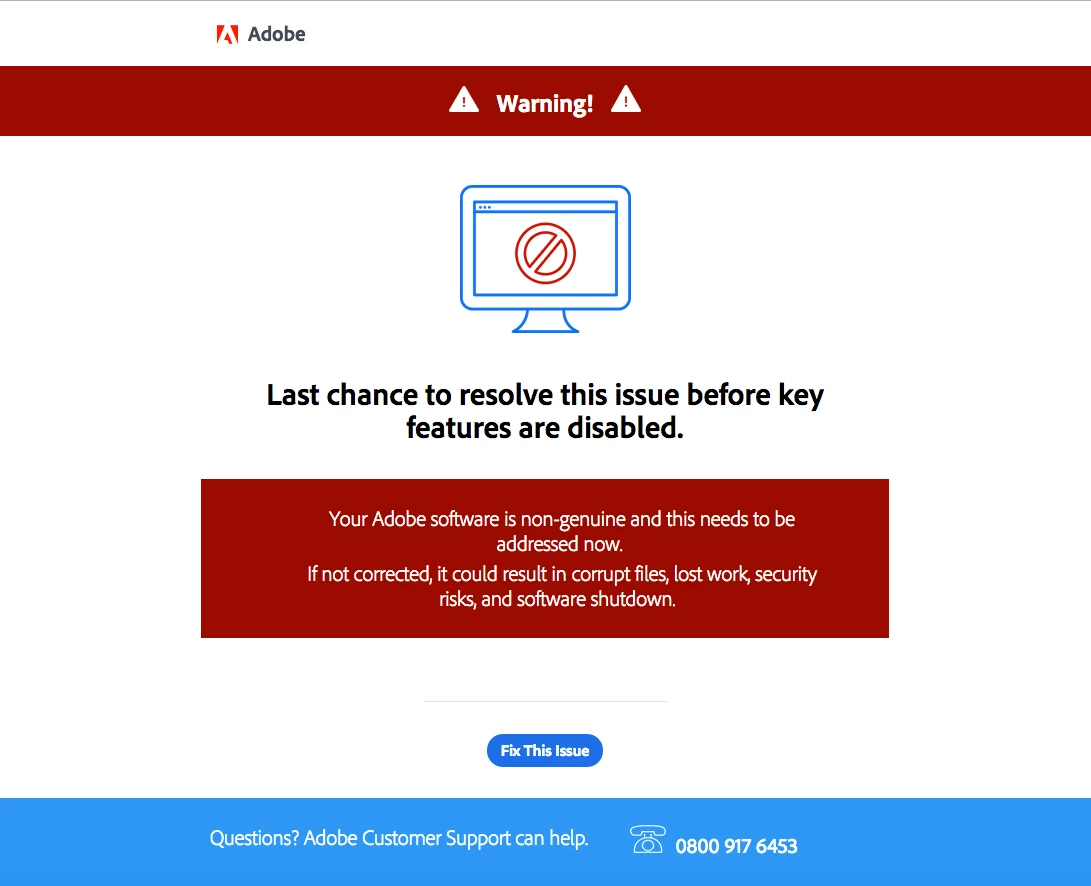
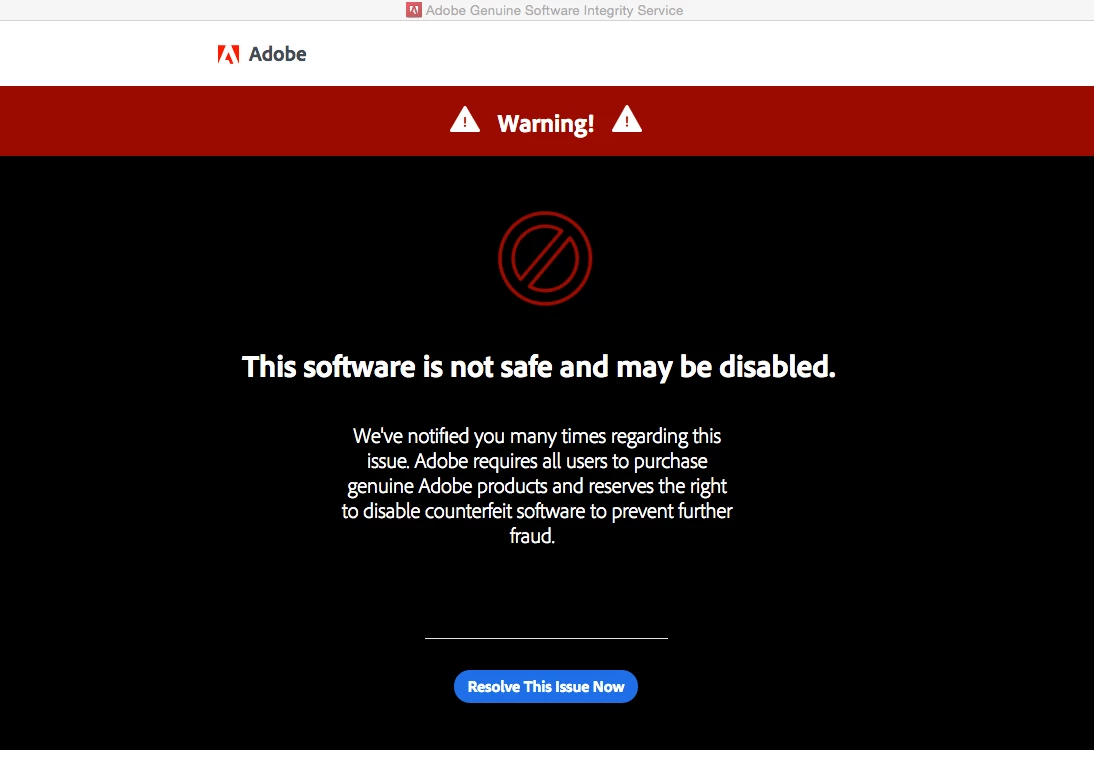
Hoping someone can help me. I keep getting pop ups saying I have non genuine software, which is not true, it is genuine. They are escalating quickly with threats to block my software (see images below)

I work on a company computer (have done for 2 years without issue, including all updates etc) and the software was purchased in 2009.

We can see on our internal system the purchase dates, reference numbers and purchase amount, but none of this information is enough for Adobe to verify our purchase. We shred paperwork after 7 years, so all the paperwork to go with the purchase went in 2014, so we can not retrieve any additional information that could help us, including the serial keys.

We have also tried giving a number of email addresses that are linked to the company and the email address of the person who did the original purchase (who has left the company since 2009) but none match the information on the Adobe software system so they still can not verify the fact we purchased the software and it is genuine.

Can anyone give me any ideas how I can prove to Adobe that we did purchase the software so I can get rid of the infuriating pop ups and stop my software getting blocked.

Thank you.
This topic has been closed for replies.

4 replies

ls_rbls
Community Expert
Community Expert
August 17, 2019

I am so sorry, I copy and pasted the same link

Please check this

Serial Number recovery

And here:

apple.stackexchange.com/questions/130946/where-does-os-x-store-my-adobe-product-keys#comment250476_198419

Participant
August 17, 2019

I am having the same issue,  I don't think adobe recognises software purchased more than 10 years ago and who keeps their original discs and boxes?!  This is revisionist to our original contracts, invasive and bullying, and just trying to get everyone to use Creative Cloud. 

Legend
January 10, 2019

There is every chance this purchase was from a reseller who has been found, yes, even after all this time, to be defrauding Adobe and their customers.  If you destroy your serial keys you have (or have had) a serious management issue. This is what you pay for. It is verging on negligent. If that computer dies or the disk fails it's gone forever.

You should also make sure you didn't upgrade your systems beyond the systems your apps was designed for. Which will be the systems of seven years ago (but we can check this if you tell us your software app and version). Of course the software will be out of support anyway, but throwing in a new system is certain to cause issues, and has caused false hits on the not-genuine software.

(Not an Adobe reply).

RFE1331
RFE1331Author
Participant
January 10, 2019

Thanks for the response.

I am frustrated I can not find the original disks or serial keys, but I can not change that as occurred before I joined company so trying to find a work around! I appreciate any help you can give with this.

I use Illustrator CS5.1 (version 15.1.0), Photoshop CS5.1 (version 12.1 x64) and InDesign CS5.5 (version 7.5.3) I am on a Mac using OS X Yosemite 10.10.5 - not upgraded software on Mac to Sierra and beyond as understand it can impact older software with Adobe.

try67
Community Expert
Community Expert
January 10, 2019

If the software was ever registered with Adobe that would be a pretty good proof that it's genuine, plus it will give you access to the serial numbers. If that was never done and you don't have the serial numbers then you're out of luck and will need to re-purchase it, or find some other way of proving it's genuine (for example, a receipt from an approved reseller of the purchase).