Known Participant
May 16, 2021
Answered

Help to create dynamic dropdown menu

  • May 16, 2021
  • 3 replies
  • 2917 views

Hi everyone, 

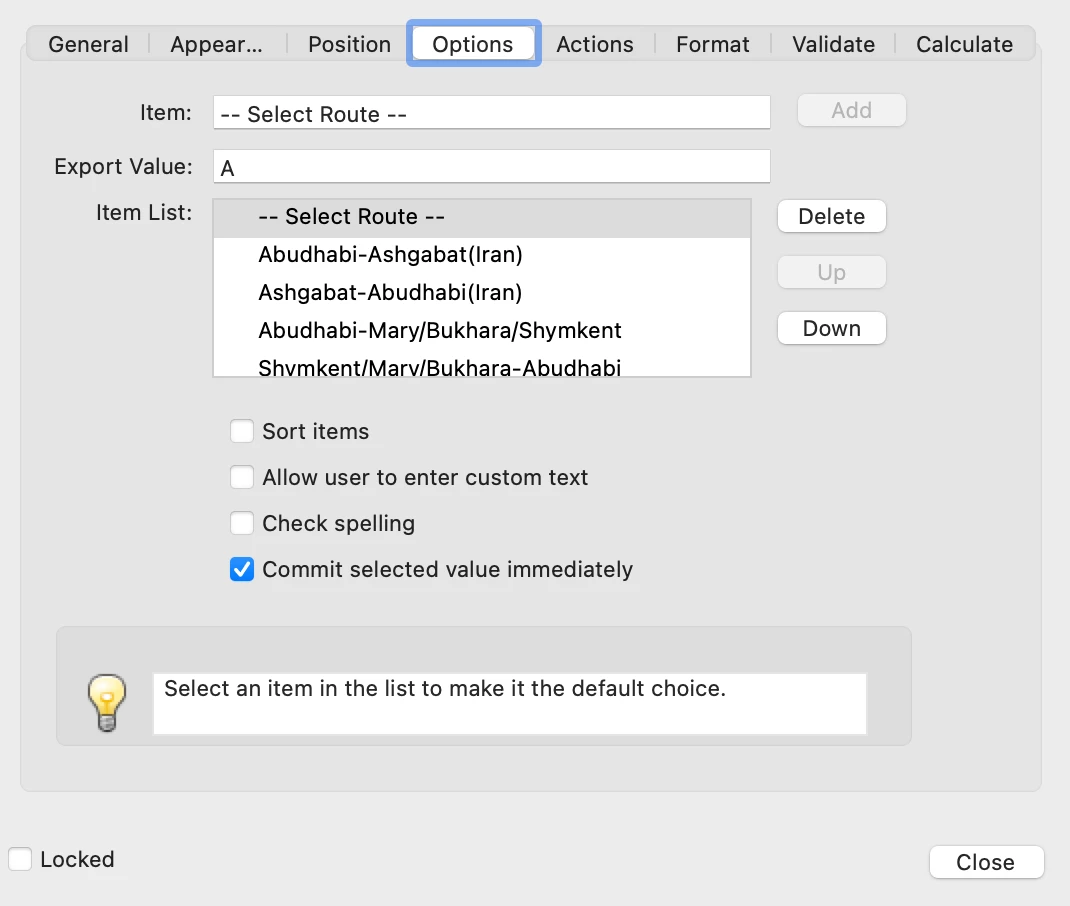
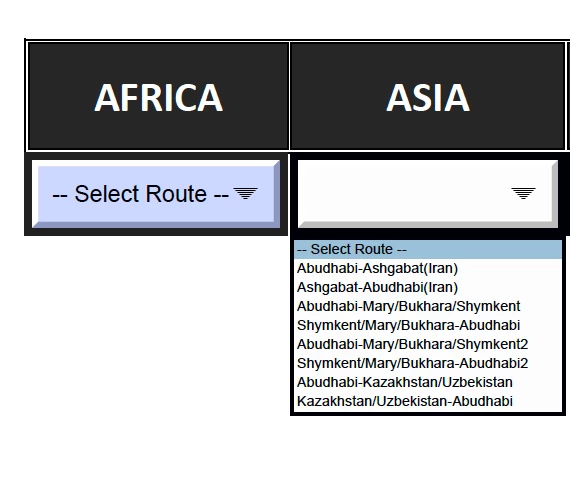
I need some help to create a dynamic dropdown menu with Acrobat Pro Dc. i managed to create the dropdown menu  but I don't know how to assigned a specific page to each items when selected. I believe I need to create javascript codes for that but I dont know anything in coding, can anybody help? Thanks

This topic has been closed for replies.
Correct answer Nesa Nurani

I tried but it didnt work, not sure I explained correctly the issue, I`ll try again I have a list of items in the dropdown menu the first line is "--Select Route--" the rest are the different routes to be choosen. when I choose an item from the list its directed to a page (which is what I wanted) but when I go back to the dropdown menu, the last item choosen is on top of the list instead of "--Select Route --" So what I would like to do is to have some kind of code to make sure after the item is choosen "--Select Route --" remain on the top of the list 

You could use this as calculation script:

if(event.value != "-- Select Route --")
event.value = "-- Select Route --";

When you make selection it will jump to that page and return selection to "-- Select Route --".

3 replies

Nesa Nurani
Community Expert
Community Expert
May 17, 2021

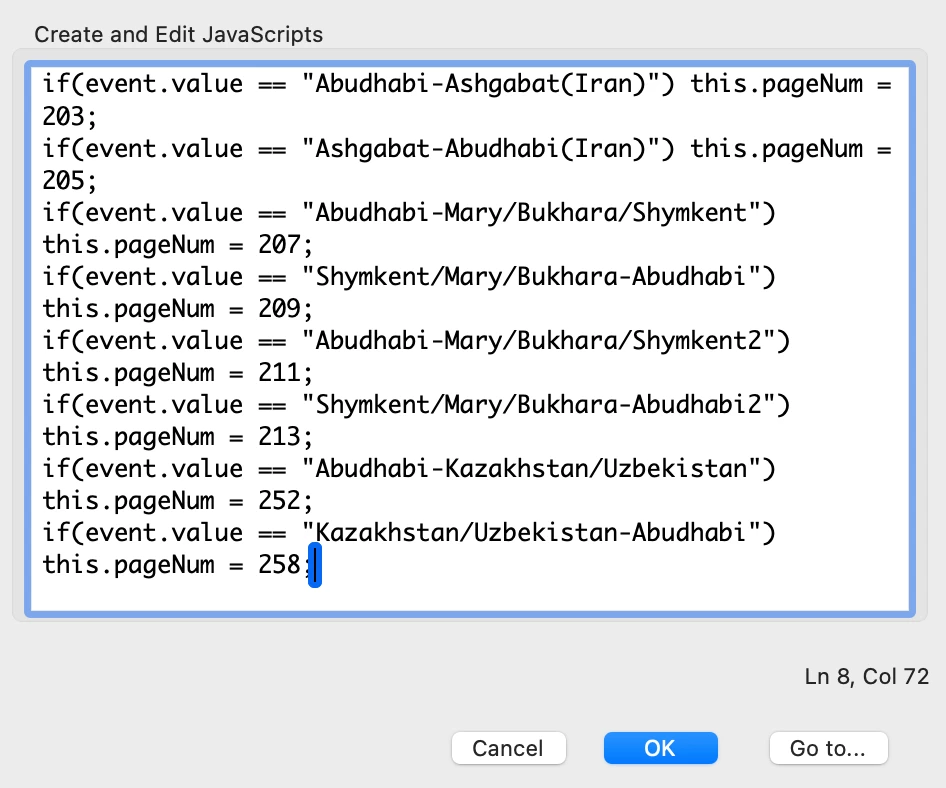
You can use this "pageNum = ;" to skip to that page.

For example if you select "Item1" from dropdown you want to skip to page 5, or if "Item2" you want page 10, code would be:

if(event.value == "Item1") this.pageNum = 4;

else if(event.value == "Item2") this.pageNum = 9;

Pages start from 0 (page 1 = 0, page 2 =1...etc)


try67
Community Expert
Community Expert
May 17, 2021

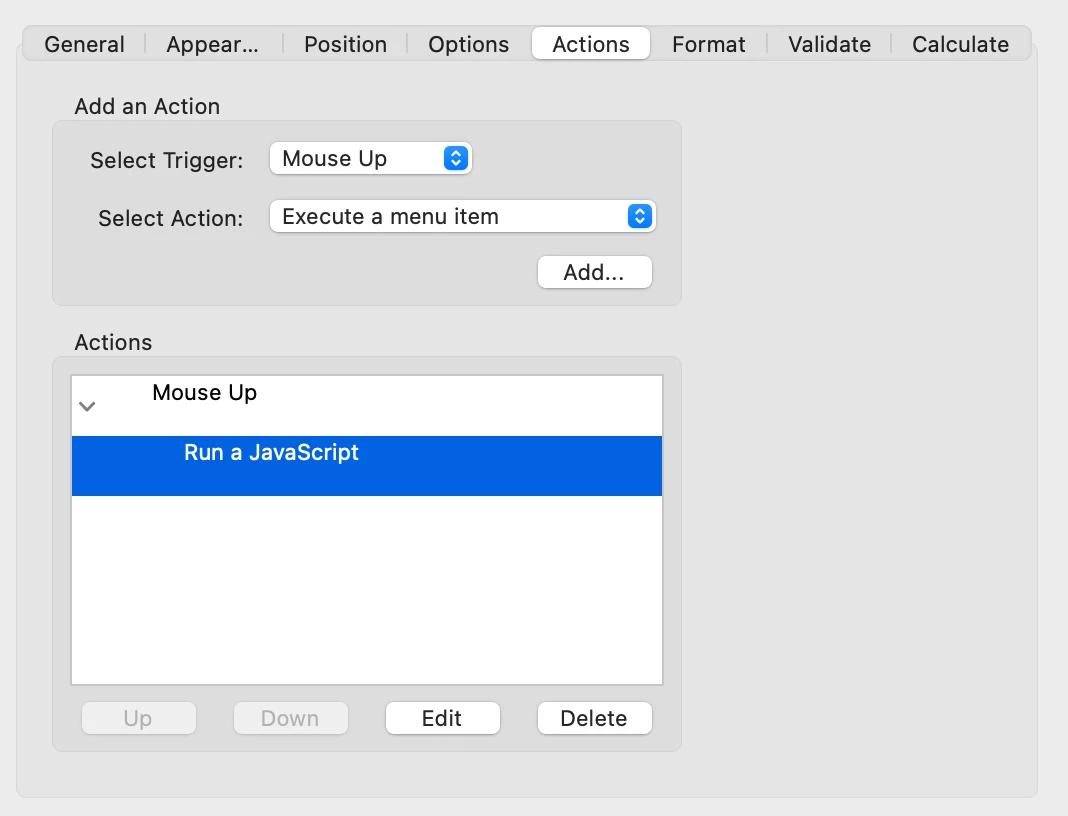
And use this code as the field's custom Validation script, making sure to tick the option to commit the selected value immediately, under the Options tab.

Fab787Author
Known Participant
May 17, 2021

Thank you guys, I'll try that and let you know if it works 


Fab787Author
Known Participant
May 17, 2021

Hi Try67, 


can you help ?

thx. Rgds

try67
Community Expert
Community Expert
May 16, 2021

What do you mean by "assign a specific page to each items when selected"? Do you want to jump to that page when the item is selected?

Fab787Author
Known Participant
May 16, 2021

Hi Try67, thanks for your reply. Yes, I would like to jump to the page when the item is select. 

Rgds,