Participant
November 27, 2023
Answered

Hide Floating Toolbar

  • November 27, 2023
  • 3 replies
  • 5481 views

How can the Floating Toolbar be hidden?
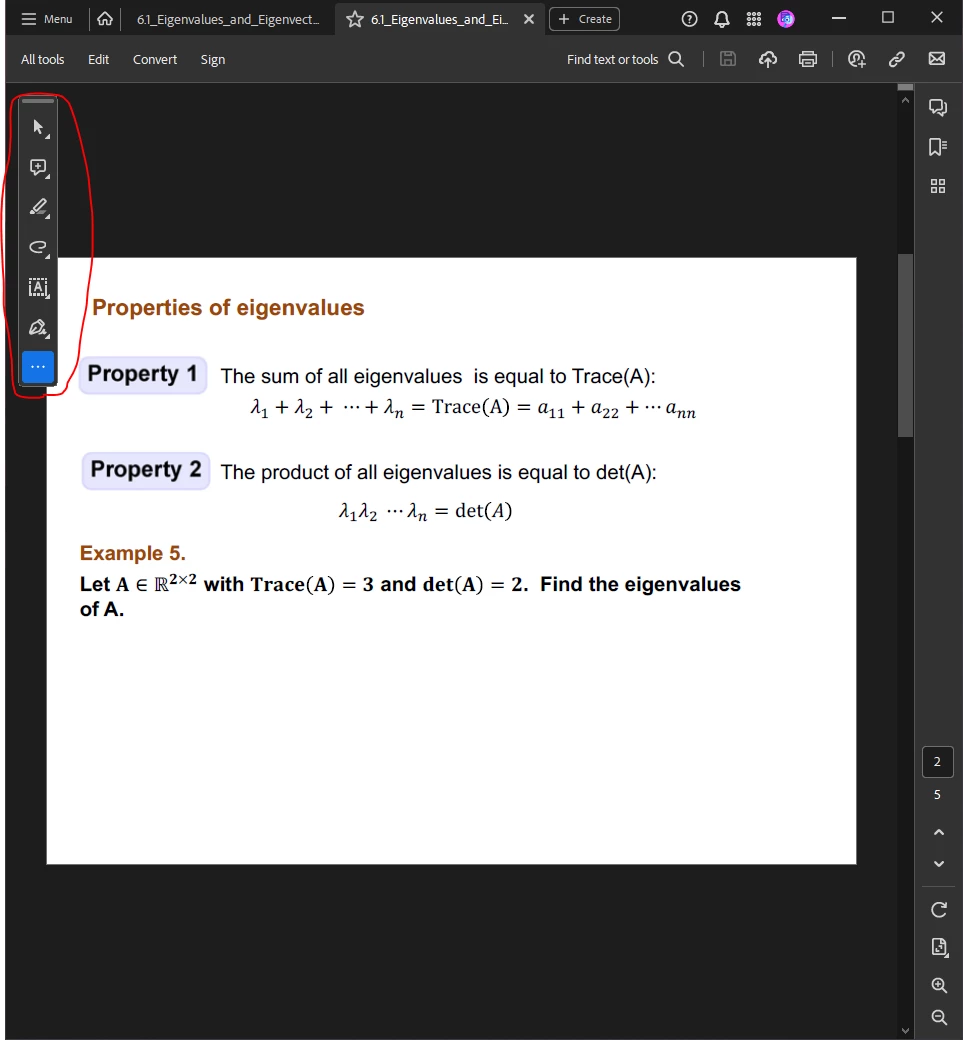


Looked through some previous posts, but suspect they reference earlier versions of Acrobat DC because the settings options shown are not the same.

 

Correct answer Amal.

Hi @HumanwithaQuestion 


Hope you are doing well and thanks for reaching out.


The option to hide the quick toolbar is not yet present, You may share your feedback with the engineering team using the link https://www.adobe.com/products/wishform.html


Regards

Amal

3 replies

Participating Frequently
June 4, 2025

The best solution is to revert to old version looks (this is not downgrading):
"To the hamburger menu in the upper left corner (where the old File menu used to be) and select Disable New Acrobat, it's about 2/3 down the menu."
Source: Résolu : How do I go back to the old Acrobat? - Adobe Community - 14032104

Participant
August 6, 2024

Who is the dunce that created the new toolbar so I can call them an assh0le to their f%cking face?


Amal.
Amal.Correct answer
Legend
November 27, 2023

Hi @HumanwithaQuestion 


Hope you are doing well and thanks for reaching out.


The option to hide the quick toolbar is not yet present, You may share your feedback with the engineering team using the link https://www.adobe.com/products/wishform.html


Regards

Amal

Participant
November 27, 2023

Thank you for the information.


It's unfortunate that Quick Toolbar cannot be hidden, I find myself having to move it frequently because it covers part of zoomed-in pages.

Participant
May 9, 2024

Whose idea was this feature? Someone who has never viewed a document before? What is the point of a toolbar that BLOCKS the PDF you're trying to read that you can't hide or get rid of?