
Inspiring
November 19, 2022
Answered

Highlight is highlighting full line, not words

  • November 19, 2022
  • 1 reply
  • 7154 views

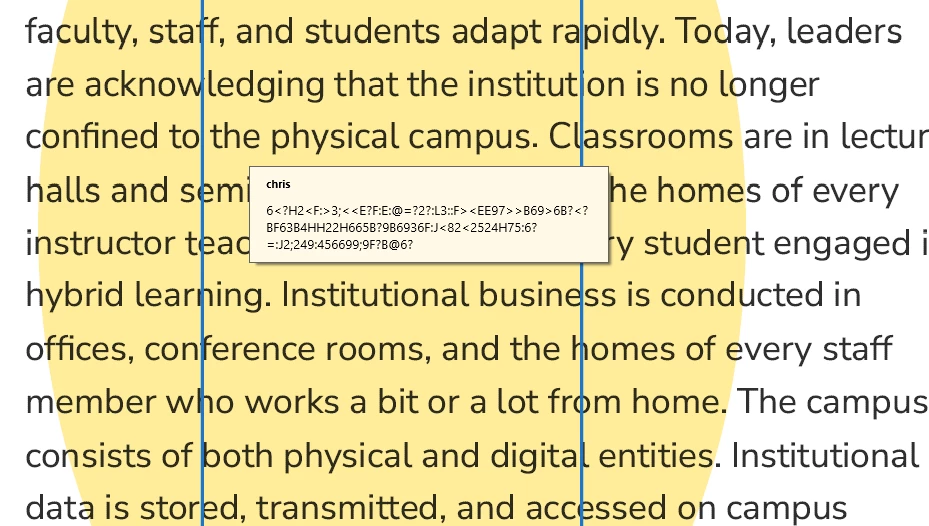
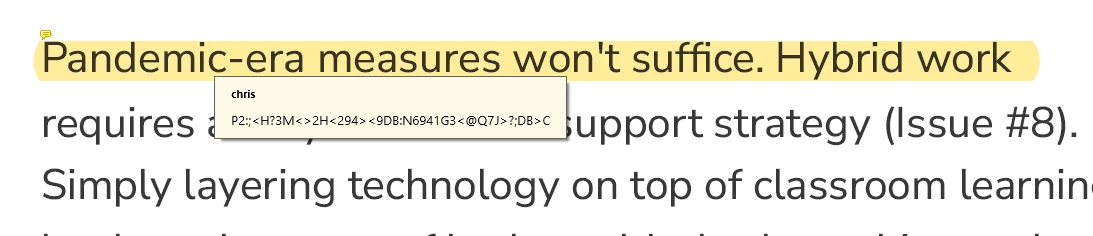
I had a .pdf (received from a company) that would only allow me to highlight areas (See attachment 1). I 'printed' the .pdf into a .pdf using the print function. Now it will highlight full lines, but not individual text AND the highlight isn't readable (see attachment 2). Other documents are working just fine.

attachment 1:
attachment 2:
This topic has been closed for replies.
Correct answer Pat27216383iob7

I have no problem clicking and dragging using the Highlight tool to select individual letters.

If you double-click a word it will highlight the entire word, of course.


OK, I ran a repair and now it seems to be ok - thanks!

1 reply

try67
Community Expert
Community Expert
November 19, 2022

Export the pages as images (use a high-quality format, like PNG), then create a new PDF file from those images, and run Text Recognition on it.


Inspiring
November 19, 2022

Hmmm... Each page comes across as a seperate document - all 91 pages. However, I took one of the pages and tried to pull it into Acrobat - still an image. I used the Recognize Text Used both the File>Open and Create>from Clipboard options and still an image. Then I tried using the original .pdf  and the export to Word but it is just garbage. I tried Recognize Text, but got an error message: This page contains renderable text.

Inspiring
November 21, 2022

Share the PDF file, please. And you didn't answer my first question.


I use the select tool to try to highlight the text. If I drag over words, I get nothing. If I double-click a word it highlights. 

OK - I just openned another file that I have successfully highlighted in the past, and now I get the same problem - one word at a time. But I can still see the highlighted text from last time.