New Participant
June 27, 2024
Question

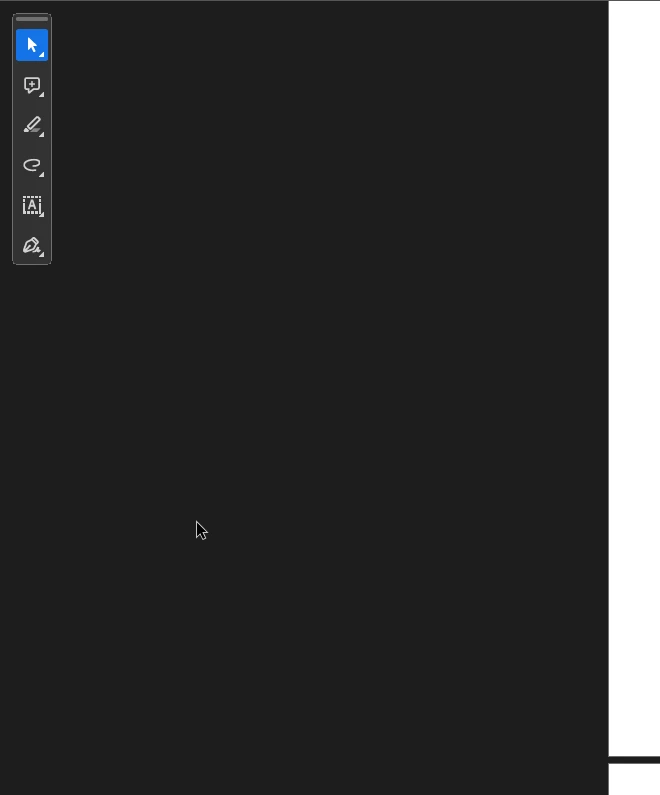
how can I hide the mini toolbar
  • June 27, 2024
  • 1 reply
  • 434 views

I want to disable or hide this panel, as it prevents me

 

This topic has been closed for replies.

1 reply

Karl Heinz  Kremer
Community Expert
June 27, 2024

You can't. It is there so that you can expand the different options. The only way to get rid of all toolbars is by putting Acrobat into full screen mode (Ctrl or Cmd-L), but that changes the behavior of Acrobat, so probably now what you want. 

BTW, it looks like your text got cut off, we don't know what this prevents you from doing.