
Question
How can you sign a PDF document in 2023?
How can you sign a document in the latest version of Adobe Acrobat?
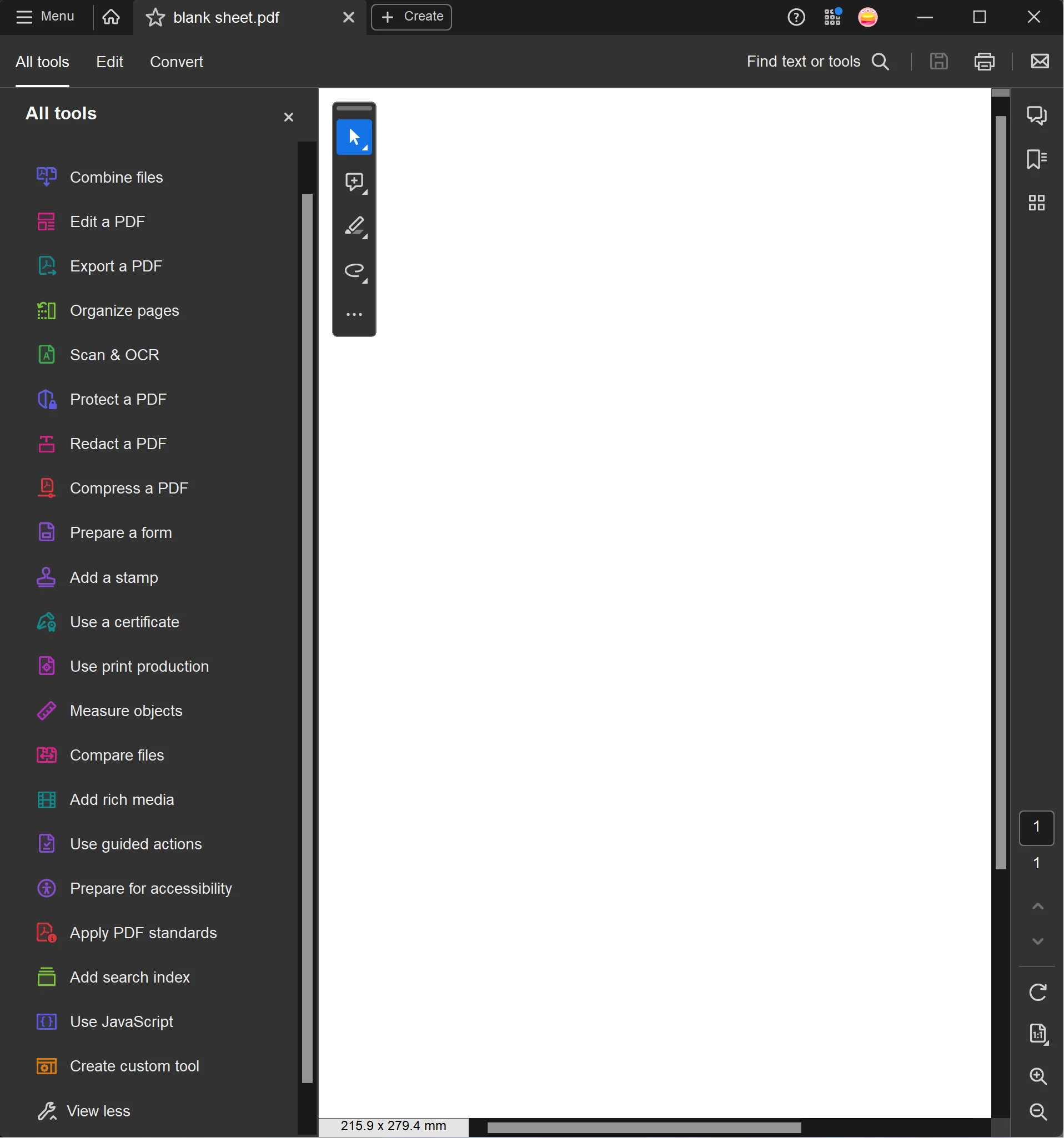
I have watched a few tutorials and the layout of the software is completely different -"Fill and Sign" is missing and the "Tools" tab is missing. I attach a screenshot of what I see below.
I have tried the 'Use a Certificate' option, when I press 'digitally sign' it launches a menu and prompts to drag a box for the signature to be placed in. Then I click 'Configure Digital ID'. When I press this, the whole window goes grey and I have to use task manager to force exit the software.
What is the easiest method to sign a PDF in Adobe Acrobat in 2023?
 AdChoices