
Answered
How do I change the go-to font in Adobe Acrobat Reader DC?
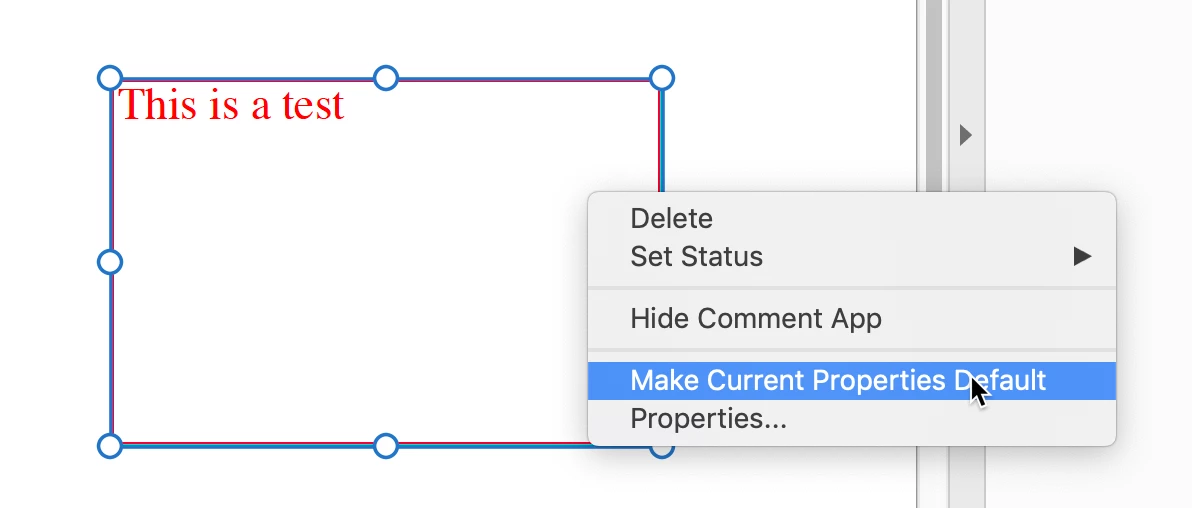
When I copy and paste numbers into an Adobe Acrobat Reader DC PDF, the numbers were turning into question marks. I can change the font on the PDF page and the the question marks change into numbers. I went into Preferences, then Commenting, and put in a new font there that would read the numbers as numbers, but every time I comment in the document and it has a number in it, the font automatically reverts back to a Helvetica font, which is the one giving me the problem. I have Helvetica in my Font Book, so I'm not sure where to go from here. Any help would be appreciated.
 AdChoices