
Answered
How do I change the line spacing in a multi-line text field on a PDF form? (on MAC)
How do I change the line spacing in a multi-line text field on a PDF form?
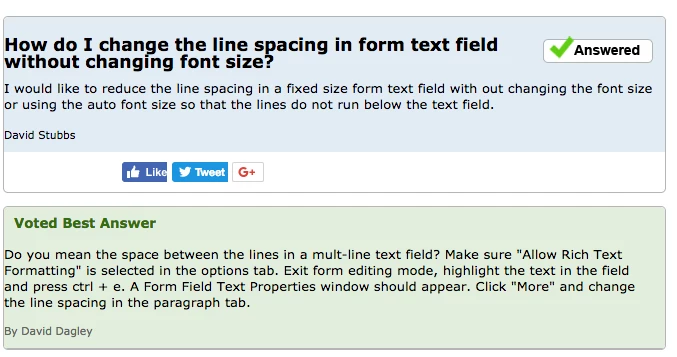
One answer I saw mentioned highlighting the text field and pressing ctrl + e, and then clicking on "more" in the menu that opens. They said you must then click on the "paragraph" tab. However, this does not exist on the MAC version as far as I can tell. What can I do? This is the answer I'm referencing and it does not work on my MAC.
 AdChoices