

Answered
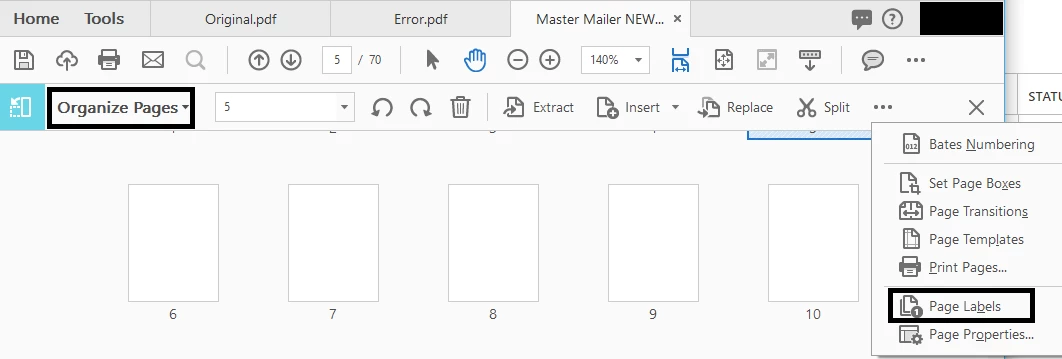
How do I match page numbers with page labels in Acrobat?
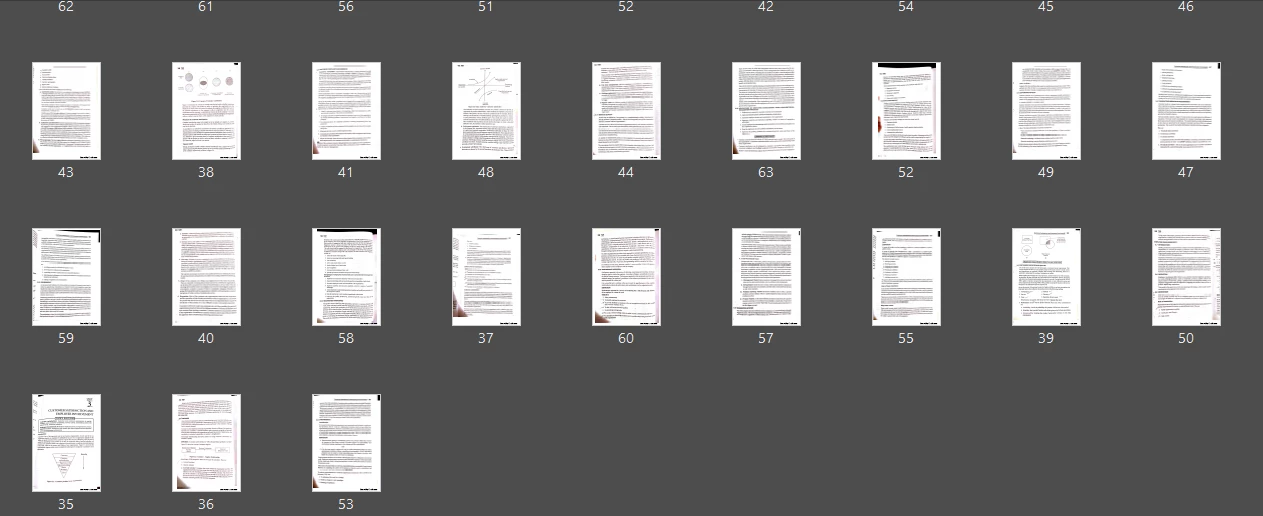
Let say I have the following pages as shown in the image below. If you go through the page labels, you'll notice the pages are all messed up. There are 30 pages in that scanned document. My scanner app mixed up all the scanned images and then produced the PDF. I managed to label the pages matching the page numbers printed on the scanned sheets. Now I want to rearrange the pages in such a way that pages get arranged in ascending order of the page numbers in the page labels. How do I do it? Pls note: There are a lot of pages in the documents so I cant manually drag and drop each of the pages and rearrange them.
 AdChoices