

AntDX316
Inspiring
April 14, 2022
Question

How do you resize a page to match another page after combine?
  • April 14, 2022
  • 4 replies
  • 6822 views

I was new to home scanning so I didn't do them at the same time like I do now so it seems one saved smaller or bigger than the other.  They are in 2 different PDFs.  Combining to make it easy to just scroll instead of coming out of another file to see the other.  How do I make the bigger one smaller or the smaller one bigger? Is it too late? Is it in raster instead of vector?

It's the front and back of the same paper.

This topic has been closed for replies.

4 replies

AntDX316
AntDX316Author
Inspiring
April 15, 2022

ok the actual solution was to drag them into Adobe Illustrator then save them being nearly the same padding on the sides and save each individually then combine and edit each in Adobe Acrobat.

Dave__M
Community Expert
Community Expert
April 14, 2022

If the document is to be printed, you can always take advantage of the "Fit" option in the Print dialog box.  It is a great 'equalizer' for documents that are comprised of varying-sized pages.

My best,

Dave

AntDX316
AntDX316Author
Inspiring
April 15, 2022

I'm trying to save the PDF as 1 file with the same margins and size so it's 2 pages on 1 PDF.

Luke Jennings3
Community Expert
Community Expert
April 14, 2022

Are you comfortable with InDesign? If so, create a 3 page (facing pages) InDesign file at the desired final page size, place your pdf into the InDesign file (re-sizing as needed), export to a new 3 page pdf.

AntDX316
AntDX316Author
Inspiring
April 15, 2022


I've tried putting it on InDesign but the text came out bad.

Luke Jennings3
Community Expert
Community Expert
April 16, 2022

You are probably looking at a low-res preview of the placed page, go to View> Overprint preview to see an accurate page view. Export to a PDF/X-4 (without downsampling).

Illustrator works almost the same way, you can add Artboards in Illustrator, then save as a multipage pdf (using the Illustrator default pdf settings).

BarlaeDC
Community Expert
Community Expert
April 14, 2022

Hi,


Resizing pages can be done but is it not easy in a PDF, normally I would recommend going back to the original document and change it there.


The big problem comes from what do you do when resizing:

- Just make the paper bigger or smaller

- Do we also scale the objects that are on the page.

- Are we scaling equally both way (horizontally and vertically) otherwise the objects would be skewed too.


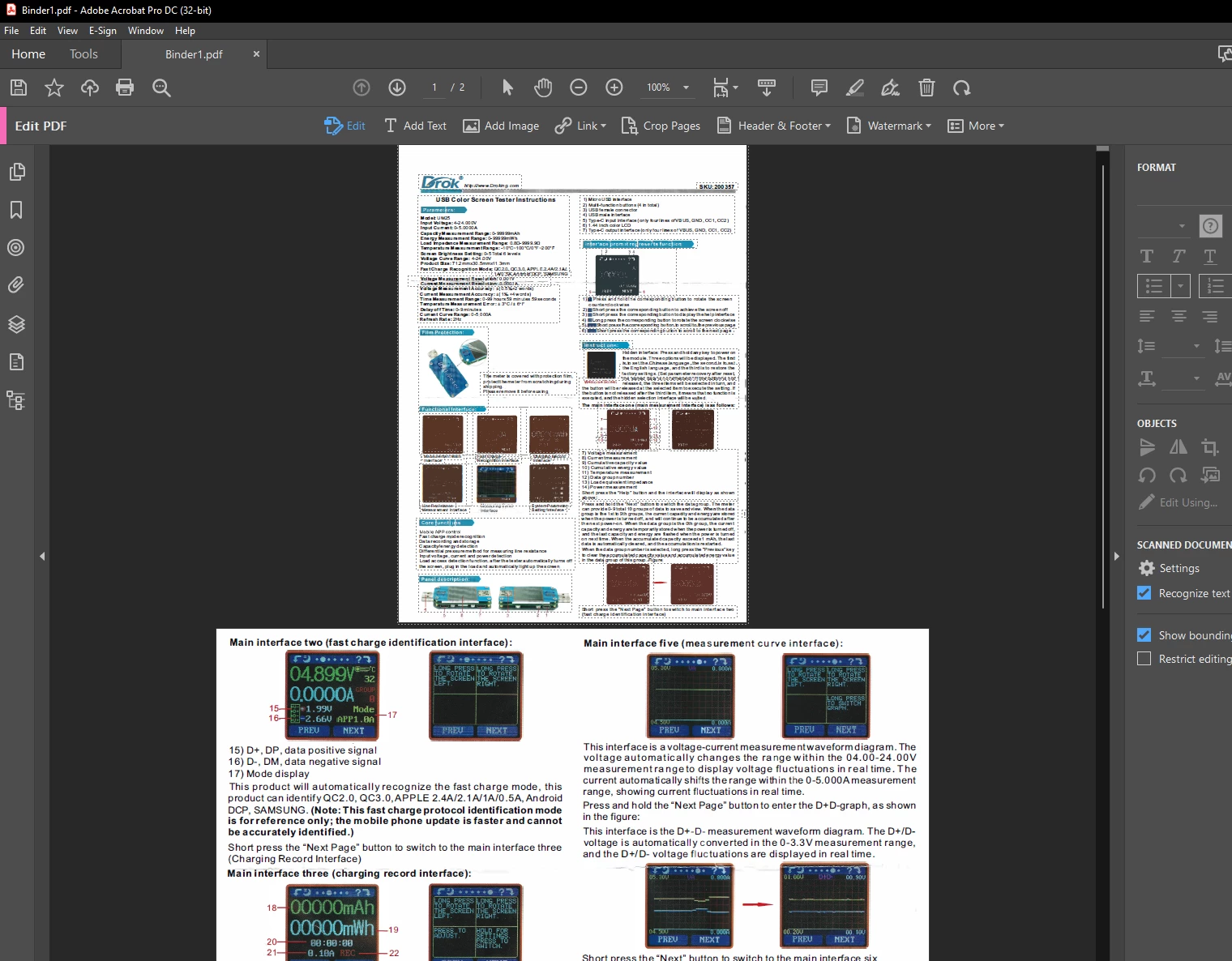
In the sample you provided we could enlarge the first page, but then it would be twice the size of the second page, and this would make the objects change in size between the pages, so images and such may not be consistent.


I have used these tools before and it may be that you could use these to solve the problem - http://www.quite.com/