

Answered
How to change all links' appearance in "Highlight Style"
Hi!
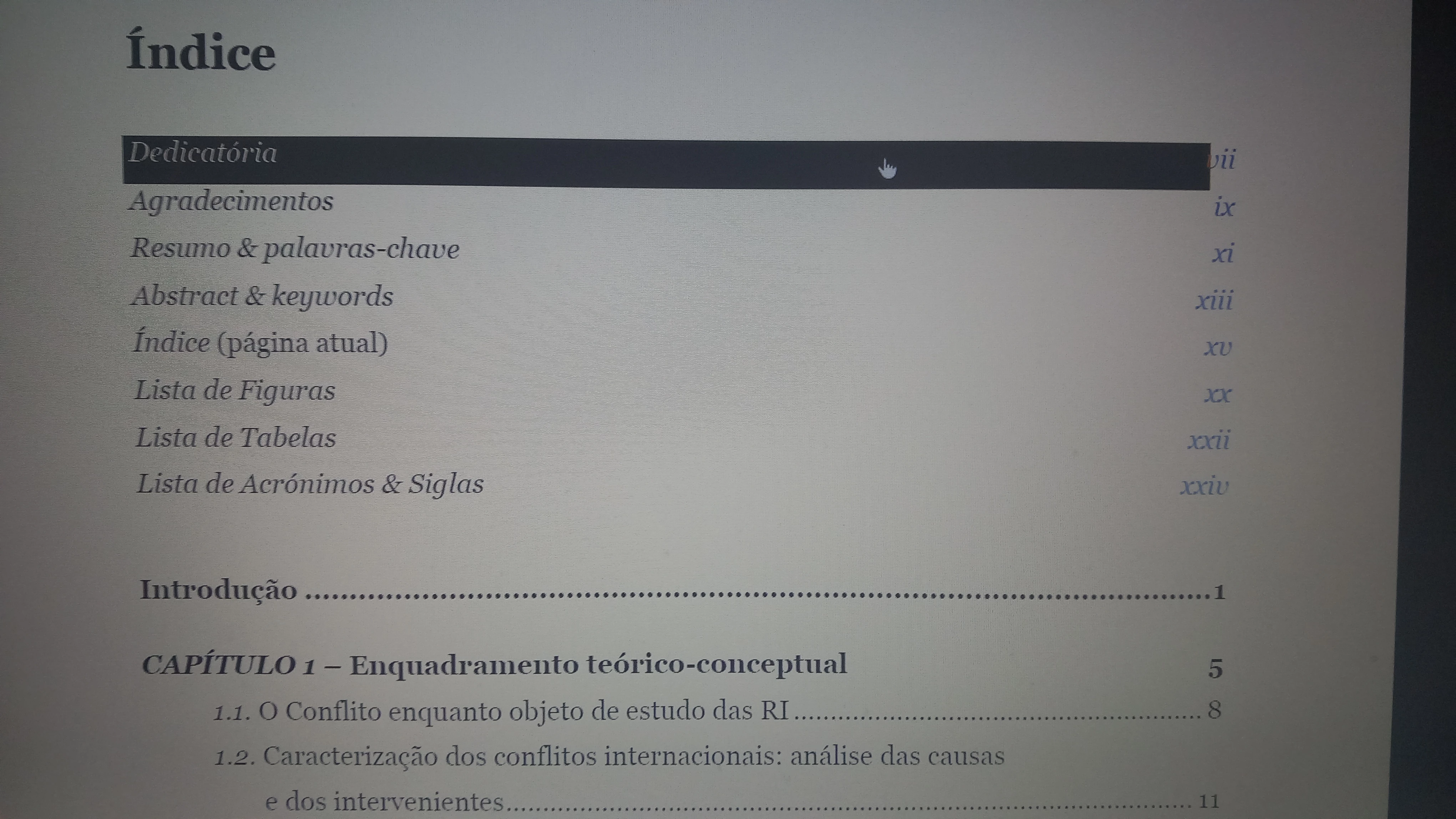
After I converted my Master's dissertation to PDF all links are working fine. However, while I'm pressing the linked word/field there's a black rectangle that appears... I know how to disable it one by one, but that's not an easy job when you have a document with thousands of links... 😅
Is there a away of selecting them all and change their appearance to "None" (in the "Highlight Style" field)?
Thanks,
Pedro
 AdChoices