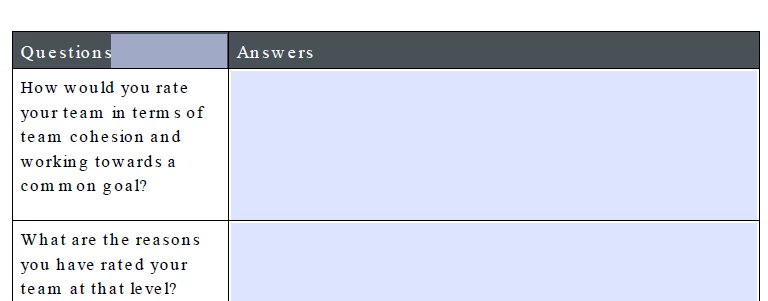
Open the Prepare Form tool, right click on that textfield, and select from the context menu "Delete".
That textfield was created automatically when the form was created for the first time; it is safe to remove and it is not related to the static content of your form's design.
More specifically, this happens due to a setting in the Preferences that, by default, is set to detect where texfield objects should be created.
This happens automatically when a PDF is created and the Prepare Form tool is employed for the first time.
That preference can be disabled manually. So, if you don't want this to continue to happen without your explicit consent disable it.

 AdChoices