Participant
August 29, 2022
Question

How to convert colorfull PDF to cyan scale PDF

  • August 29, 2022
  • 1 reply
  • 1573 views

Hey,
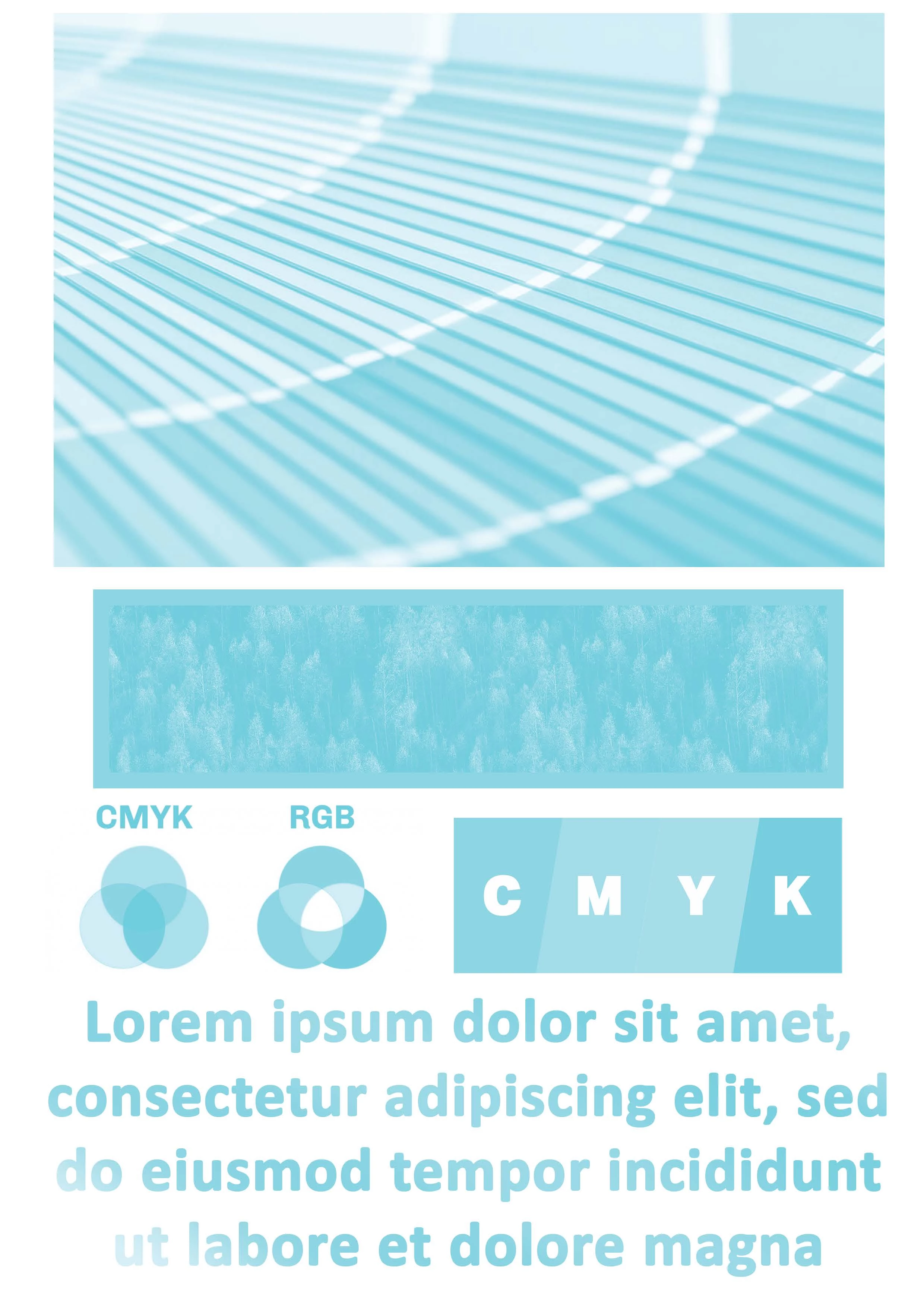
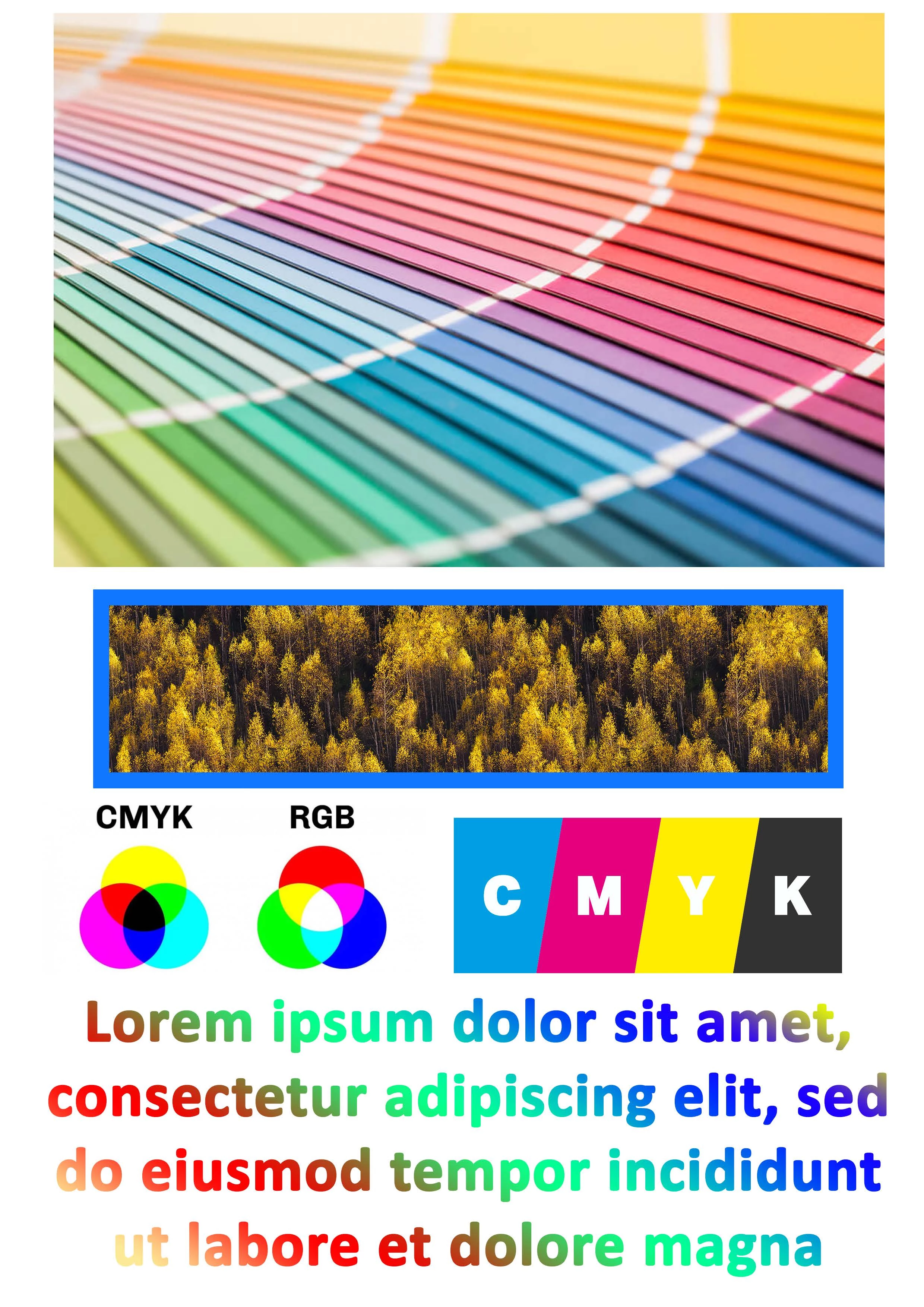
I have a printer which has a black ink connected to the cyan nozzles (black nozzles are blocked). I therefore need to convert a colour PDF file to black and white scale and then convert it to cyan and white scale. I wonder if Adobe Acrobat has such a function to automate this more quickly. Is it possible to do?

Example:
1. Convert this CMYK PDF (before):
2. To this CYAN PDF (after):


This topic has been closed for replies.

1 reply

chrisg11235813
Participating Frequently
August 29, 2022

you can do this with the Preflight tool. The too is convoluted and has a bit of a learning curve.

do a search in the preflight panel for "Map specified process color into spot color" you can map the Process Black plate to a user defined spot colour -- you can give that newly created spot colour a clour value of 100% Cyan. It should translate the different tones to percenteges of Cyan. If the print provider cannot deal with a spot colour, you can convert the new spot colour to process which would be Cyan.


However, I would look for a different print provider, one that has functioning printers.

Waclaw27Author
Participant
August 29, 2022

Ok, I will check this.


Btw. it is maybe possible to do with ink manager? Maybe it could be easier.

And my print doesn't has this option. I have Epson L365 and I thought it would be possible to switch it in Windows colour management, but I have no idea how.

chrisg11235813
Participating Frequently
August 29, 2022

ink manager dosn't allow you to remap a process colour to another process colour.  but maybe re-map a spot colour to a process would work.