
fantasiat
Participant
October 11, 2023
Question

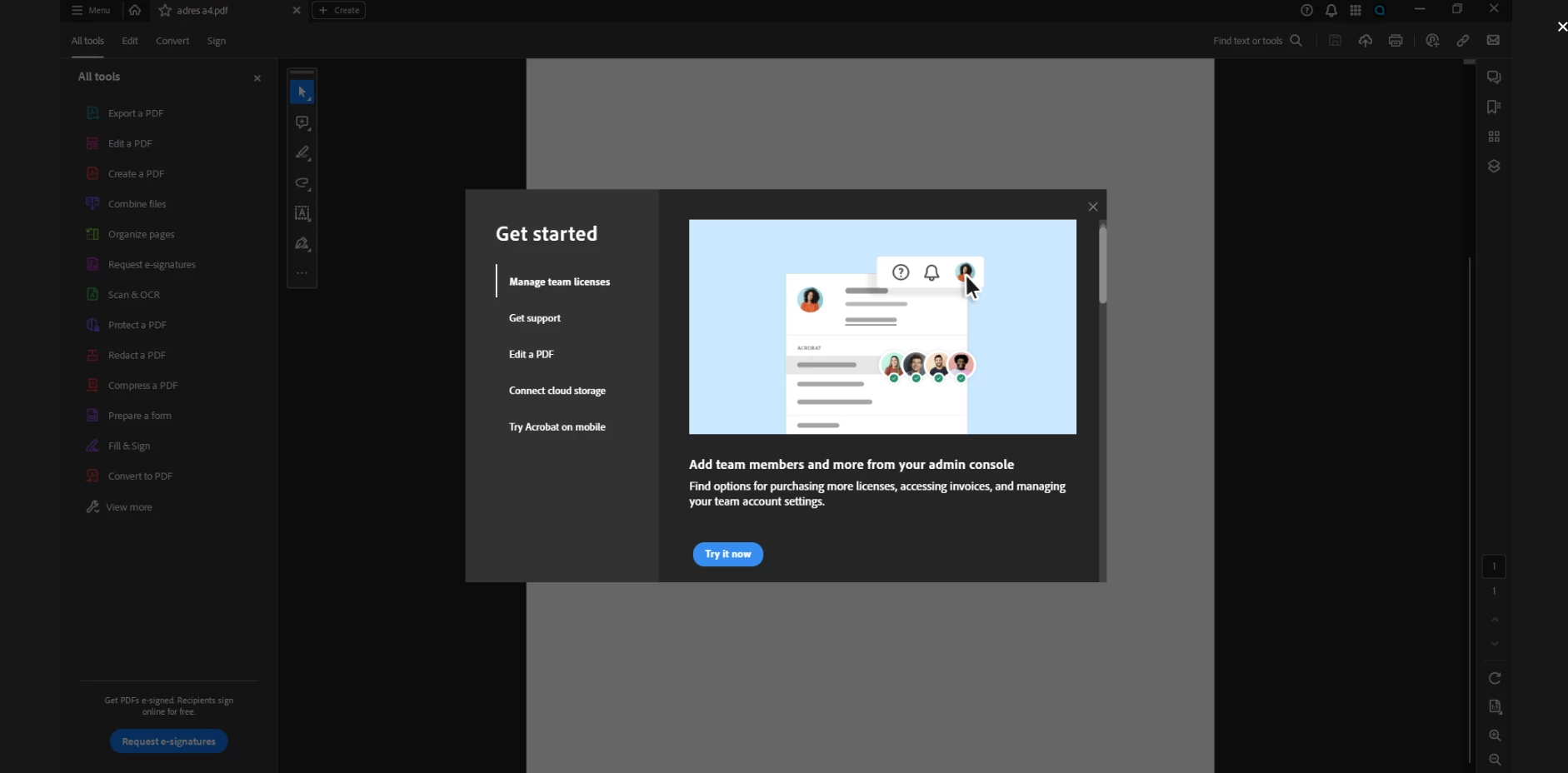
How to disable the popup window in Adobe Acrobat Pro 64bit v23.0 ?
  • October 11, 2023
  • 2 replies
  • 5877 views


This popup window pops up every time a pdf is opened. If I open a second pdf while the program is still open, the pop up 'pops' up again after ~5seconds. It does so for every pdf I open, I close the pop ups, they pop up again. You can not disable this popup in the program. If I open 10 pdfs at once, then every pdf will have this pop up that I need to close every time.


This is incredibly annoying since none of the info they present me in the popup is in any way wanted or useful! A completely worthless workflow interruption.


No one anywhere likes popups Adobe, get with the times!

2 replies

fantasiat
fantasiatAuthor
Participant
October 12, 2023

A user (kglad) in another forum helped

the solution if anyone else is interested:

disable new acrobat (hamburger menu > disasble new acrobat) and then, if you want the new acrobat interface, reenable it.


(the hamburger menu is the button with 3 small horizontal strips top left corner)

Participant
October 13, 2023

The pop ups have been driving me nuts all day - thanks so much for posting this! 

Abambo
Community Expert
Community Expert
October 11, 2023

Try to walk through all points and close then the screen.

ABAMBO | Hard- and Software Engineer | Photographer
fantasiat
fantasiatAuthor
Participant
October 11, 2023

no that does not do anything