Exit
  • Global community
    • Language:
      • Deutsch
      • English
      • Español
      • Français
      • Português
  • 日本語コミュニティ
  • 한국 커뮤니티
0

How to get the + and - buttons back in Acrobat Pro? (Different menus)

Community Beginner ,
Apr 01, 2023 Apr 01, 2023

Hi, for some reasons I have lost the buttons + and - to zoom in and out in a document.

Machine A:
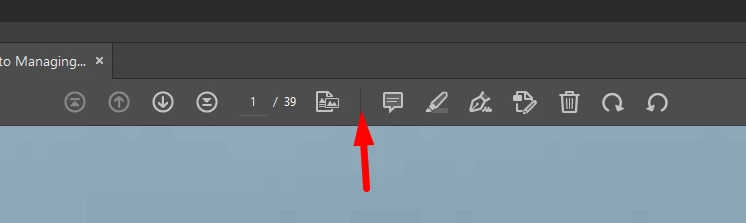
AlexCarrausseIFS_1-1680354305079.png


This is what I have on another machine:

Machine B :
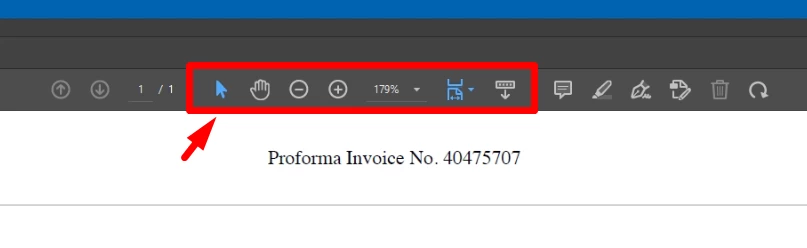
AlexCarrausseIFS_0-1680354261441.png

In red the missing buttons.

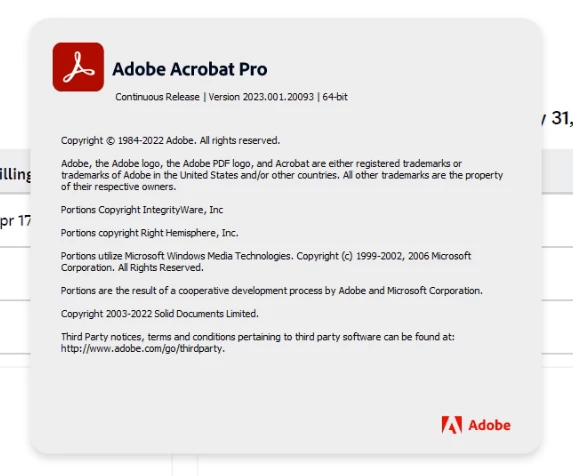
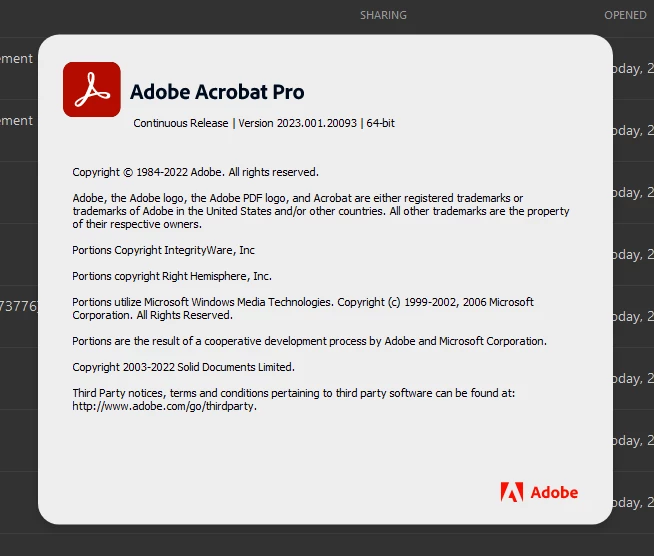
Both machines are running the same version:

Machine A :
AlexCarrausseIFS_2-1680354686599.png

Machine B :

AlexCarrausseIFS_3-1680354709960.png

I have looked everywhere up and down in the settings and inthe user documentation, I can't seem to figure out what to do.

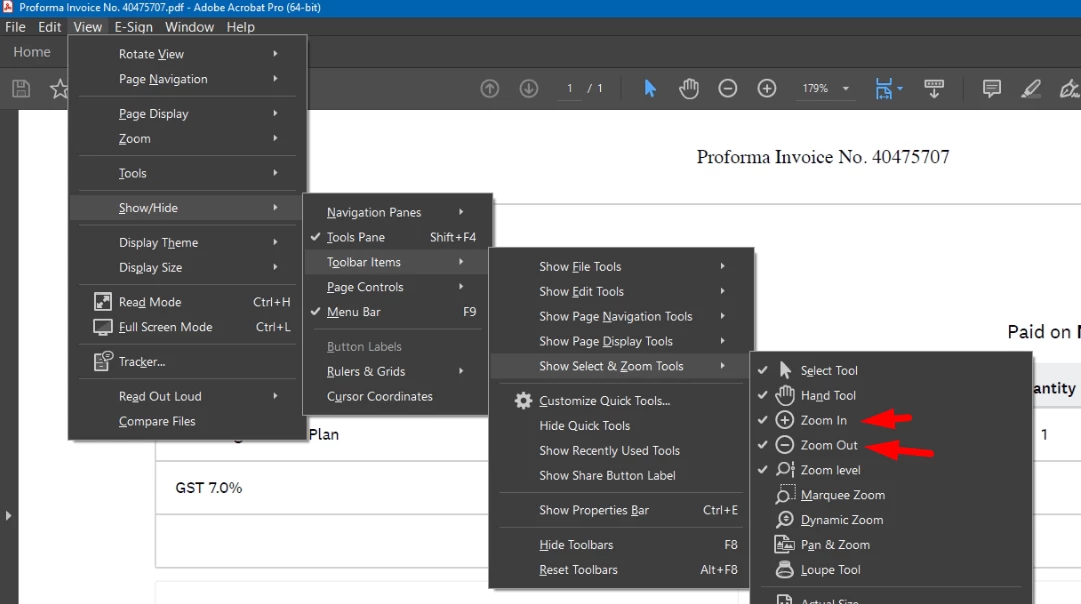
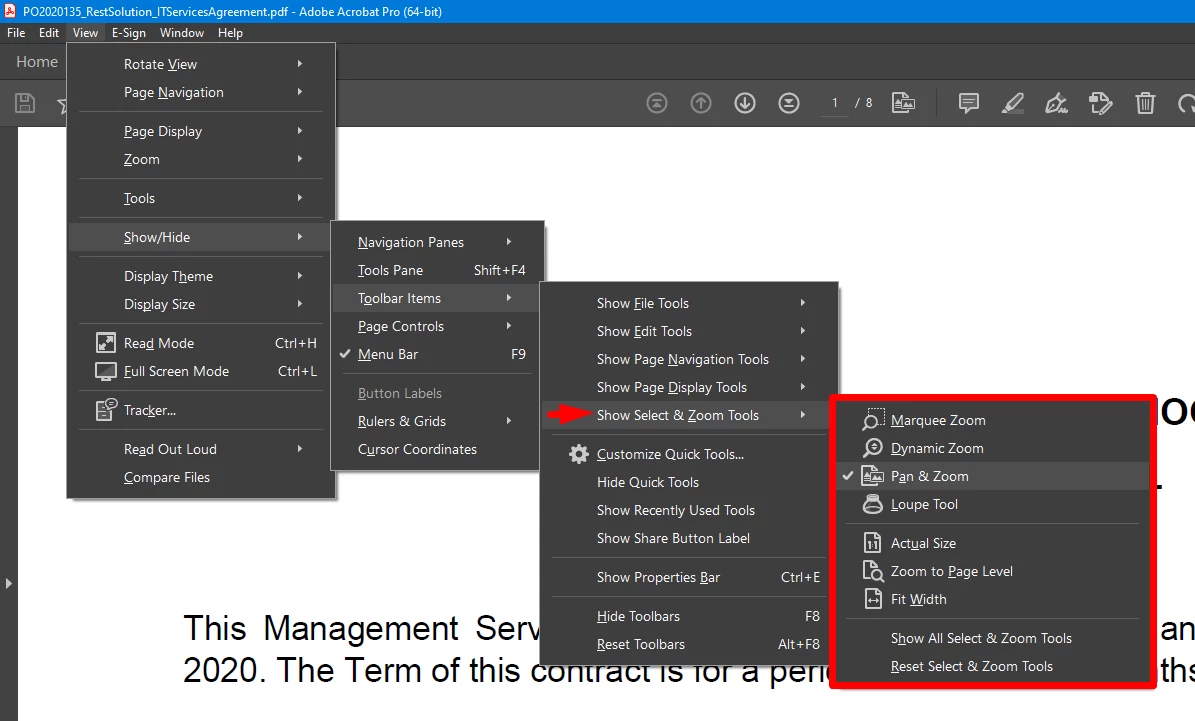
More intestingly, in the submenus, there are not the same!

How come?

Machine A :
AlexCarrausseIFS_5-1680354968322.png

Machine B :

AlexCarrausseIFS_4-1680354852651.png

Can someone explain me what's going on and what to do to get the same settings on Machine A as in Machine B.

Thanks,

Alex


TOPICS
General troubleshooting , How to , Standards and accessibility
602
Translate
Report
Community guidelines
Be kind and respectful, give credit to the original source of content, and search for duplicates before posting. Learn more
community guidelines
1 ACCEPTED SOLUTION
Community Beginner ,
Apr 01, 2023 Apr 01, 2023
LATEST

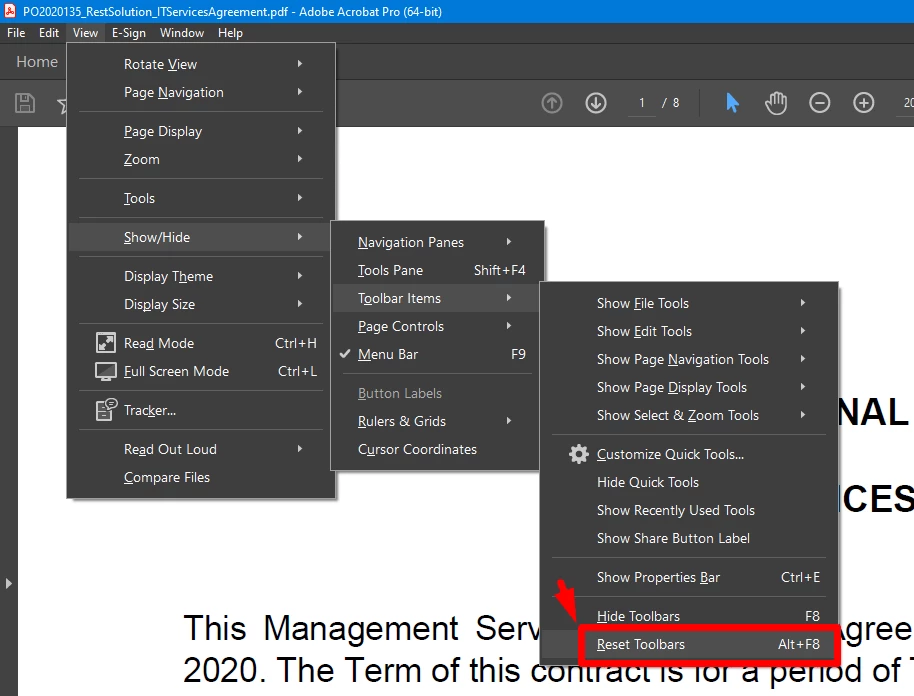
OK, the solution was just "Reset toolbars" #facepalm

AlexCarrausseIFS_0-1680355757111.png


View solution in original post

Translate
Report
Community guidelines
Be kind and respectful, give credit to the original source of content, and search for duplicates before posting. Learn more
community guidelines
Community Beginner ,
Apr 01, 2023 Apr 01, 2023
LATEST

OK, the solution was just "Reset toolbars" #facepalm

AlexCarrausseIFS_0-1680355757111.png


Translate
Report
Community guidelines
Be kind and respectful, give credit to the original source of content, and search for duplicates before posting. Learn more
community guidelines