
How to print 2-in-1 with dotted lines as seperators
Hi folks, would appreciate some pointers regarding printing PDFs.
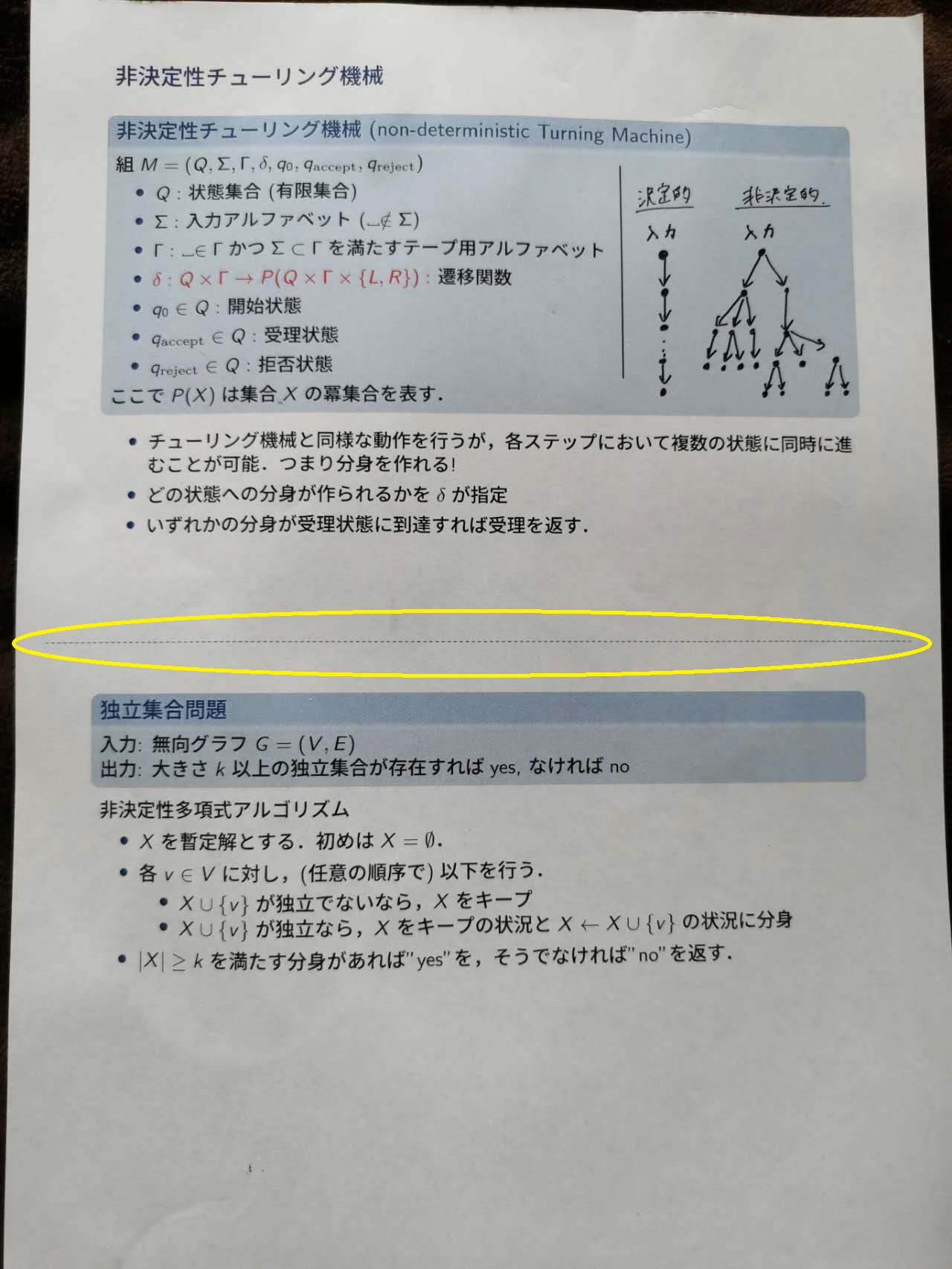
Is there a way to print 2-in-1 (two PDF pages on the same paper) with a dotted line in the middle as the seperator? (see the photo attached)
This is an output I accidentially got from Ricoh's online printing service (I upload the file through their website and pick up the print at the designated printer). And I found this layout extremely helpful as I have more space to take notes.
However, when I tried to duplicate this with my local printer I could not find out how. I see there is a "border" option but that's not what I need. I would like each slide to remain borderless while adding a dotted line in between, as below).
Googled several times and it seems the line is called the "snitching line", yet still I didn't find how to do it.
As I am thinking of buying a new printer for the purpose, it would be great if you can note which printer you are using as well. Thanks!
 AdChoices