
Participant
February 2, 2024
Answered
How to print a part of the page in a specific scale?
- February 2, 2024
- 2 replies
- 1772 views
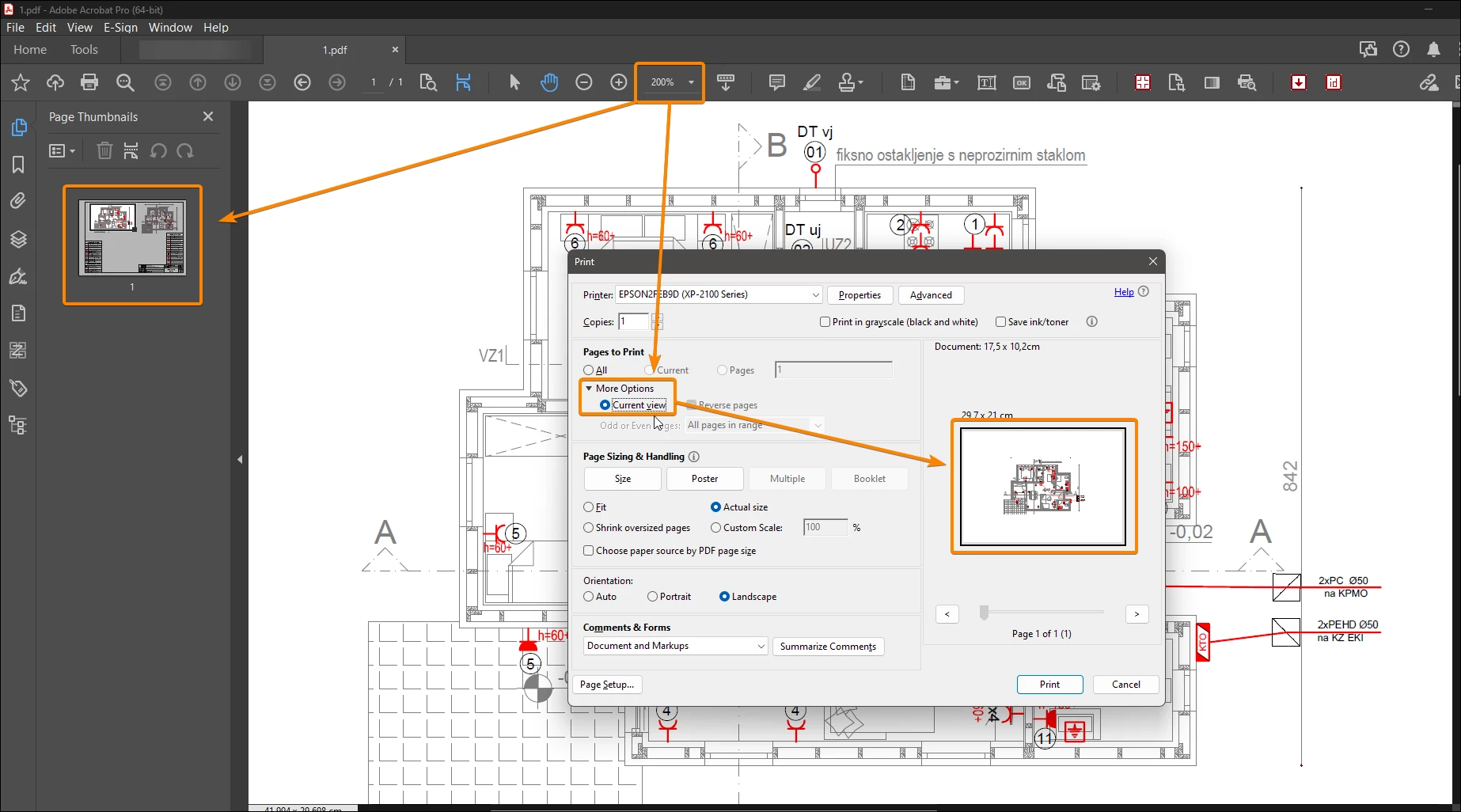
I have building plans in PDF but there are lots of details that aren't visiable when printed normally.
How can I print only the specific parts of the page while defining a scale?
For example and A3 page with 1:100 scale and I want to print out a part of it on A3 but in 1:50 scale.
I know I can set the zoom to 200% which will make the page 1:50 but I can't select which part I want printed. It's either the middle of the page or left top corner.


 AdChoices