
Participant
March 27, 2018
Answered

How to put your actual cursive signature onto an Adobe Acrobat document

  • March 27, 2018
  • 1 reply
  • 12013 views

When I am using "fill and sign" in an acrobat document and I click "place signature" I get a printed signature with a fine print certification of when I digitally signed it. 

I want to import a scan of my actual cursive signature and lay that into the document.  How do I do that?
This topic has been closed for replies.
Correct answer divyap69359112

Hi Polarbear64,

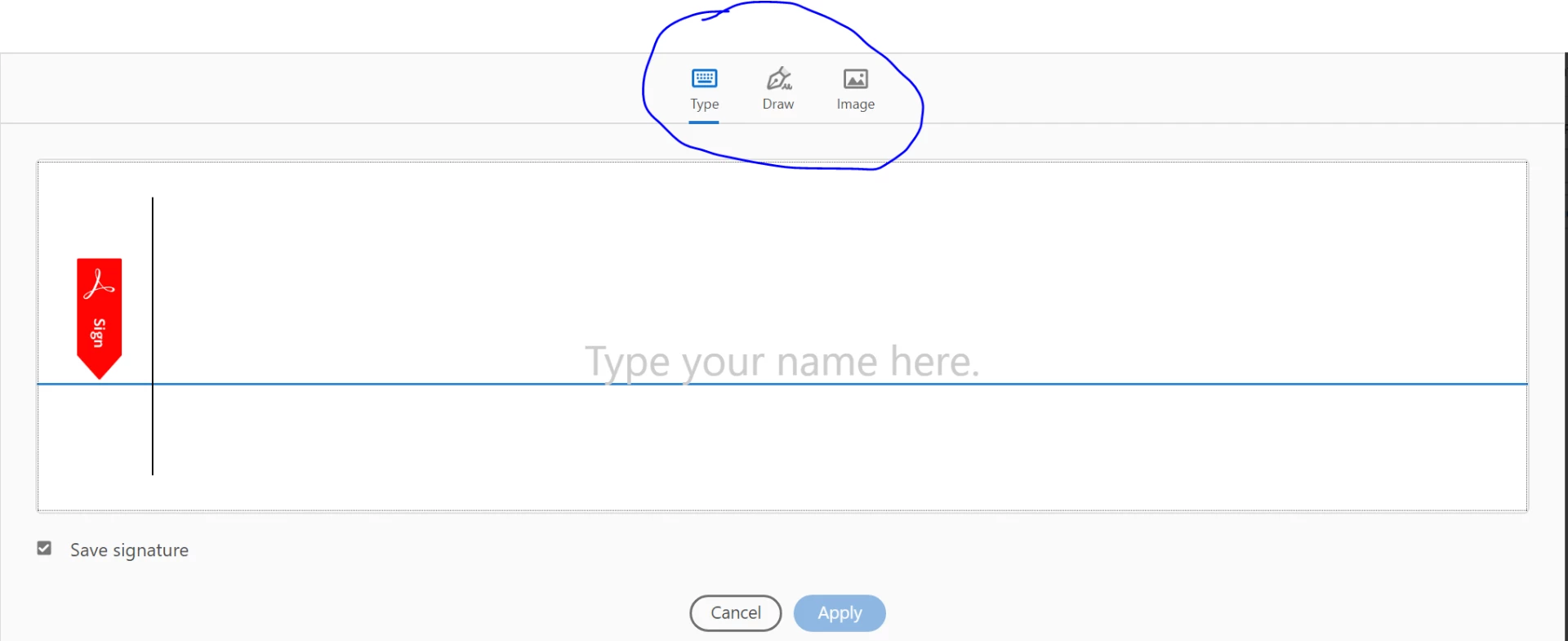
when you choose the "fill and sign" it allows you to add the signature by "TYPE,DRAW and IMAGE".

You can choose the image option and upload the image of your scanned signature.

1 reply

divyap69359112Correct answer
Adobe Employee
May 9, 2018

Hi Polarbear64,

when you choose the "fill and sign" it allows you to add the signature by "TYPE,DRAW and IMAGE".

You can choose the image option and upload the image of your scanned signature.