Participant
October 19, 2023
질문

How To Reenable the Hamburger Menu in Adobe Acrobat Pro 64

  • October 19, 2023
  • 1 답변
  • 3953 조회

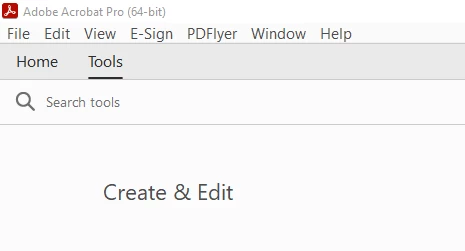
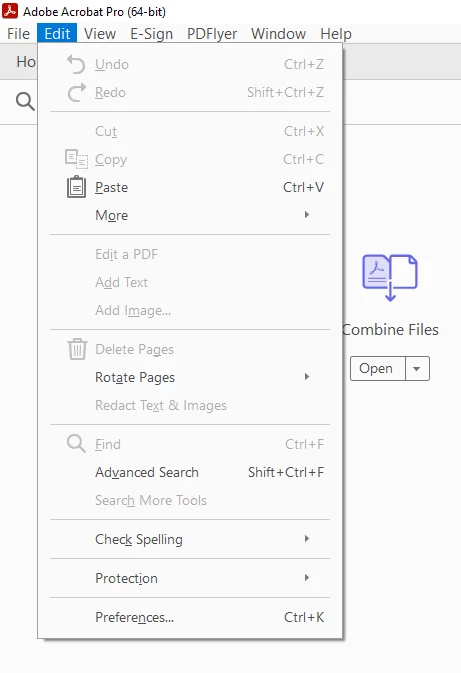
My Adobe updated today 10-19-23 and I can no longer enable or disable the new Adobe view because the hamburger menu is gone. How do I get it back?


이 주제는 답변이 닫혔습니다.

1 답변

Abambo
Community Expert
Community Expert
October 19, 2023

Go to the View menu and “Enable new Acrobat” again.


ABAMBO | Hard- and Software Engineer | Photographer
Participant
October 19, 2023

What version number are you running? Ours updated today to 22023.006.20360 and the hamburger menu is gone as is that selection under View. It's not an option.

I uninstalled and rolled back to an earlier version and the option is not there either.


Abambo
Community Expert
Community Expert
October 20, 2023

The option to get the new interface has been deployed (randomly?) to systems (of my 3 systems I had for some time this on the new interface, and the other ones on the old). It's not exactly the Acrobat version, as all three were at the same version.


Try uninstalling, running AcroClean AcroCleaner — Acrobat Desktop Tools and Utilities, and reinstalling.


There are reports out that talk about not being able to go back to the new UI after having reverted to the old one. If you can revert, you will find the entry in “View”.

ABAMBO | Hard- and Software Engineer | Photographer