
Answered
how to remove text frame using js?
Can I remove/delete text frame in PDF using js in Acrobat?
first im creating new text frame (mouse input):
var name = "info";
var type = "text";
var page = 6;
var location = [120, 80, 220, 100];
var infoF = this.addField(name, type, page, location);
infoF.value = "kliknij, by skopiować wzór";
var t = this.getField("t15a4");
t.display = display.visible;
next i want delete this frame (it's my temporery info only) using second script (mouse exit):
var t = this.getField("infoF");
//t.display = display.hidden;
t.delete(); // or
t.remove(); // etc.
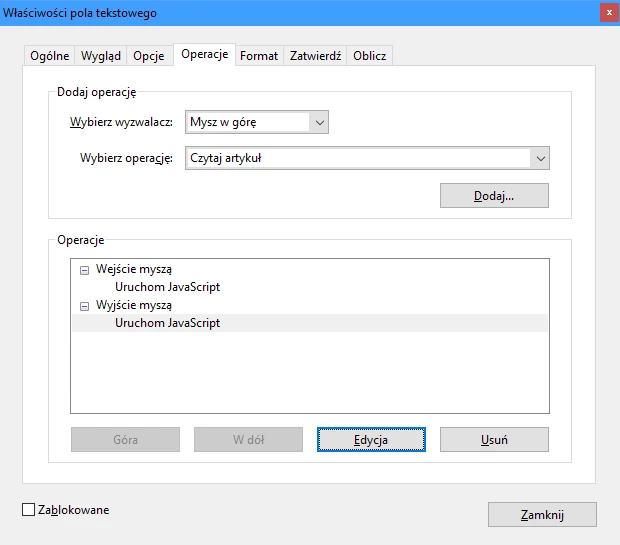
unfortunately nothing wants to work


 AdChoices