
Participant
Feb 29, 2024 3:37 PM UTC
Question

How to request e-signature correctly

Hello, everyone, 

Could someone help me with my issue, please!

In the company we are using Adobe acrobat Pro. We want to request digital signatures  like below on a number of different docs.
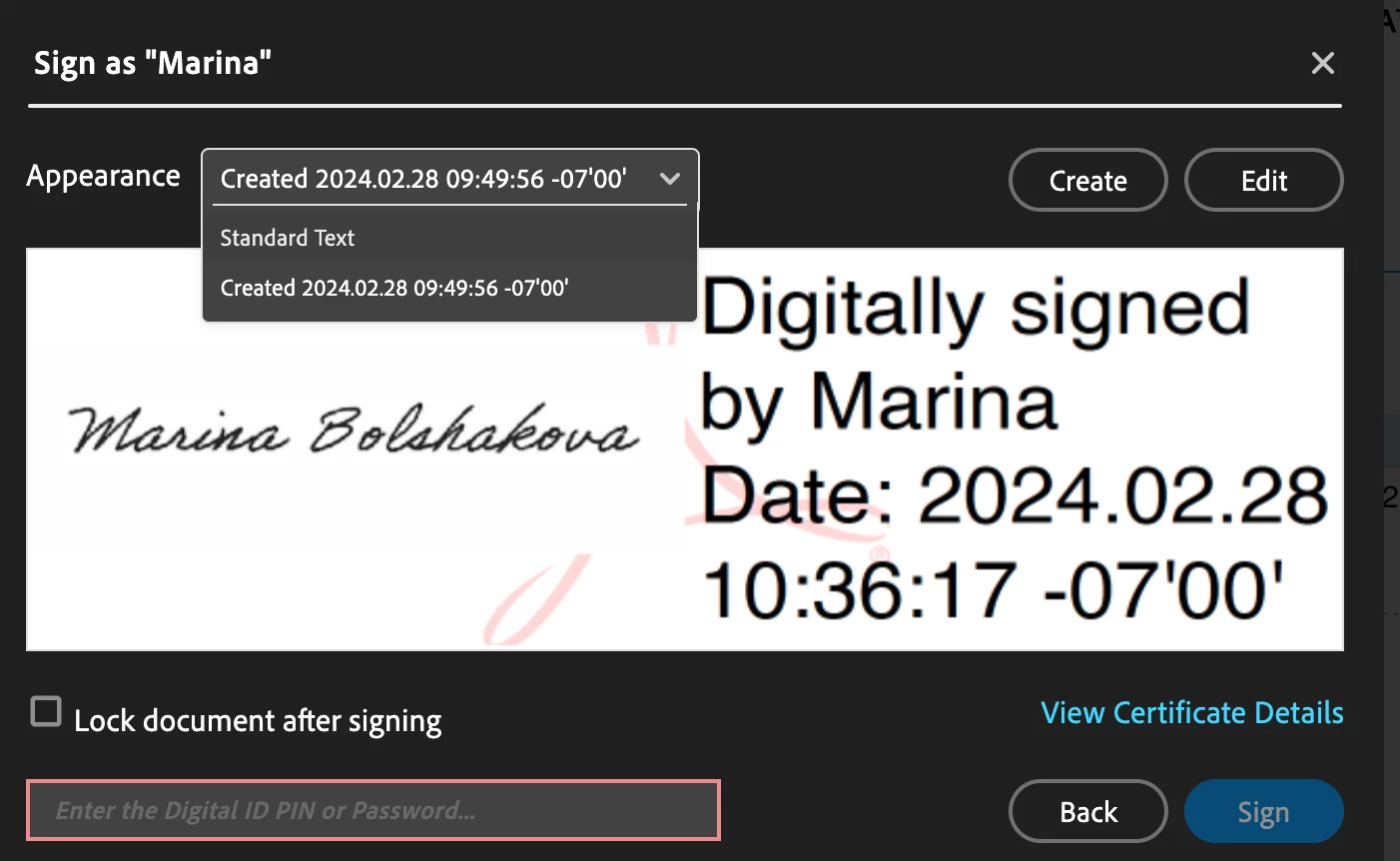
 When I am opening the document that is sent by email (not from Acrobat pro) in PDF I can use this one. But, once it comes as  a request from adobe acrobat it does not let me put a digital signature, just a regular one like this one below.
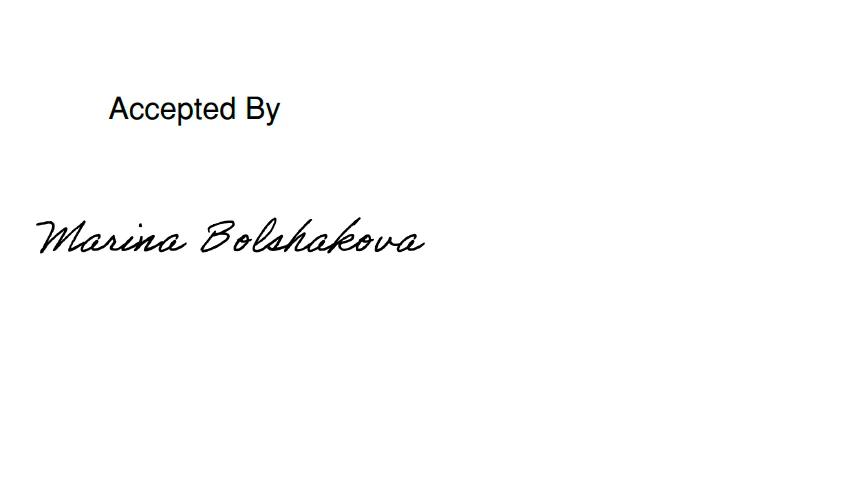
So , Is it the wrong way I am sending the request from Adobe Acrobat Pro? Or are there any settings I could change as a signing person to always make a digital signature, not just a regular one.

Thank you for your help!!!


This topic is closed to new replies. Start a new post to keep the conversation going.

5 replies

Participant
Feb 29, 2024 6:21 PM UTC

Sure thing! Requesting digital signatures can be tricky. With Adobe Acrobat Pro, you can streamline the process of Elite Bounty. 

Translate
Amal.
Legend
Feb 29, 2024 5:14 PM UTC

Hi @Marina35777611kxq4 


Hope you are doing well and thanks for reaching out.


Adobe Acrobat Sign supports digital signatures by simply placing the Digital Signature field on a form either via Text Tags, drag and drop in the Acrobat Sign Authoring environment or authoring in Adobe Acrobat.


For detailed information about requesting signatures by others on a document, please go through the help article: https://helpx.adobe.com/acrobat/using/send-for-signature.html


Let us know if you experience any trouble and need more help.


~Amal

Translate
Participant
Feb 29, 2024 5:44 PM UTC

Thank you, Amal, but it does not answer my question. Once I recieve the version to sign the only option I have is to sing and it automatically puts my name and surname with no way to choose digital signature.

Translate