


Question
How to write a JavaScript code for changing the text format of a fillable text filed in a PDF Form?
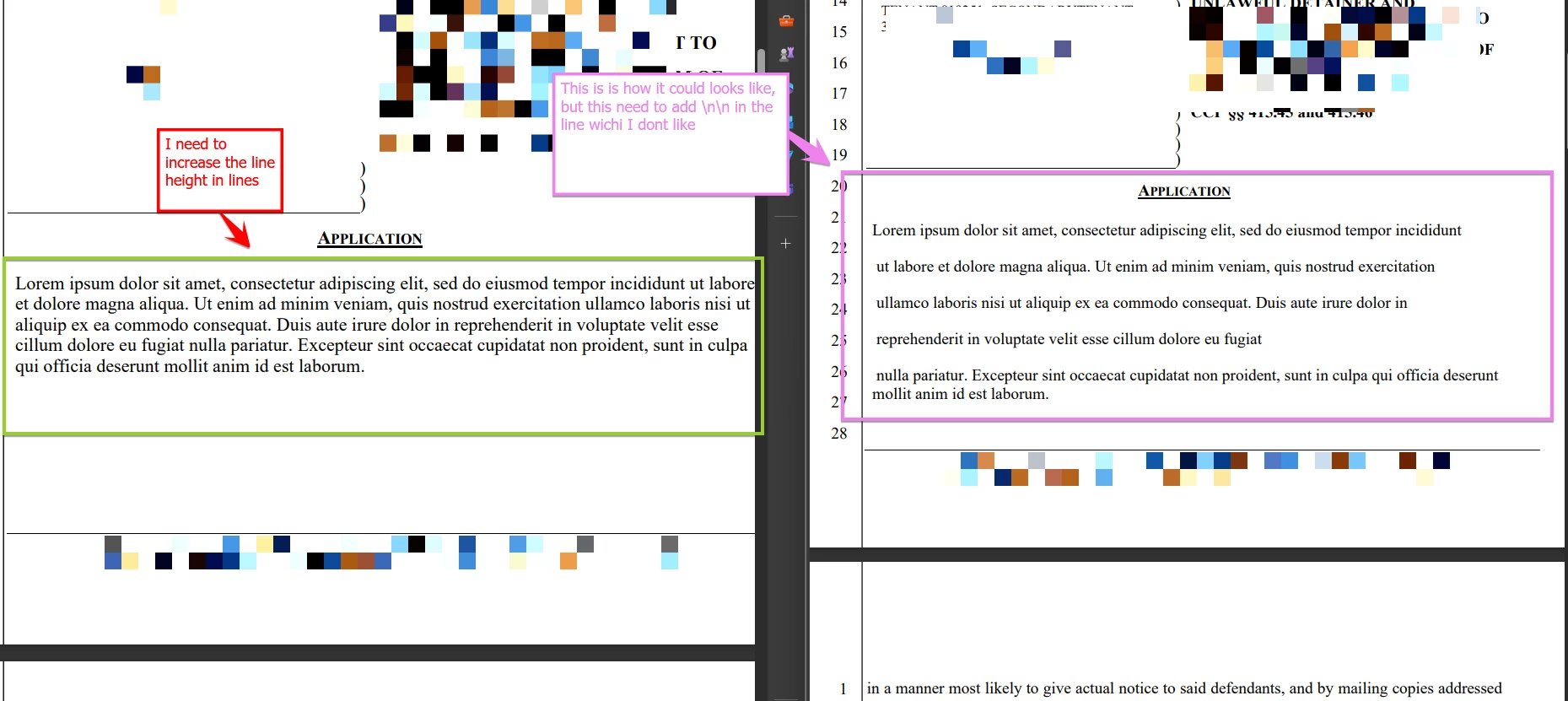
Hello Adobe Team/Comunnity, we are in need to set a fillable text field with a long text on it, but we need to follow certain format; we look to increase the line height but the built-in options does not have this option. We try following the custom option via JavaScript guessing the code, but it looks like we are not able to fully locate the expected code syntax .
Really appreciated any help on this matter.
Link Used for references;
Attaching screeshots for better ilustration.
 AdChoices