
patrickl95501232
Participating Frequently
March 7, 2025
Question

I can no longer reinstall Acrobat DC on my Mac

  • March 7, 2025
  • 1 reply
  • 474 views

Kept getting an adobe_licutil crash message (even though Acrobat DC would still load)


So I uninstalled my version and sought to reinstall.


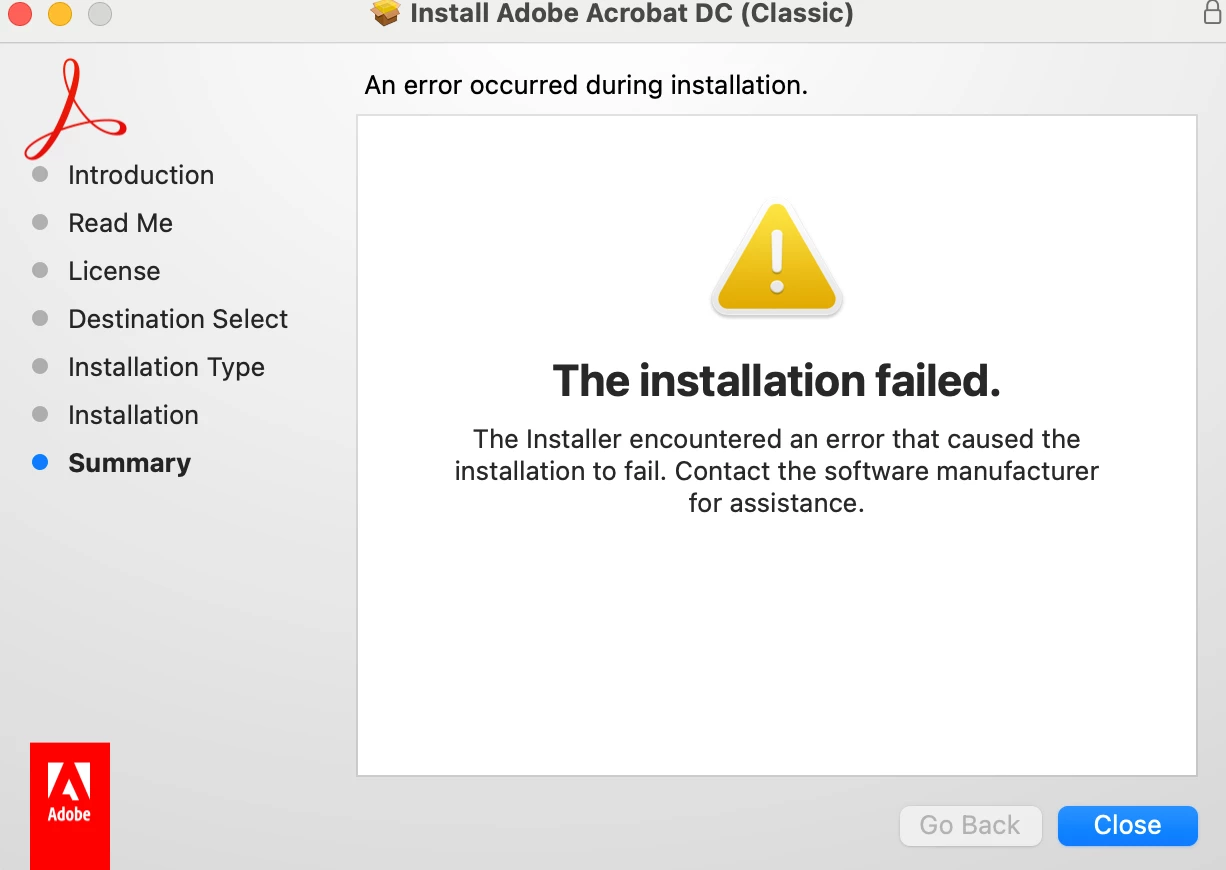
Now I get this message upon every attemps.

Please., help!

This is Adobe Acrobat DC 12 (2015 version)
 

1 reply

creative explorer
Community Expert
Community Expert
March 8, 2025

@patrickl95501232 eeck... I would use adobe Cleaner from Adobe themselves. It can fix many common problems (such as removing old Adobe software, cleaning corrupt installation files, and fixing your host files to establish a connection with Adobe servers).

https://helpx.adobe.com/ca/creative-cloud/kb/cc-cleaner-tool-installation-problems.html

Once that is done, go back to adobe.com, and install the application from Adobe's website, not some other third party website. Unless, you have the original CDs

m
patrickl95501232
Participating Frequently
March 8, 2025

Thank you for your help! I will give this a try.


But as for reinstalling, each time I've needed to start with a clean copy, I've downloaded the file from this adobe site:


https://licensing.adobe.com/ 


Are you saying downloading and installing from that source might no longer be a viable option?


I'll report back after attempting the cleaning process you suggest--again, thanks!


patrickl95501232
Participating Frequently
March 8, 2025

followed the instructions to use the cleaning tool....restarted my machine and attempted another installation.


same failed attempt