Participant
October 13, 2021
Answered

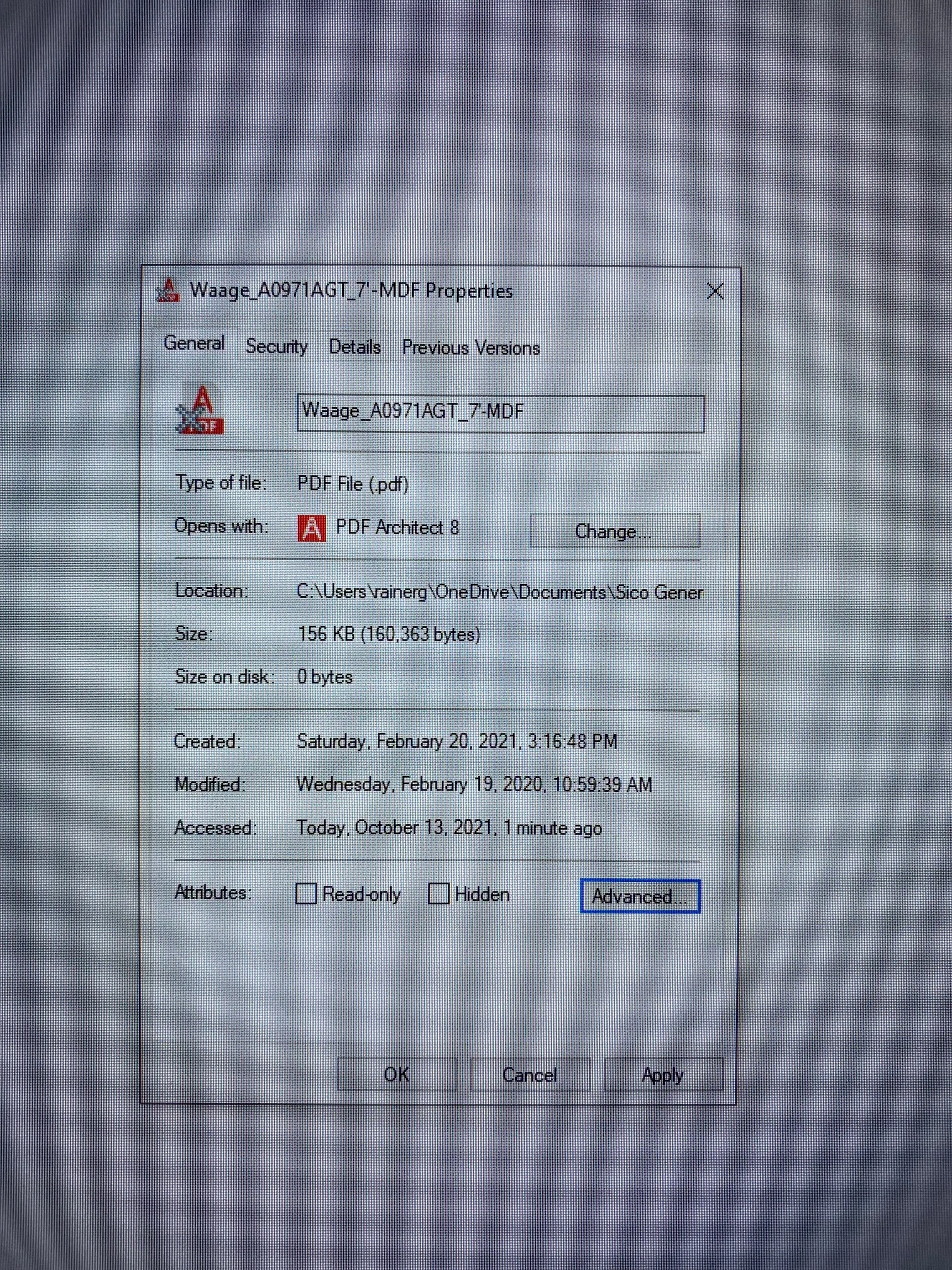
I have some files, where it shows an X thru the Adobe sign and I can not open them anymore
  • October 13, 2021
  • 2 replies
  • 14667 views

someone an idea, how to fix this?

This topic has been closed for replies.
Correct answer Test Screen Name

I believe the grey cross tells you that the file is offline. (Somewhere else, not on your computer, and not available right now). Worth trying to copy to your desktop. What happens?

2 replies

Test Screen NameCorrect answer
Legend
October 13, 2021

I believe the grey cross tells you that the file is offline. (Somewhere else, not on your computer, and not available right now). Worth trying to copy to your desktop. What happens?

Participant
October 13, 2021

now I finally get an error message, see where this leads me, thank you

Participant
October 13, 2021

Problem solved, it was stored in OneDrive and I was not online


Thanks for the help here

Amal.
Community Manager
Community Manager
October 13, 2021

Hi Rainer


Hope you are doing well and sorry for the trouble. As described you are unable to open some PDF files.


What happens when you try to open these PDF files? Do you get any error message? If yes, please share the screenshot of the same for a better understanding.

Also please share the PDF file in question, so that we can check it at our end.  https://helpx.adobe.com/document-cloud/help/sharing-pdfs.html


Regards

Amal

Participant
October 13, 2021

Hi Amal ,

If I try to open a file - Adobe opens up and at the bottom it says " failed to open document"
