Finally, I got the solution myself!.
There is not any API or instrruction in Adoba API doc.
The approaching is:
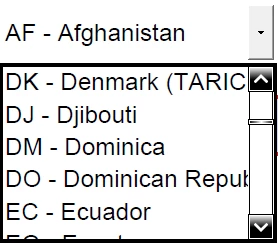
(1) Create a text control, one button and one listbox.
(2) Copy and past the excel sheet columns on the text field.
(3) Using Java script to load the text to the listbox.
(4) Copy the loaded listbox to any PDF form you like.
Here is the code to load the test to listbox:
(function () {
// Get the contents of the multi-line text field
// where the list values have presumably been pasted or otherwise entered
var sItems = getField("items").valueAsString;
// Alert the user if the field is empty
if (!sItems) {
app.alert("Please enter a list of items in the text field below.", 3);
return;
}
// Create the array of items by splitting the string from the field
var aItems = sItems.split(/\r/);
//
getField("Yourlistbox").setItems(aItems);
})();
I hope that this can help others.
George


 AdChoices