
Participant
December 19, 2022
Question

Interactive buttons in acrobat question

  • December 19, 2022
  • 1 reply
  • 1615 views

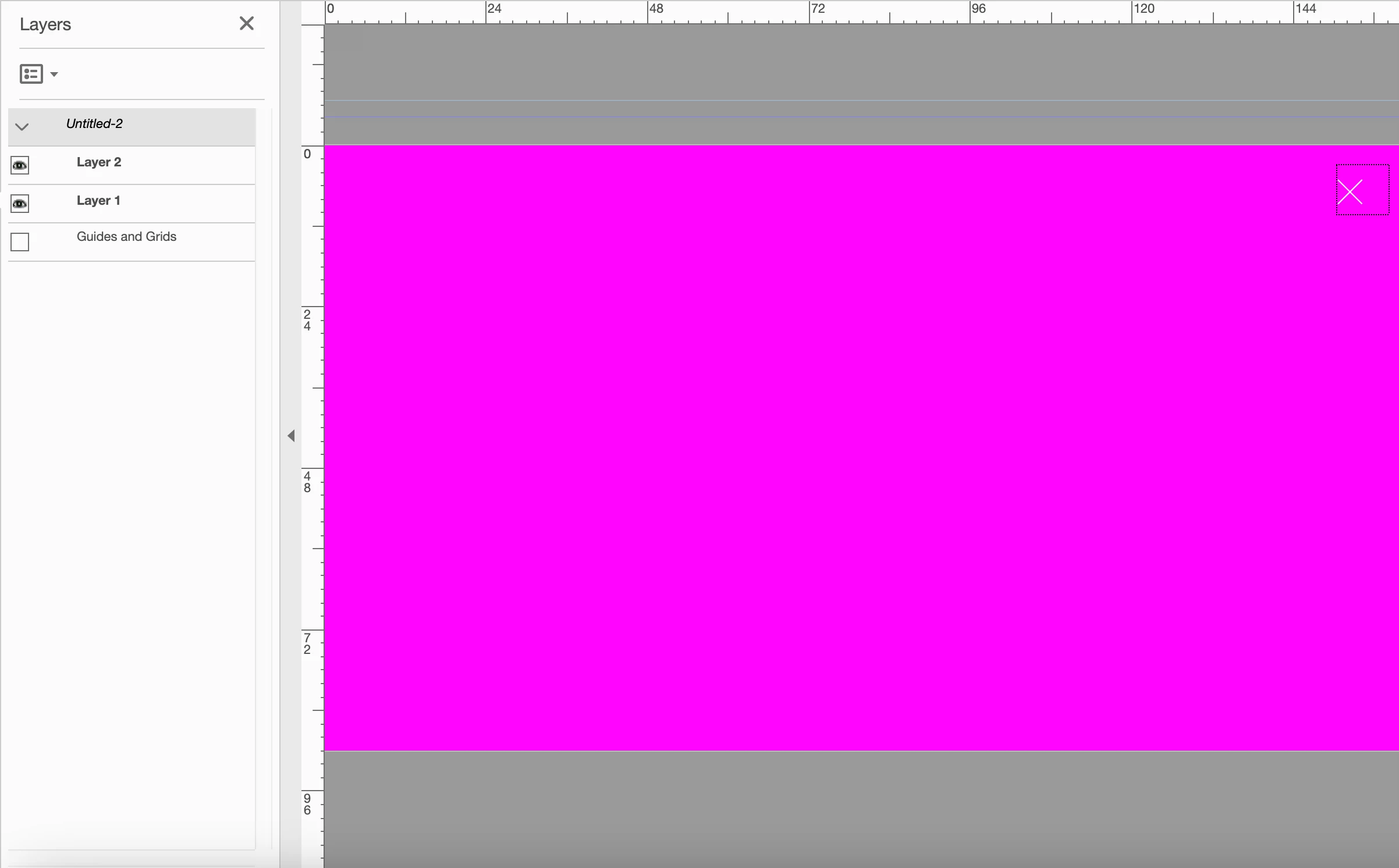
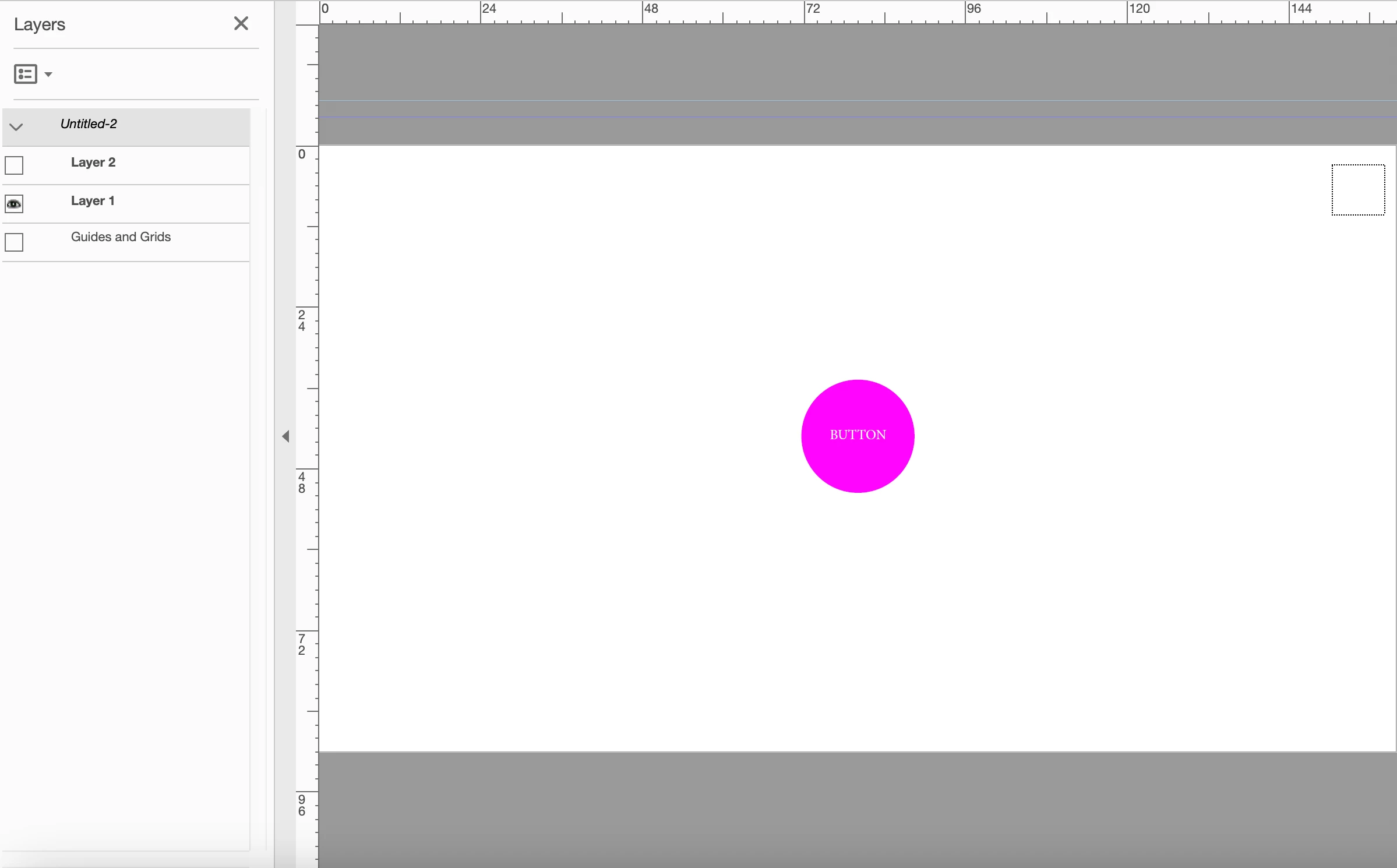
Hi I'm trying to create a simple interactive pdf, i've created layers then added buttons with 'set layer visibilty' for both layers, however when I click on the button to take me to the next layer it leaves a dotted line bounding box were the original button was, is there a way of hiding these bounding boxes?
This topic has been closed for replies.

1 reply

try67
Community Expert
Community Expert
December 19, 2022

Yes, but it's a setting of the application. It won't "travel" with your file, so someone else who views it might still have see them. To disable it go to Edit (on Windows) or the Acrobat app menu (on a Mac) - Preferences - Forms and tick off the box next to "Show focus rectangle".

try67
Community Expert
Community Expert
December 19, 2022

PS. This can also be done using a script that can be embedded in the file, but I would be careful doing so without informing the user of this change first, as it will apply to all other files they open, too, not just to yours...