
changwonk77980370
Participant
May 2, 2019
Answered

Is there anyone who can explain the flattening difference between Illustrator and Acrobat ?

  • May 2, 2019
  • 1 reply
  • 2476 views

I found a difference thing about Flattening In Acrobat tools.

Those are Acrobat Pro  &  Illustrator.

Is there anyone who can explain the flattening difference between Illustrator and Acrobat ?

I want to get same pdf  flatten result in Acrobat like in Illustrator.

The original pdf file was same.

if I have to add some configuration or Preflight Fixup in Acrobat,

Could you let me know that ?

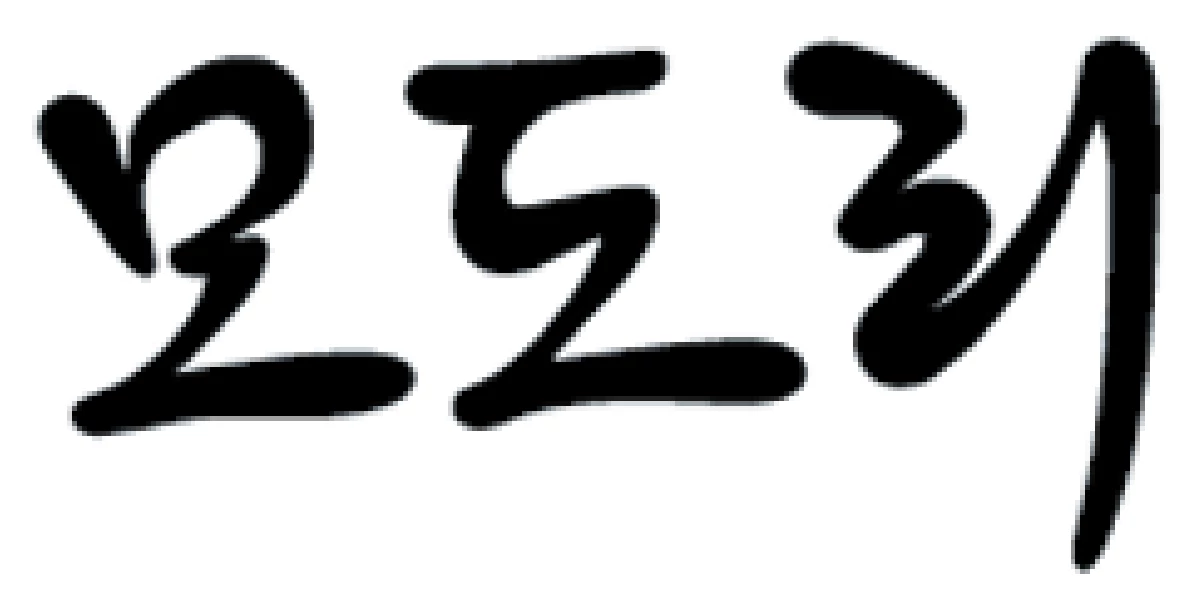
First. I used Flatten Transparency in Illustrator of CS6 version.
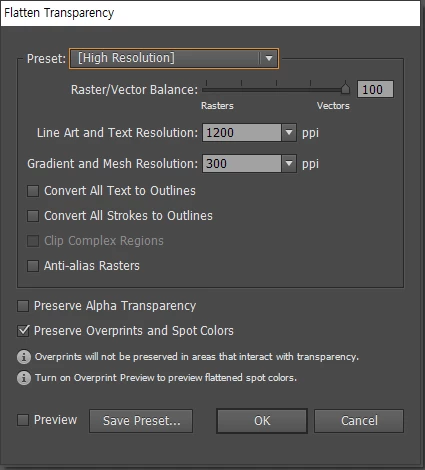
The result
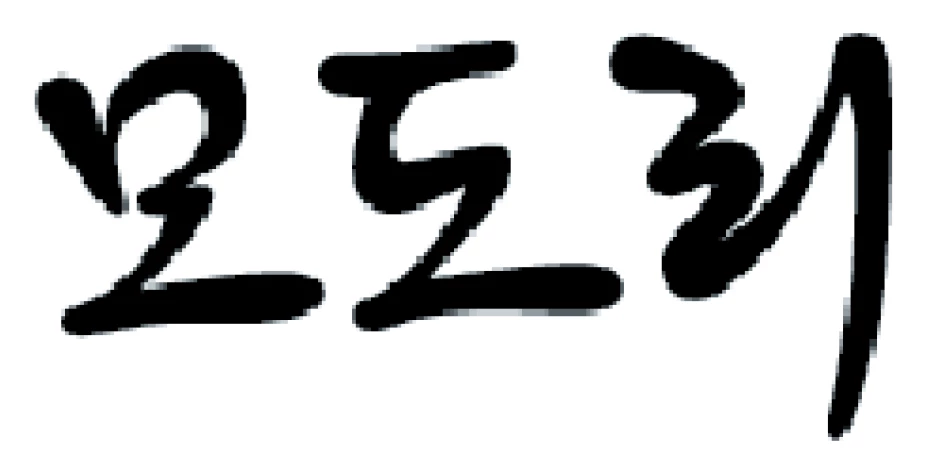
and Secondly, I used Flatten transparency Fixup in Acrobat.
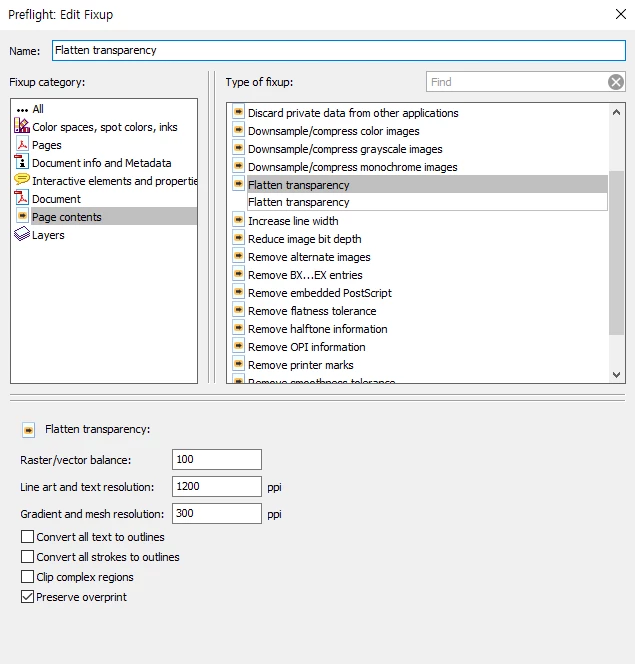
The result
This topic has been closed for replies.
Correct answer Dov Isaacs

On behalf of Adobe …

There is absolutely no good reason whatsoever to flatten transparency prior to the final RIP process. Likewise, there is no good reason to convert RGB to CMYK prior to the final RIP process. All modern RIPs/DFEs handle color conversion and transparency blending at least as well if not much better than any pre-RIP processing. In most cases, when print service providers demand pre-flattened transparency or all content converted to CMYK, it is due to ignorance as opposed to the capabilities of the software/equipment they have unless they are working with coal-fired, steam-driven RIPs!

          - Dov

1 reply

Abambo
Community Expert
Community Expert
May 2, 2019

Hi,

There are several differences in both and I suppose the biggest is that there are 2 programming teams that may have handled the same task differently. Preflight, if I'm correctly informed, is [was initially] a third party add on for Acrobat.

You say you're working with Illustrator CS6, but you do not state the version of your Acrobat. It may also well be that the programs are on a different level.

And a third difference may well be that there are different optimization efforts taking place after the flattening operation. One may be more compressed than the other.

As long as both are good looking in print, I would not bother for the result.

This is for the direct answer to the question. You should, however, also consider, to let the transparency flattening to the rip. "Modern" rips (so rips +15 years young) can treat much of the conversion that is needed to get a high quality print in-rip, which will result in a highly optimized result for that rip. Any rip capable of working PDF/X4 files is aware of transparency and can make the RGB to CMYK separation. So you can avoid 2 of the most annoying trouble makers and postpone those operations until the very last moment.

A.

Nb.: Edited this afterwards to make the answer more correct. Additions are between square brackets. Deleted items are marked with strikethrough.

ABAMBO | Hard- and Software Engineer | Photographer
changwonk77980370
Participant
May 2, 2019

Thank you. Abambo.

You are saying that general user can not understand the difference, right ?

I'm also aware of that .. rip treatment step.  but,  our company is treating  design file made up of the elements in  RGB ColorSpace.

So, we are treating those files using color-server to convert to CMYK Space,  because we have many different outsourcing companies using their own machines.  we are using  one Color profile,  expecting simplification of Color Space.

so, we need to flatten our design files before Color Server  treat those files.

I just want to let you know this limited things.

Abambo
Community Expert
Community Expert
May 2, 2019

PDF X/4 should be able to handle things like RGB to CMYK and flattening if the your workflow is colour managed. In a colour managed environment, differences between printer a) and b) should be minimal.

changwonk77980370  wrote

You are saying that general user can not understand the difference, right ?

No! I'm saying that there may be a good explanation for the difference, but that outside users cannot know what reason is the correct one.

You did not specify the Acrobat version.

ABAMBO | Hard- and Software Engineer | Photographer