

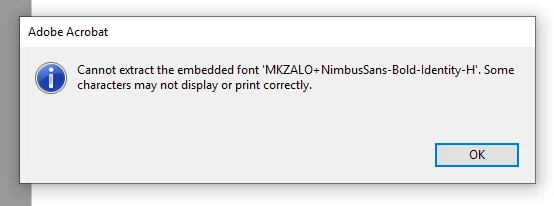
issue with embedded font - 'cannot extract the embedded font'
software version: Adobe Acrobat Pro 2017 // 2017 Release (Classic) // Version 2017.011.30144
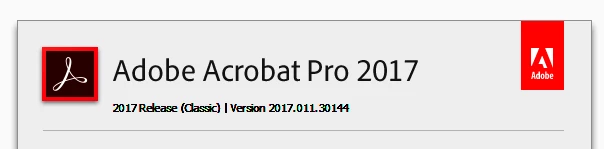
We experience an issue with PDFs that are produced in house with the Java library iText. Since the the latest update of Adobe Acrobat released on August 13 the following message pops up when opening such a PDF with Adobe Acrobat:
Consequently, some characters are not displayed:
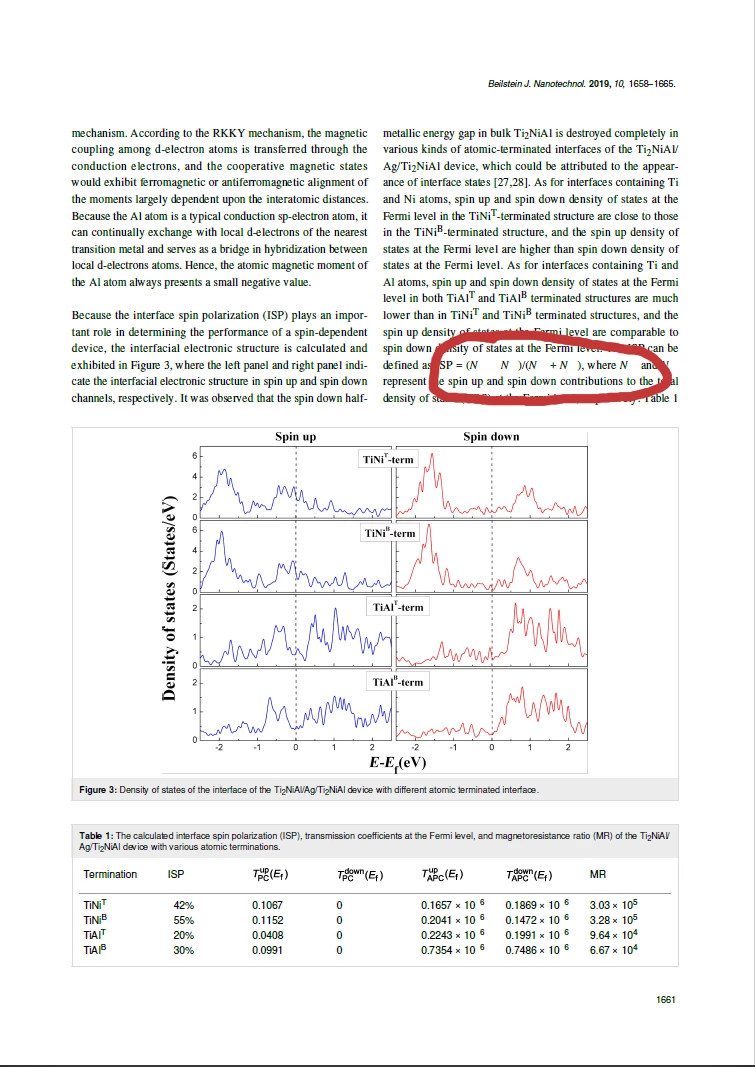
The screenshot shown above is taken from a PDF publicly available at https://www.beilstein-journals.org/bjnano/content/pdf/2190-4286-10-161.pdf
The same file opens without any warning and displaying/printing issues in Adobe Acrobat 2017 version 17.011.30143. The issue does not appear in all other PDF Viewers I tried (internal Firefox viewer, internal Chrome viewer, Sumatra PDF Viewer):
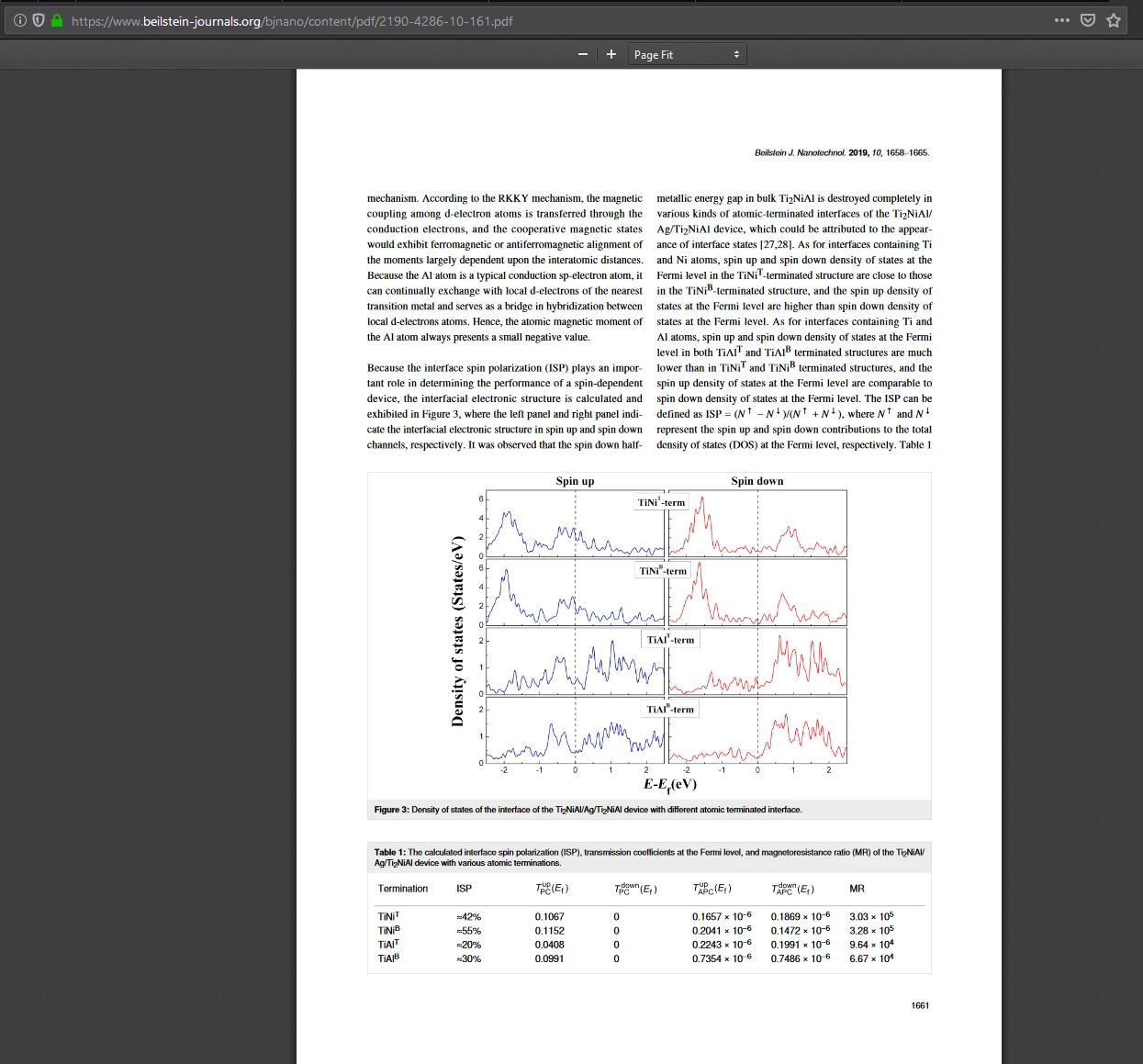
We embed the Nimbus font (type OTF with CID):
We use character hints to adjust the appearance of the font.
Question #1: Did something change in Adobe Acrobat regarding the requirements for embedded fonts?
Question #2: Is there anything we can do to check whether our font meets all requirements?
Question #3: How do we modify our font so that it could be displayed and printed by Adobe Acrobat again?
Message was edited by: U. Fechner Changelog: added link to PDF
 AdChoices