Participant
September 29, 2023
Question

Issues reopening a saved file

  • September 29, 2023
  • 3 replies
  • 762 views

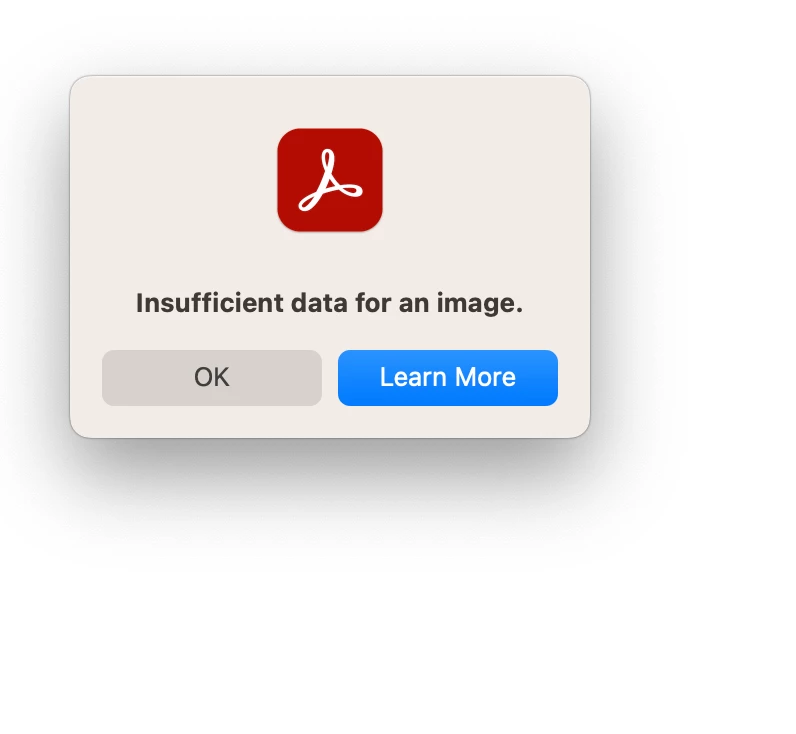
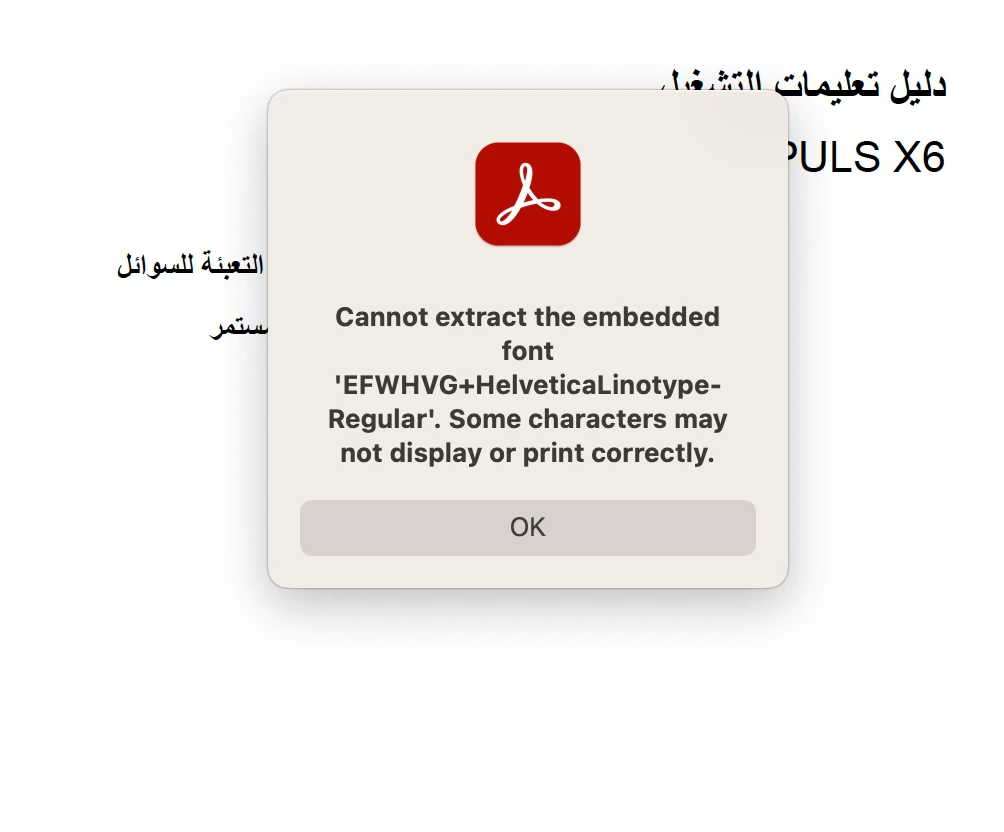
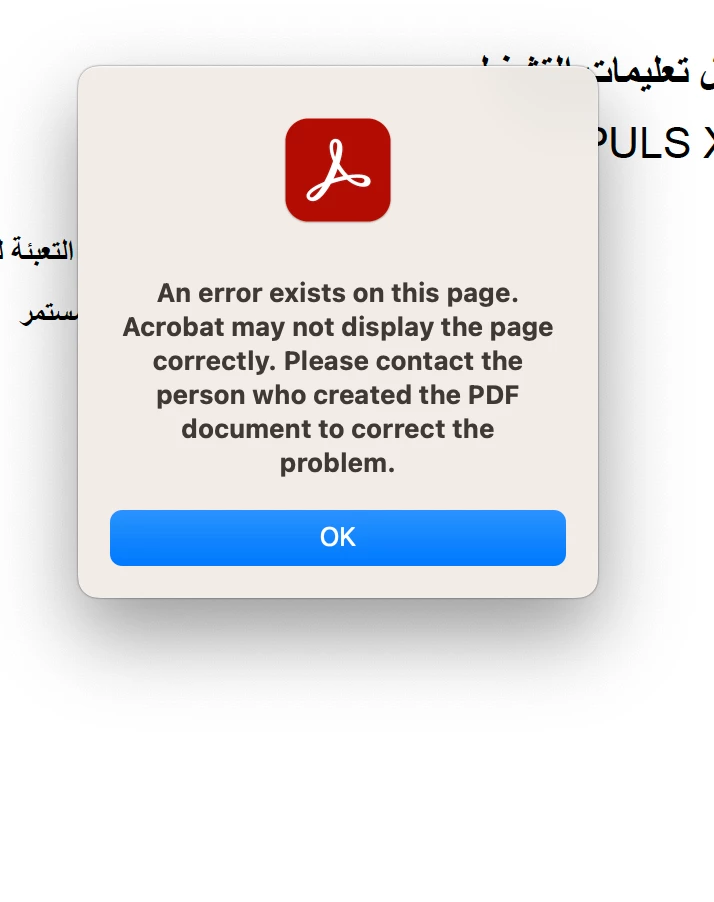
I need urgent assistance with an issue I have encountered while using Adobe Acrobat. I have edited a document, a user manual, and saved it without any apparent issues. However, when I attempted to open the document again most of the pages are blank and I encountered the following error messages: 
please, urgent help ...


This topic has been closed for replies.

3 replies

Zaid Al Hilali
Community Expert
Community Expert
October 5, 2023

Ebrahim, editing a PDF with Arabic content in Acrobat Pro will mess up the Arabic text on the page/document, and when I say mess up this may be an understatement. I wonder if the edit step you took had corrupted the file.


I assume you still have the original unedited document, it may be worthwhile to split the document into separate PDF files as one page per file, then edit each page where needed so that it will not corrupt all other pages. Once done with editing, you may combine all files back again into a single PDF.

Participant
September 29, 2023

I get the follwoing report summary:

Error Invalid command (186 matches on 31 pages) - 3, 4, 5, 6, 7, 8, 9, 10, 11, 12, 13, 14, 15, 16, 17, 18, 19, 20, 21, 22, 23, 26, 29, 31, 32, 33, 36, 37, 38, 39, 41 Missing XObject (31 matches on 17 pages) - 3, 5, 7, 8, 9, 11, 13, 14, 15, 18, 20, 22, 23, 32, 33, 37, 41

Luke Jennings3
Community Expert
Community Expert
September 29, 2023

How does the edited pdf look when opened in a non-Adobe pdf viewer, like a browser? Have you tried viewing your pdf on another computer? Your pdf may be damaged, do you have a copy of the original? It is almost always better to make your edits in the original document, then export to a new pdf. You could try to save the pdf as PDF/X-4 (File> Save as other).

Luke Jennings3
Community Expert
Community Expert
September 29, 2023

I don't know what is causing your issue, how does the edited pdf look in another pdf viewer? I do have some suggestions you can try; Run a preflight profile to embed the fonts after you make the edits (Tools> Print production> Preflight> Fixups), if you are using Arabic fonts, try changing your Acrobat preferences> Language> to English with Arabic support. As a last resort, try re-installing Acrobat and select "replace existing preferences" when prompted. Here are some related discussions:

https://community.adobe.com/t5/acrobat-discussions/missing-content-in-pdf/m-p/14064621#M427633

https://community.adobe.com/t5/acrobat-discussions/numbers-showing-as-symbols/m-p/14001246#M423747


Participant
September 29, 2023

I have tried all these steps but the issue still persists...Would you have other suggestions? 

Thanks for help