
Issues with Desktop version of Acrobat Pro
Since latest update 2022.003.20314 I've had this really annoying issue I've encountered 10+ times at multiple clients.
For whatever reason, I cannot launch any version of Acrobat other than Reader.
Licensing is correct (see image 4), login and to CC and the apps are not available as desktop versions.
(see image 1)
I can login to the online portal and launch acrobat or I can launch it out of CC and it will just open Reader (see image 2)
I can also navigate to the section in the online portal where it shows you your desktop apps.
If I click the download button (image 3) it will just open reader.
Now it sounds like a broken install...
So I tried signing in and out
Reinstalling acrobat
Reinstalling CC + acrobat
Rebooting machines etc
Had no affect, I've directly dealt with this on 10+ machines, at different clients with different environments. I'm stumped, it seems like a broken update but I can't see anyone else discussing this.
All functionality still works in browser, but is not suitable long term. Hoping someone has some advice
Image 1
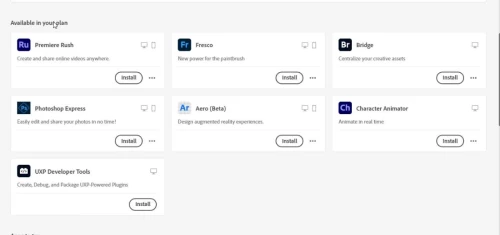
Image 2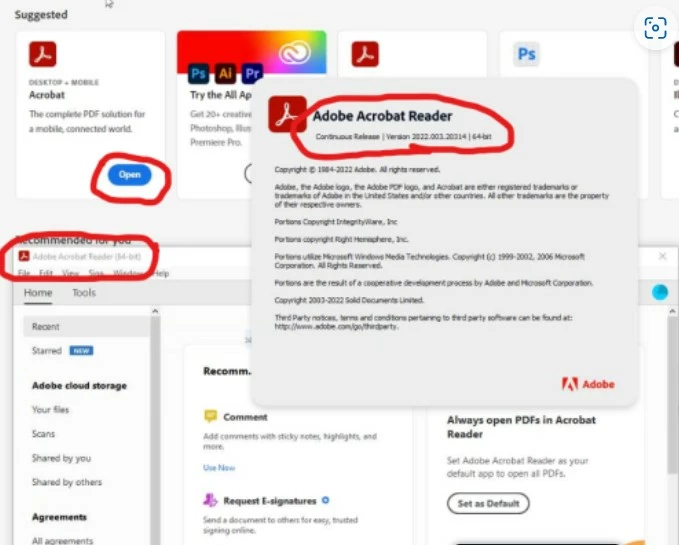
Image 3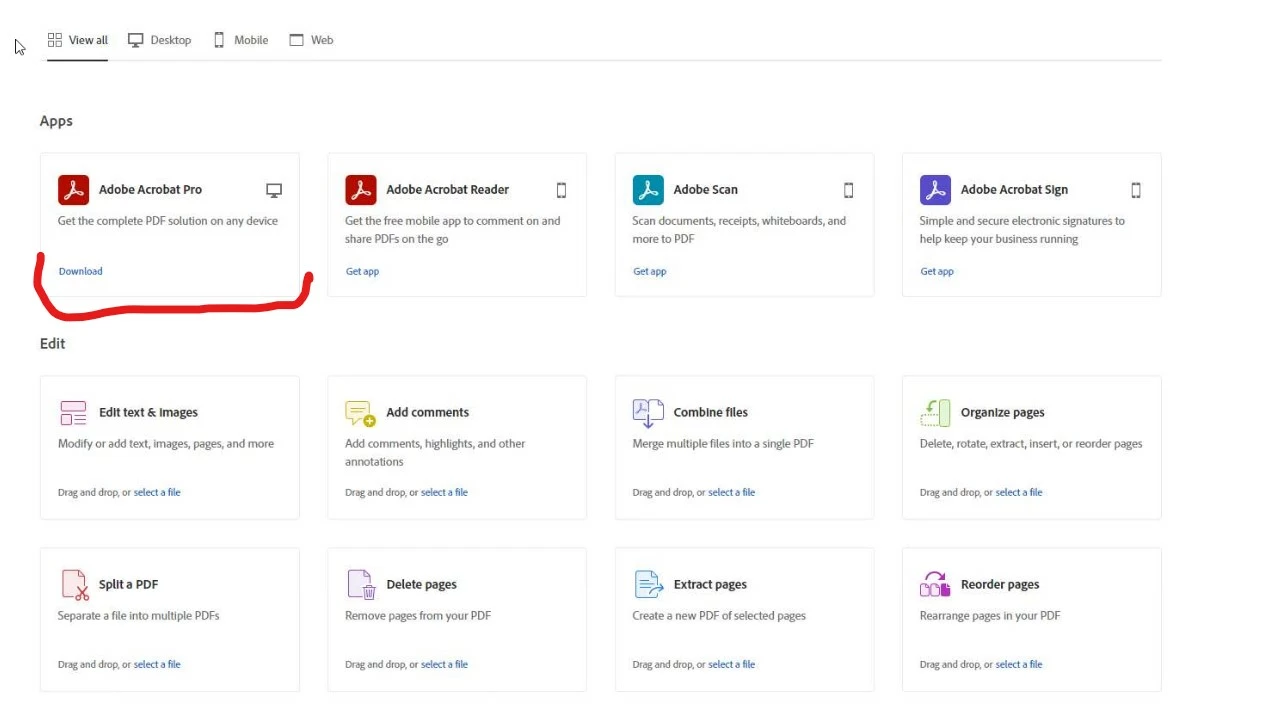
Image 4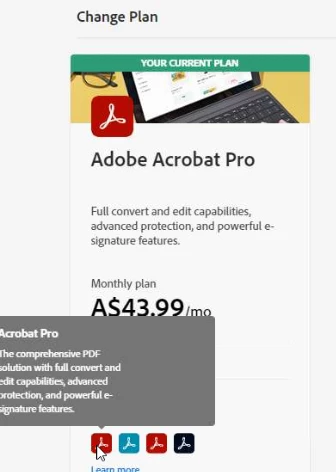
 AdChoices