
Known Participant
September 6, 2023
Answered

javascript check boxes

  • September 6, 2023
  • 3 replies
  • 3969 views

Hi sorry for this basic question but i'm very new to Adobe and javascript. 

i'm trying to edit a flow chat so when a button is click it will automatically check/uncheck the checkboxes and Nesa Nuran help me with this but when ive tried to creat the javascript on the next page non of the check boxes are checking or unchecking and i cant see what is wrong with the sript 
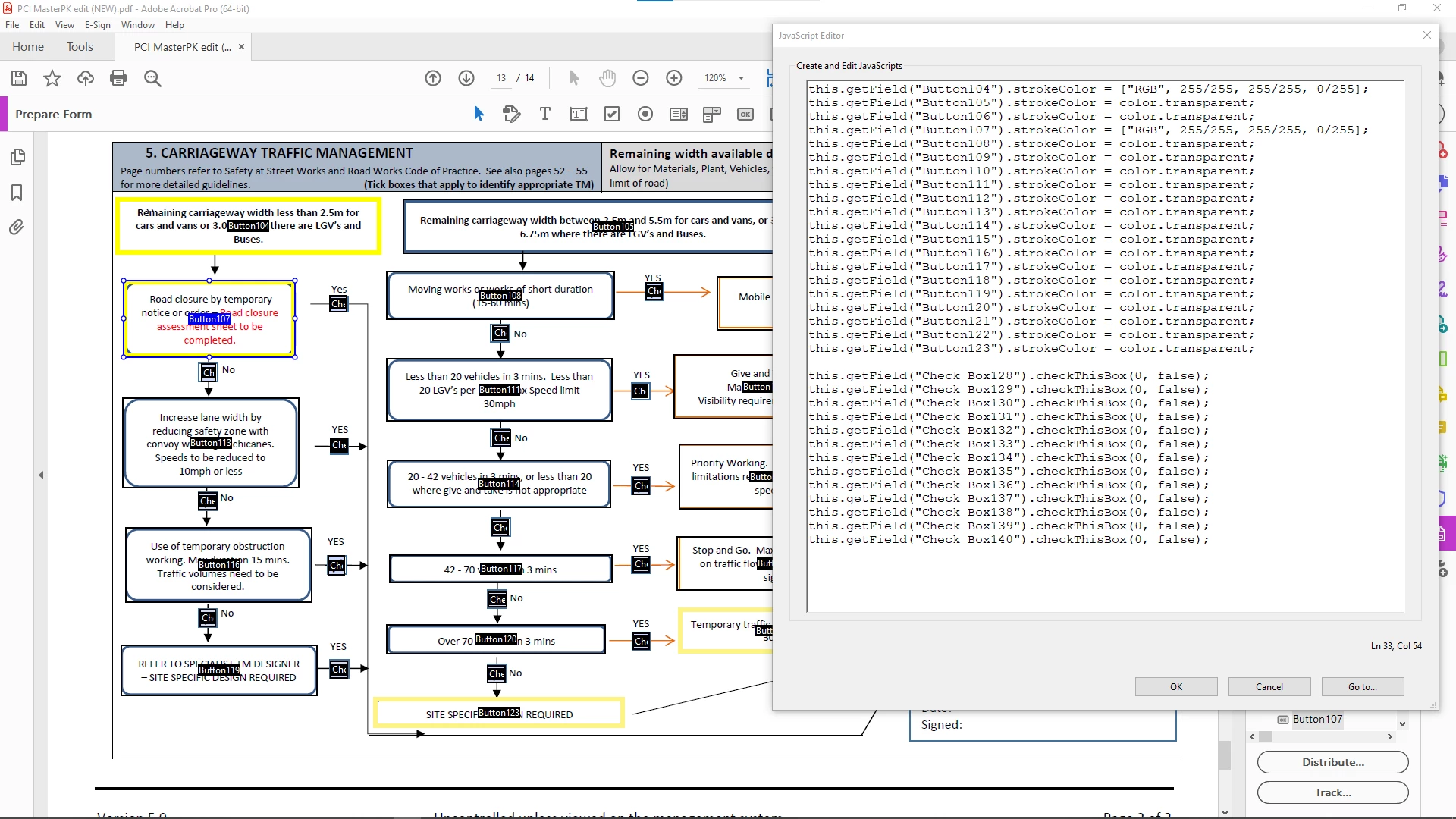
This topic has been closed for replies.
Correct answer JR Boulay

On your screen captures we can see :

"Check Box126"

and

"Checkbox127"

JavaScript is case sensitive and white spaces matters, so be sure to use a consistent naming.

3 replies

JR Boulay
Community Expert
JR BoulayCommunity ExpertCorrect answer
Community Expert
September 6, 2023

On your screen captures we can see :

"Check Box126"

and

"Checkbox127"

JavaScript is case sensitive and white spaces matters, so be sure to use a consistent naming.

Acrobate du PDF, InDesigner et Photoshopographe
JR Boulay
Community Expert
Community Expert
September 6, 2023

You don't need to manage the widget number:


this.getField("CheckBox127").value = "Off"; // uncheck

this.getField("CheckBox127").value = "Yes"; // check, assuming that the export value is "Yes"


Acrobate du PDF, InDesigner et Photoshopographe
Known Participant
September 6, 2023

Right i have tried the code you recommended and it still dosnt work 

i wounld like it so when i click on button 113 the check box 124 wound be uncheck and check box 127 wound be check.

What am i missing ?


Nesa Nurani
Community Expert
Community Expert
September 6, 2023

Change 'True' to 'true' it's case-sensitive.

Same for 'YES' to 'Yes' (assuming it's default value)

Bernd Alheit
Community Expert
Community Expert
September 6, 2023

To check a box change the false to true.

Known Participant
September 6, 2023

Hi Bernd i have tried setting it to true working but the checkboxes stay the same no matter what i set it to i theink maybe my javascript is missing somthing  

Bernd Alheit
Community Expert
Community Expert
September 6, 2023

true checks the checkbox and false unchecks the checkbox.