
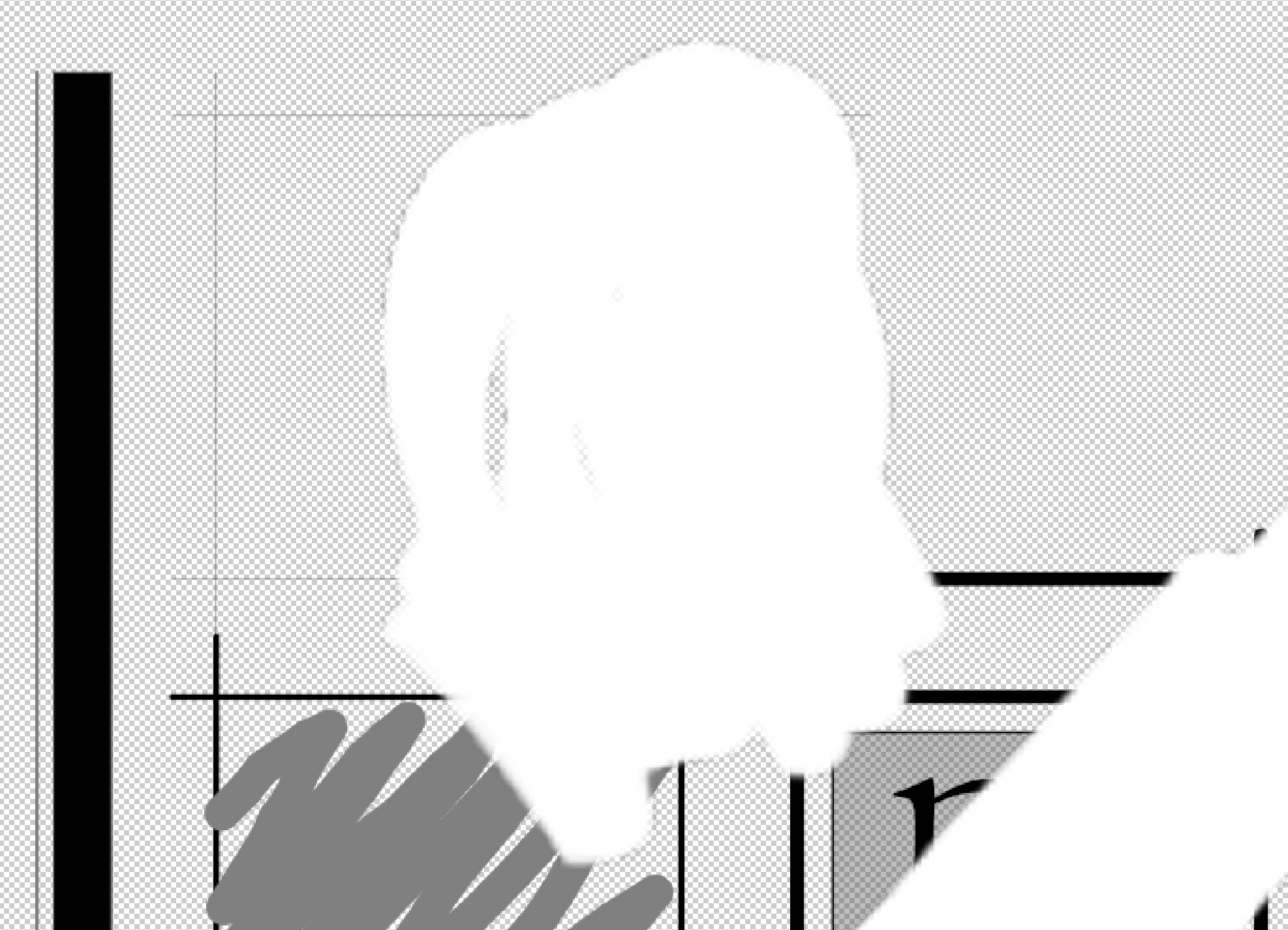
Layered PDF shows outlines around white drawing
I use Morpholio Trace for doing sketches over drawings/images. I used a background PDF of a CAD drawing and used other layers above to show options for a plan we are working on. I use a transparent layer above the background as a "white-out" layer where I draw with white to hide images/areas below. THe PDFs that Trace produces are appearing in Adobe products with an outline around the contour of the white-drawn areas. The edges have an antialiased edge that appears as a drawn outline. BlueBeam and Preview do not show this in their viewing/printing of the PDFs. Only Adobe products. May be a Morpholio issue, but wondering if anyone else has seen this or if there's a way around it. Most of our clients would be expected to open PDFs with Acrobat Reader in some fashion, so I can't send drawings that look like they have copier shadows of white-out on them ... a problem only the old folks'll remember... d8'P 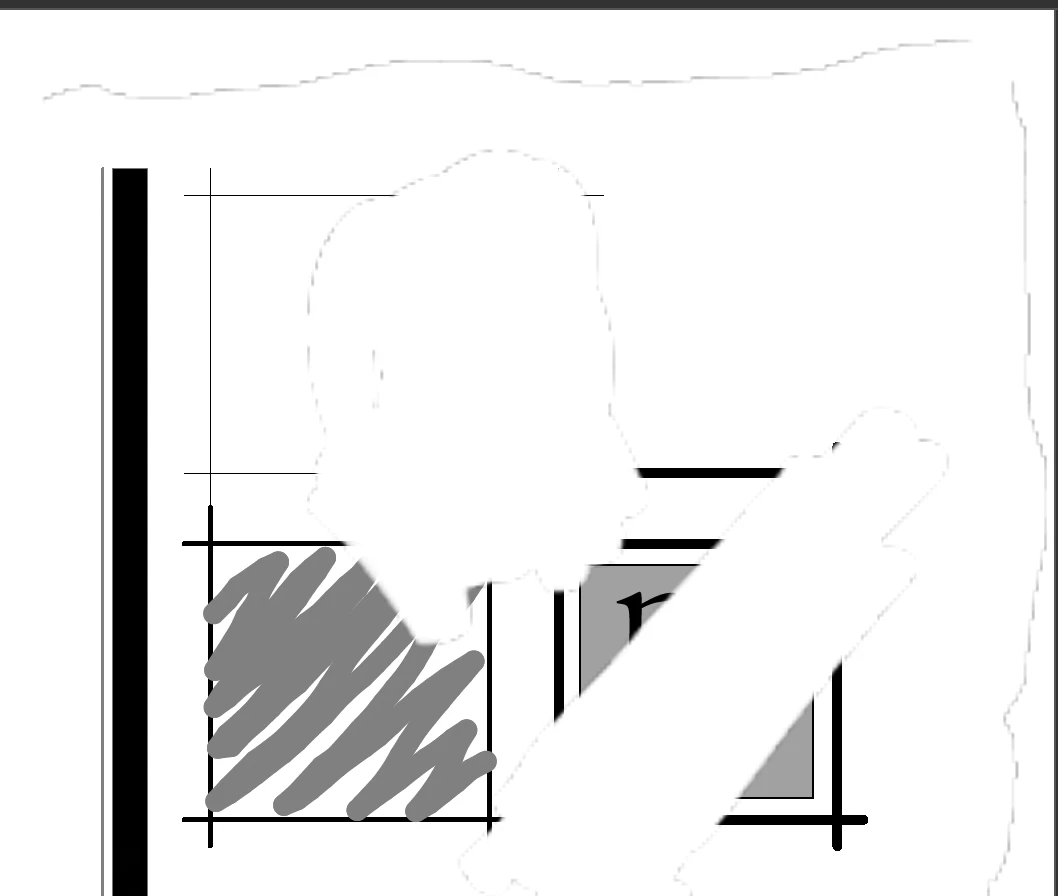
 AdChoices