
Question
Location of Toolbar Settings For Adobe Acrobat Pro 11
I have a customer who has set many different toolbar settings as the following picture but suddently the toolbar settings are disappeared. I'd llike to restore from previous systems having the same settings. I copied "ADOBE" FOLDER "C:\Users\%USERPROFILE%\AppData\Roaming" from old system to new system but still has the problem. Where do we save the toolbar settings?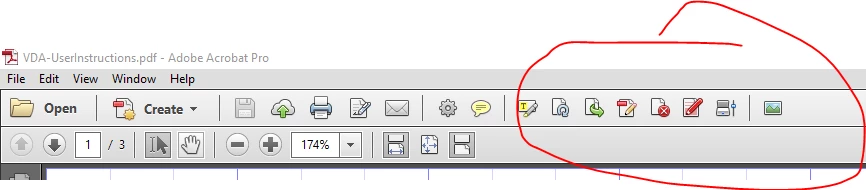
 AdChoices