This topic has been closed for replies.

2 replies

Amal.
Legend
May 26, 2022

Hi there


Hope you are doing well and sorry for the trouble.


Please try the steps below and see if that works for you:

  1. Close the Creative Cloud application.
  2. Navigate to the OOBE folder.
    Windows: [System Drive]:\Users\[username]\AppData\Local\Adobe\OOBE
    Mac OS: /Users/[username]/Library/Application Support/Adobe/OOBE folder
  3. Delete the opm.db file.
  4. Launch Creative Cloud.


Let us know how it goes.


Regards

Amal

Participant
May 26, 2022

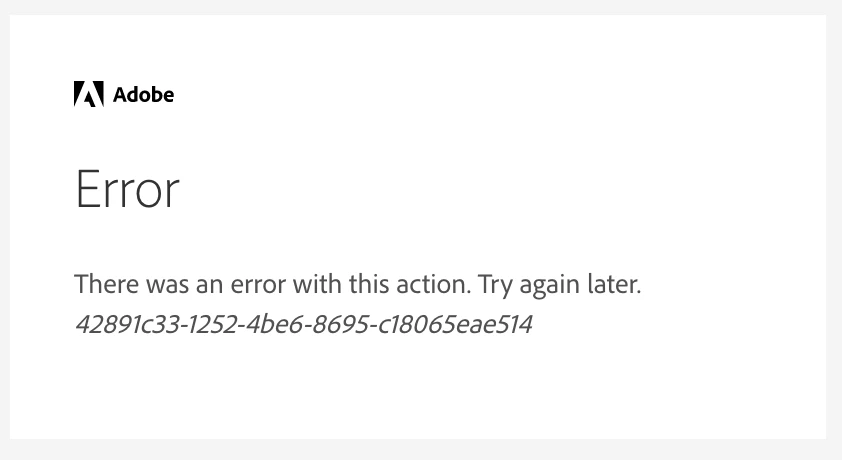
I have been getting this since yesterday! Is there an unknown issue going on?