Participant
June 13, 2018
Answered

Low quality eps image

  • June 13, 2018
  • 1 reply
  • 2962 views

Good morning to the forum. I'm writing from Italy.

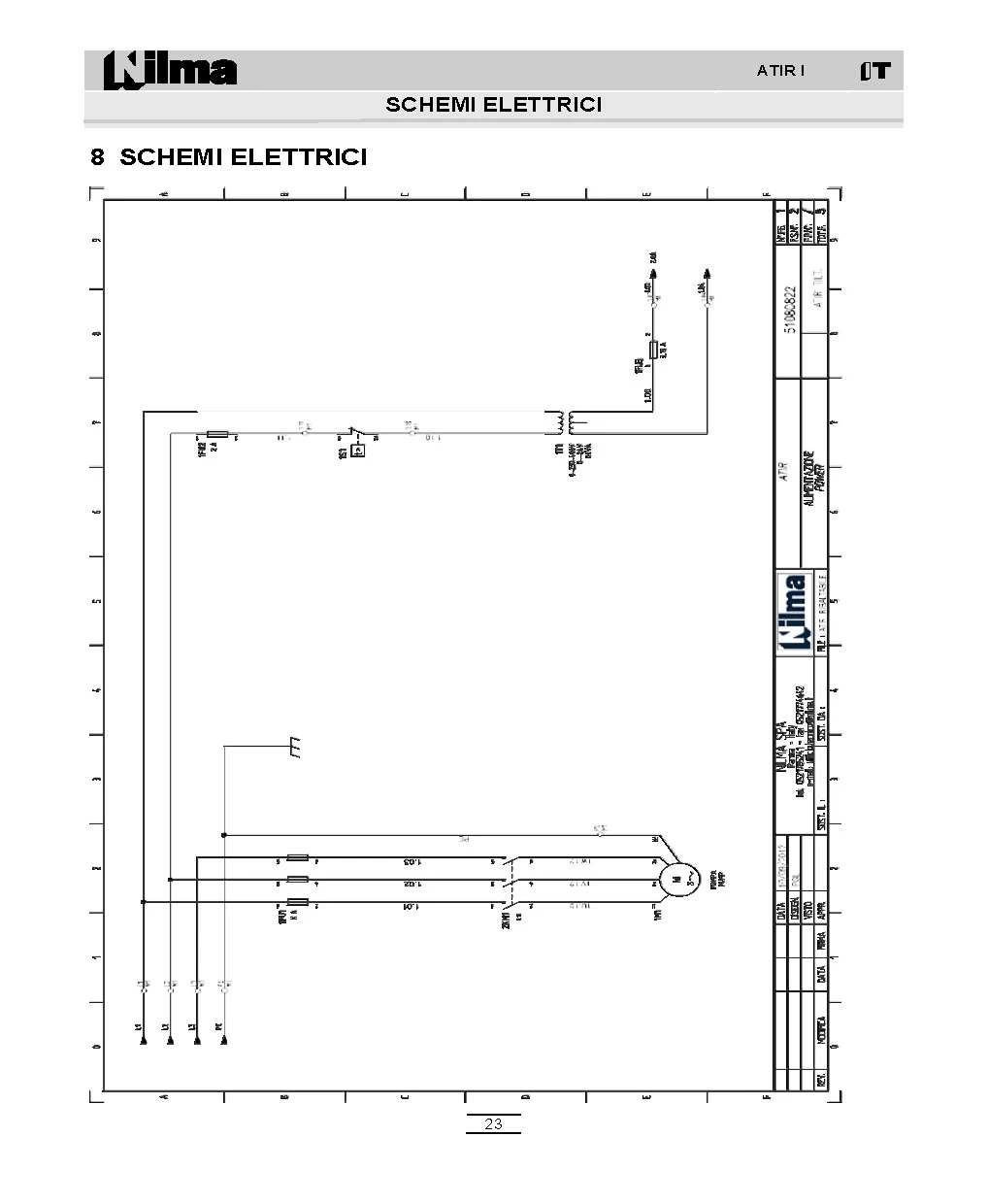
I do not understand why some eps images embedded in the word file are of such low quality in the pdf file.

the other EPS files present in the document, when they are converted to pdf, have excellent quality.

Help me please!!

Thanks in advance, Andrea.

This topic has been closed for replies.
Correct answer Dov Isaacs

In terms of PDF created from Word documents that have EPS files, quite a bit depends upon how you create the PDF file.

Assuming you are on Windows, the only way of creating a PDF file that preserves the full fidelity of the EPS content is to create the PDF by printing to the Adobe PDF PostScript printer driver instance. All other methods (such as the Save as PDF - Microsoft's PDF producer and Save as Adobe PDF - Adobe's PDFMaker) can only use the TIFF preview header of the EPS file, not the PostScript content itself.

In general, you should consider use of EPS in any Microsoft Office application as a legacy, dead-end format that Microsoft is not seriously supporting anymore.

          - Dov

1 reply

Dov Isaacs
Dov IsaacsCorrect answer
Legend
June 13, 2018

In terms of PDF created from Word documents that have EPS files, quite a bit depends upon how you create the PDF file.

Assuming you are on Windows, the only way of creating a PDF file that preserves the full fidelity of the EPS content is to create the PDF by printing to the Adobe PDF PostScript printer driver instance. All other methods (such as the Save as PDF - Microsoft's PDF producer and Save as Adobe PDF - Adobe's PDFMaker) can only use the TIFF preview header of the EPS file, not the PostScript content itself.

In general, you should consider use of EPS in any Microsoft Office application as a legacy, dead-end format that Microsoft is not seriously supporting anymore.

          - Dov
- Dov Isaacs, former Adobe Principal Scientist (April 30, 1990 - May 30, 2021)
Participant
June 15, 2018

Thank you Mr. Isaac! You were very helpful

So, which vector format do you recommend me to use from now on? And... whereas I have a very large file archive (several hundred images), is there a way to convert them at the same time?

Andrea.

Dov Isaacs
Legend
June 15, 2018

Regrettably, there is absolutely no high quality, vector-based format acceptable for import into Microsoft Word (or Excel or PowerPoint) documents on Windows. The best of the mediocre formats is .EMF (Enhanced Metafile) which is totally RGB-based with iffy live text support. You can open a .EPS file in Adobe Illustrator and save it out as .EMF but it might be prudent to (gasp!) outline the text first. Alternatively, you could open the .EPS file in Illustrator or Photoshop and save it out as a very high resolution .TIF file (don't use .JPG for these types of files).

Alternatively, if you are going for publication quality content, ditch Word for Adobe InDesign which has no trouble whatsoever with placing .EPS.

          - Dov

- Dov Isaacs, former Adobe Principal Scientist (April 30, 1990 - May 30, 2021)