

Answered
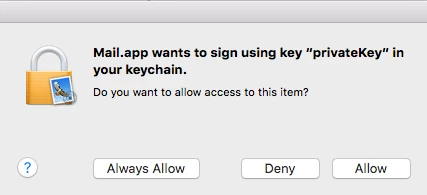
Mail.app wants to sign using key "privatekey" in your keychain
I wanted to sign a document using the sign/signature tool but for whatever reason, I ended creating a digital signature by mistake now I can't send the email without attaching a private key. I needed to remove this ASAP.
Adobe Reader doesn't allow me to remove the certificate. i.e clicking on the "Remove Id" does nothing.
SOLUTION:
1. Open Keychain on your mac "search 'keychain' in Spotlight (The magnifying glass icon on the top right of your screen) or Go to >Applications>Utilities>Keychain.app
2. Find the culprit certificate in the list
3. Take a back of the key in case something goes wrong by exporting the certificate.
4. >>> Delete
5. Restart the Mail app and also the Adobe Reader app.
Sorted 🙂
 AdChoices