May 6, 2024
Answered

Making PNG and JPG non-editable in PDF.

  • May 6, 2024
  • 1 reply
  • 2063 views

Hi,
I am trying to export a PDF with a logo and other elements but PDF is converting it into editable text which I want to disable so that no one can edit the logo. Is there any way to disable it?

Thank you.
This topic has been closed for replies.
Correct answer Luke Jennings3

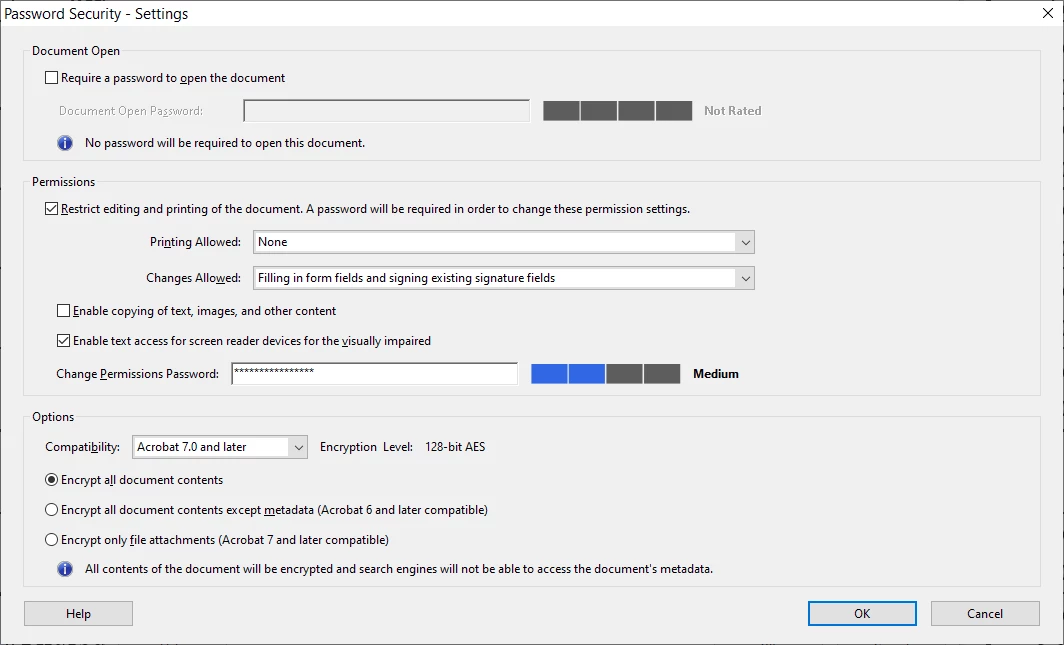
Go to Options (or the File menu, on older versions) - Properties - Security and select Password Security, then enter the password and select which actions you want to allow:


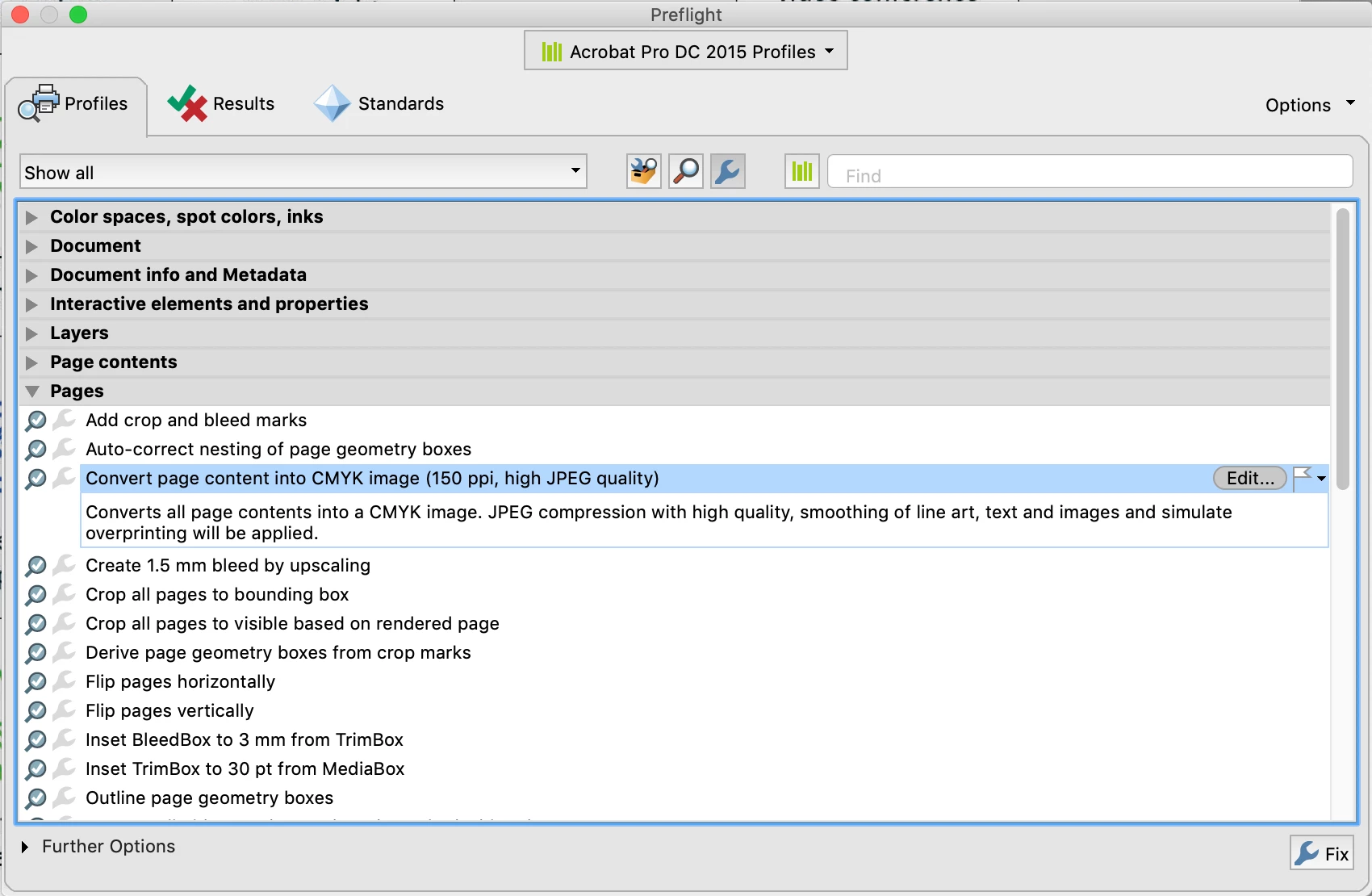
If you want to convert type into an image, to prevent editing, you can use a preflight fixup to convert all page content to an image. Tools> Print Production> Preflight> Fixups (blue wrench icon). You can adjust the output resolution and other settings by editing the preflight (make a duplicate first).

1 reply

try67
Community Expert
Community Expert
May 6, 2024

Your question is not very clear. Are you exporting a PDF to another format, which you then want to make uneditable (if so, I don't believe that's possible if you export to JPG/PNG), or are you creating a PDF file, which you then want to protect (if so, it's only partially possible)?

May 6, 2024

I want to convert a PNG file into a PDF.

When I open that same PDF file I can see the logo (which is a PNG) being editable which I don't want to because it can distort the logo. So I want a PDF that will not allow anyone to edit the logo.


try67
Community Expert
Community Expert
May 6, 2024

If I opt for a security policy then the logo won't be editable? Can you clarify if I have to add a password or not? Thanks.


The entire file won't be editable, although you should be aware that there are ways around this... If you want stronger security then apply both an edit-file password, and an open-file password (a different one, of course). The latter will need to be shared with the users so they can view the file, of course. The former you keep as a secret, in case you want to remove the policy later on.