
Question
Margins change when producing PDF in MS Word
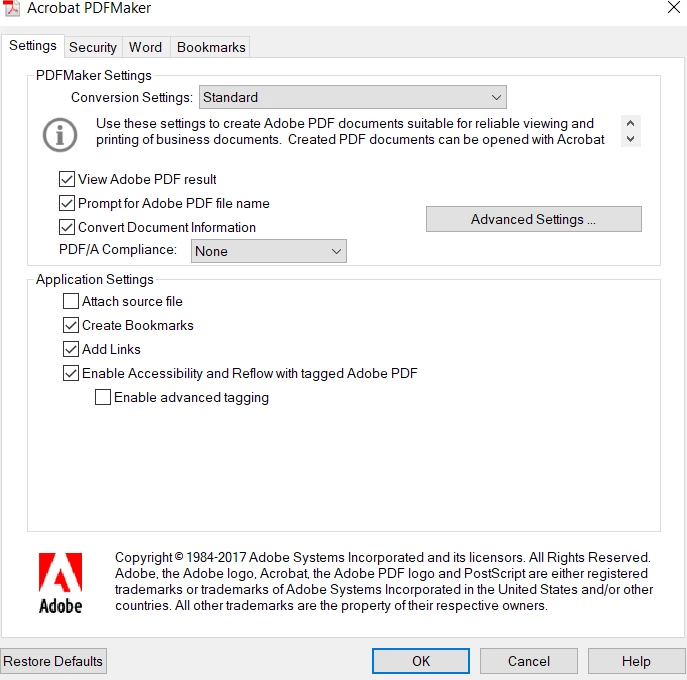
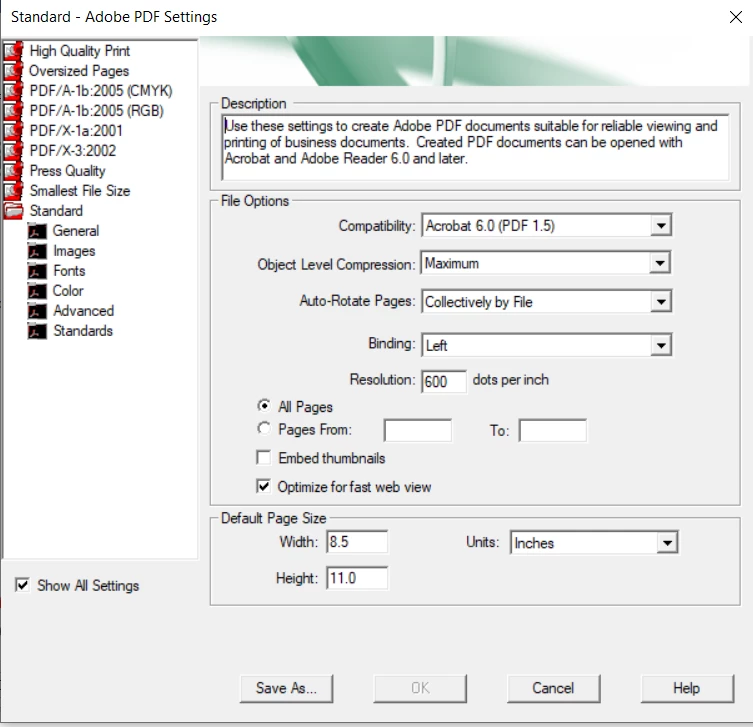
I can create a PDF from within word using the ACROBAT menu option (pdfmaker add-in). When I create a PDF, the top and bottom margins in the created PDF are different (larger) than the source document. When I print the first page to my printer in word, I get the correct layout. When I print the first page of the created PDF to my printer I get larger top and bottom margins. How can I ensure the margins in the PDF are the same as the source document? I'm using Microsoft Office 365 ProPlus (Word version 1908) and Acrobat Pro DC 2015 release. The first image shows the preferences available when ACROBAT is clicked. The second iamge shows the advanced settings. Thanks, John.
 AdChoices