
Mask and save PDF
Hello All,
I have an issue.
I need to cover some areas on a pdf file so they will not be possible to read/shown when someone opens the file.
I need to do it batchwise and mostly the markings are on the same spot/area.
But depending on format, for example a A3 and A4 or landscape or portrait are different also for the allignment ( A3 and A4 or landscape or portrait).
Currently I import all pdf files in a photoshop program named gimp and I have save a transparent layer with on different areas some black squares and then print as PDF and save etc.
Would it be possible to do it easier/quicker in Acrobat?
I have tried to draw black boxes and save them, but unfortunately someone else can drag them away when opening the file.
Also when I print them as a pdf through acrobat it shortly shows when opening the file.
I am really looking for a quick solution were I for example do the steps in below:
1.Open the drawing in acrobat
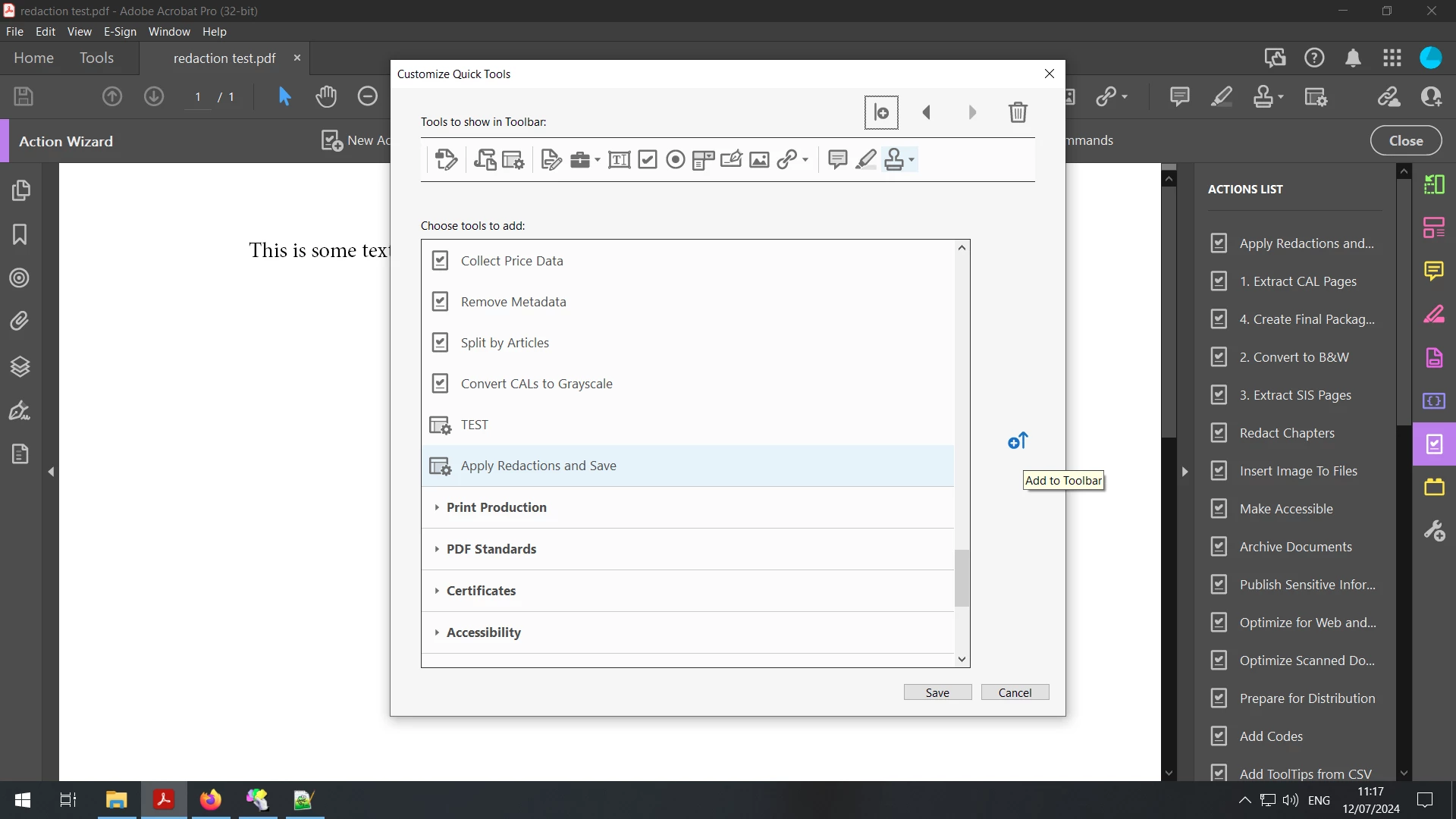
2.Push mask button (each format a3,a4,landscape,portrait has a different button which I setup once)
3.Save (the file will be saved and nothing can be removed or will be shown opening the file)
Hopefully someone can help me with this.
Thanks in advance.
Ben
 AdChoices