
Duncan1101
Participant
January 28, 2020
Answered

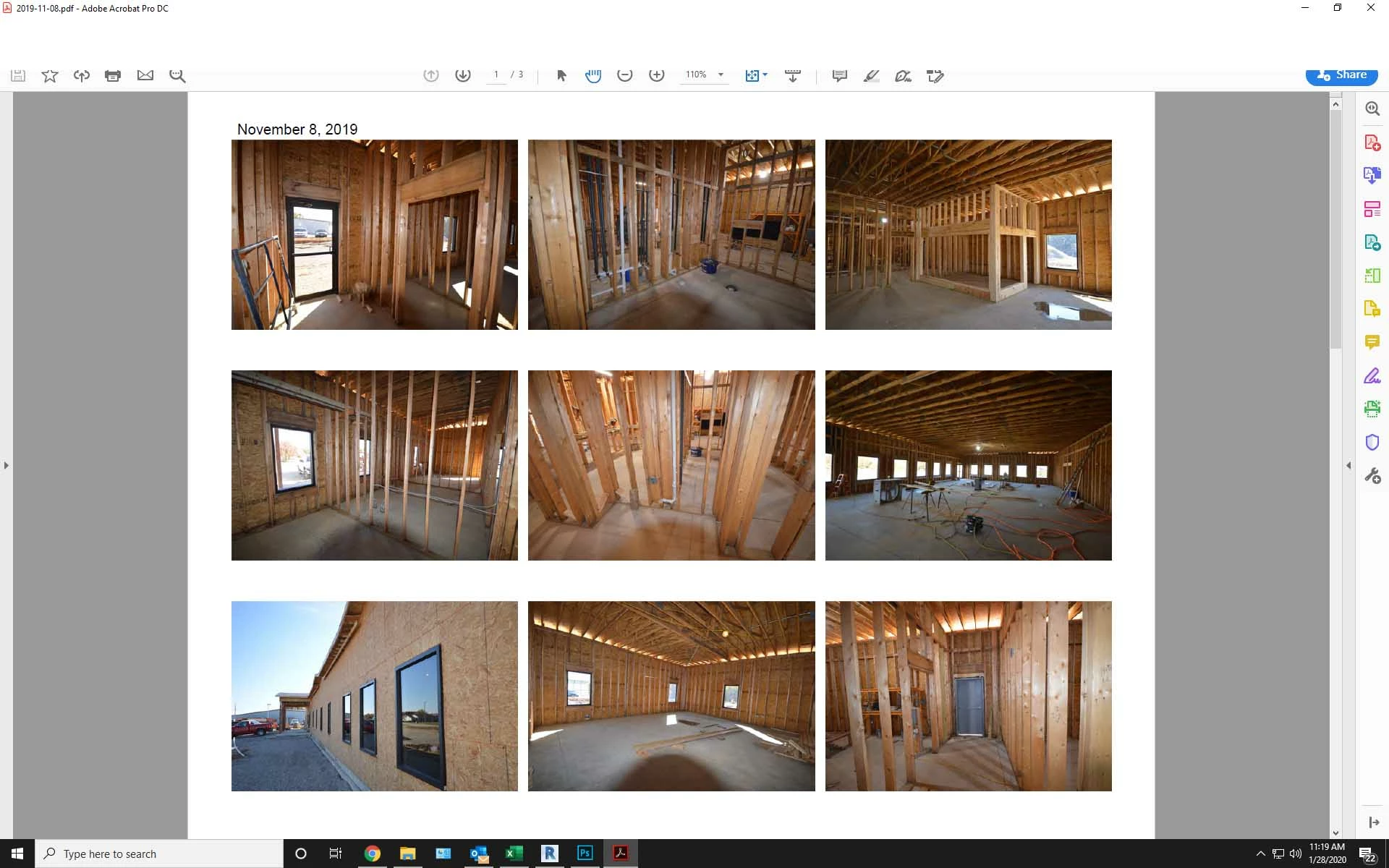
Menu bar and part of tool bar missing from top of screen.

  • January 28, 2020
  • 23 replies
  • 220948 views

The menu bar and top portion of the tool bar will not display on Acrobat DC. When I try to click in that area it activates whatever application is running behind the Acrobat window. The only way to close Acrobat is to close the window via the Windows taskbar at the bottom of the screen. The partial icons that are visible will function but I can't access any tools or menu items above that point.


I have tried to uninstall then reinstall the program and that did not help. I have also run a repair on the program which did not work either. This version is installed from Creative Cloud.  help please.
 

Correct answer Brad33530775qom8

I was racking my brain over this. The solution was really simple after eventually finding it.


Try pressing Ctrl+Shift+Win+B to restart the graphics driver.

23 replies

Participant
August 11, 2020

Hello,

I am having the same problem as of today. The top part of any Acrobat window is disappeared, and it is not even clickable. That is, if I try to click on it or drag it, anything that is immediately behind it is clicked and/or dragged instead (like another window, or a desktop icon). This also applies to the top right buttons (minimize, maximize, close) and the "frame" of the window itself, so the window cannot be dragged or closed (except with Alt+F4). The rest of the program works ok though, documents are scrollable etc without a problem. This problem though makes the program extremely inconvenient.


I attach a cropped screenshot of how it looks like. I am using the Acrobat Reader DC version 20.009.20074 on Widnows 10, build 18362.959.


Also, I tried to repair the installation through the control panel. Nothing changed.


Participant
August 6, 2020

Did anyone ever figure out ho to fix this? We are running Adobe Acrobat Standard 2020 in Windows 10 and having this exact issue.  The software is unuable ... and we just bought it.  Repairing has no effect.

try67
Community Expert
Community Expert
January 29, 2020

What's the exact version number? What's your OS version?

gudguy1a
Participating Frequently
October 1, 2023

Yeah, I spent a LOT of friggin' (not the word actually on the tip of my tongue) time trying to research and troubleshoot this mediocre piece of crap.

NOTE: Doing the graphic card uninstall / disable did not solve the issue either.


AND YES:

  • I still use it at times when Nuance PDF ticks me off for not having as much sometimes.
  • And when I am not using my Acrobat pro on my other laptop. Talk about monetized hostage, I mean, software....
    • Expensive, adobe.

I solved this problem for me, on a Windows 10 Pro, Alienware laptop - using these steps:

a) downloaded the adobe cleaner software from adobe (AdobeAcroCleaner_DC2021.exe)

b) uninstalling the adobe reader

c) running the cleaner software

d) restarting the laptop

e) MOST important - went to Windows store and did the download from THERE, which automatically does the install on your Windows laptop (sorry Mac users, not sure about you all).

f) opened up this version of adobe reader AND MY MENU BAR IS THERE...

---- download version from adobe: Continuous Release | 2023.006.20320

---  the Windows store version: Continuous Release | 2023.006.20320 | 64 bit

Just checked another of my laptops, an HP zBook G6 and it has no problem, it is using that 64 bit version...

That 64 bit aspect MAY be the solution....


Props to all those that tried to assist everyone - I hope that this helps at least one person out there.

gudguy1a
Participating Frequently
October 25, 2023

Apparently, there IS an update to this issue and I posted it on one of my pages.

The gist of it is:

a) Go to View > Enable new Acrobat. <<--- here you can also DISABLE that if you want to retain the original look

b) Select Restart to launch the new experience.

c) To return to your current experience, do one .....


Kudos to @Ben107584 Harris for responding to my Adobe Feedback / Idea page comment.


This 'NEW, IMPROVED' UI came out early in 2023 but I did not see any email or info regarding the change...

@RichMarOposted a screen shot of the fix later in this thread (April 2023) but I missed that as well.....