I hope you are doing well, and thanks for reaching out.
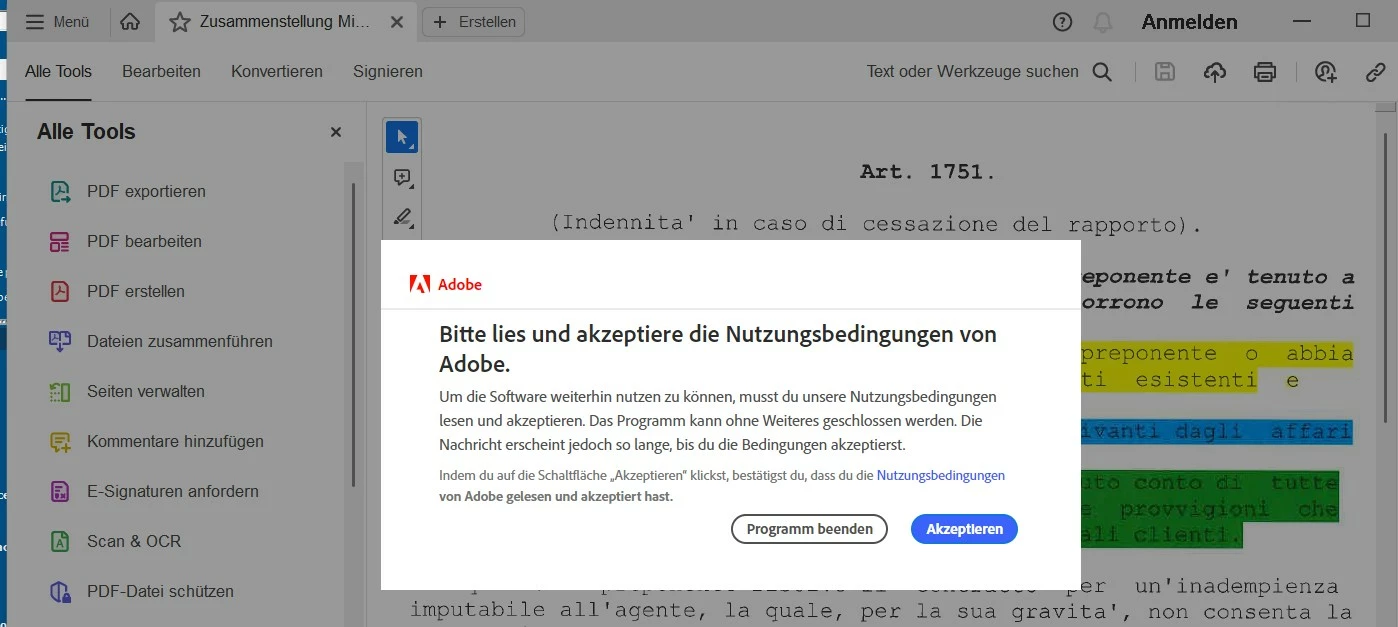
Could you please share more details about the issue? Does Acrobat crash after you select the terms and conditions? Please ensure you have the latest version of Acrobat installed. Go to Menu > Help > Check for updates to check for any pending updates. Install any available updates, restart the machine, and try again.
Are you on a Mac or Windows machine, and what is the version? Please ensure you have all the mandatory and optional operating system updates installed. If the issue persists, please restart the machine once, use the Acrobat Cleaner tool to remove the installed Acrobat app, restart the computer, and install Acrobat.
If the app still crashes after the clean installation, please collect the logs from the machine and share them with us for further investigation.

 AdChoices