
Missing page control tools from toolbar
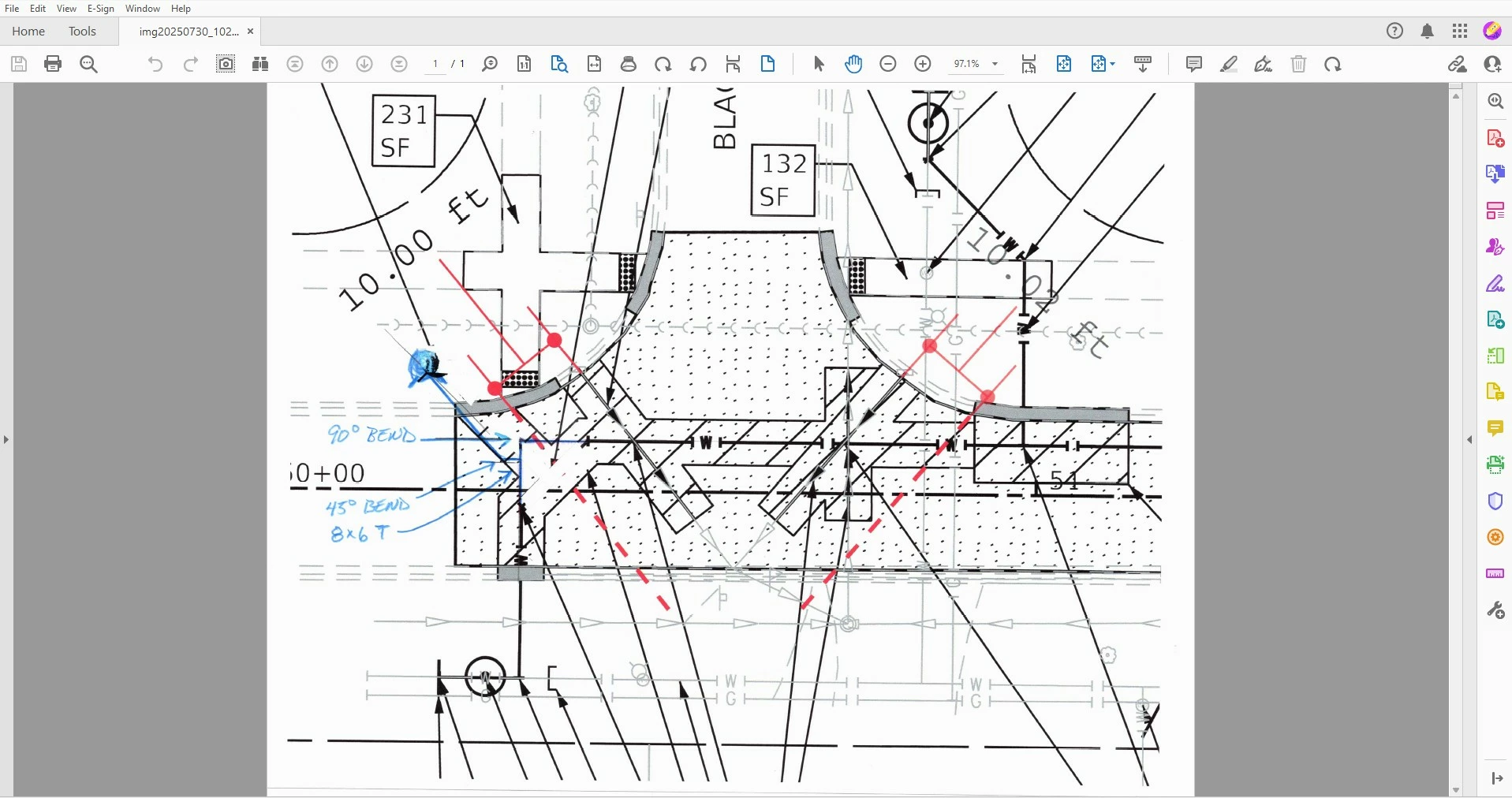
I had several page control/navigation tools disappear from my toolbar, which I keep on top and open. Partially directed by another post, I opened the "Comment" tool and found the missing tools at the bottom of the display. There is what looks like a horizontal ruler with 5 dots in it, this "moves page control into toolbar." That moved them all into the toolbar as I previously had. There is the same ruler to move them out of the toolbar, I must have accidently hit that at some point.
On another note, I wish they had never changed the UI and other features from Acrobate Pro 8 (might not be correct name). I could keep far more drawing tool icons (oval, text box, line, etc.) within the toolbar. Now I had to create a Custom Tool. This means a click and scroll to find things that used to be right on top! I markup engineering plans in Adobe and use these allot. The group tool is also useless since the change to DC. I don't know what it even does now. You used to be able to select several markup items, circle+line+fill, and group them, then select all with one click to copy and paste elsewhere. Not any more.
 AdChoices