

Answered
Missing PDFMaker file
Used Acrobat 8 Standard the last 2 years without problems. Now cannot creat a PDF file in Microdoft Excel, get always "Missing PDFMaker file"

Used Acrobat 8 Standard the last 2 years without problems. Now cannot creat a PDF file in Microdoft Excel, get always "Missing PDFMaker file"
I know this is an old thread, but I had a similar issue and was unable to find an answer, so I thought I would post my solution in case anybody else is still experiencing this issue. I was able resolve the problem by opening Word as an Administrator, remove the Adobe add-in through the options (make a note of the filepath before you remove it), close Word, reopen as administrator, and then reload the add-in.
I had the same issue with Office 365.
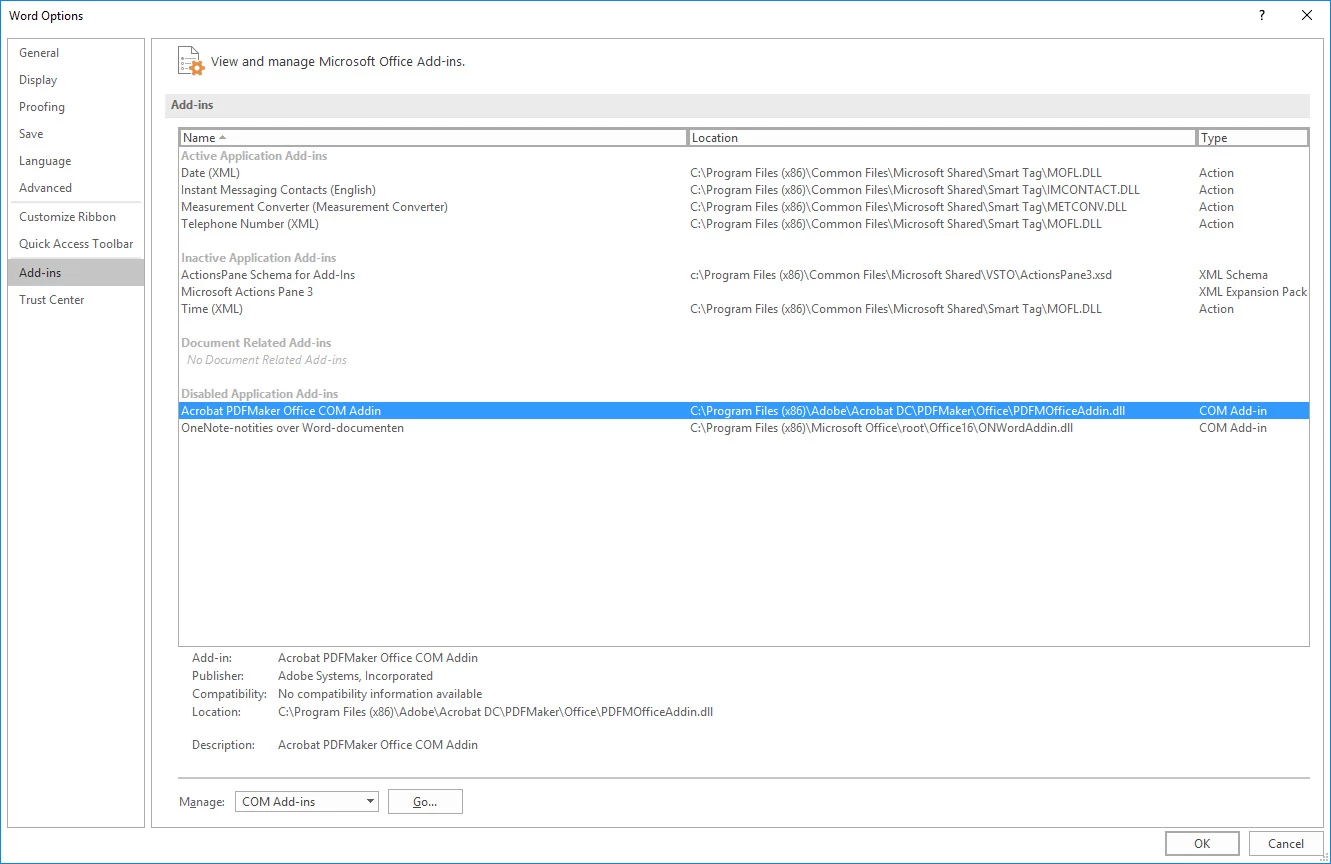
Depending on your network group policies, unauthorised add-ins can be disabled in your Office environment. Go have a chat with your network administrator (he or she already knows you very well as one-of-those-Adobe-user requiring very advanced administrator rights in order to install CC and make it function properly).
My 2cents contributions 
Already have an account? Login
Enter your E-mail address. We'll send you an e-mail with instructions to reset your password.
 AdChoices