Participant
July 6, 2022
Answered

Need a custom calculation script - help please!

  • July 6, 2022
  • 1 reply
  • 1542 views

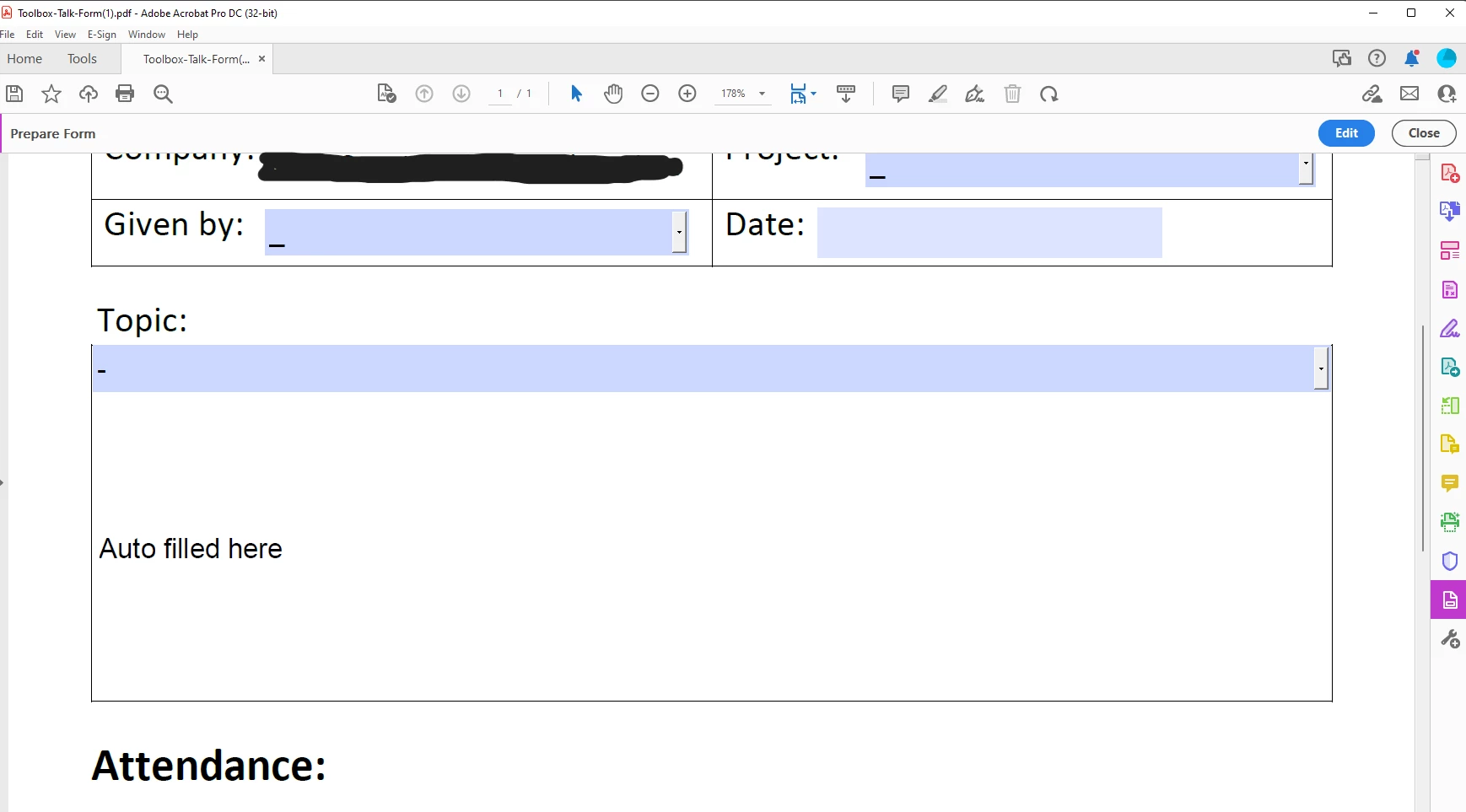
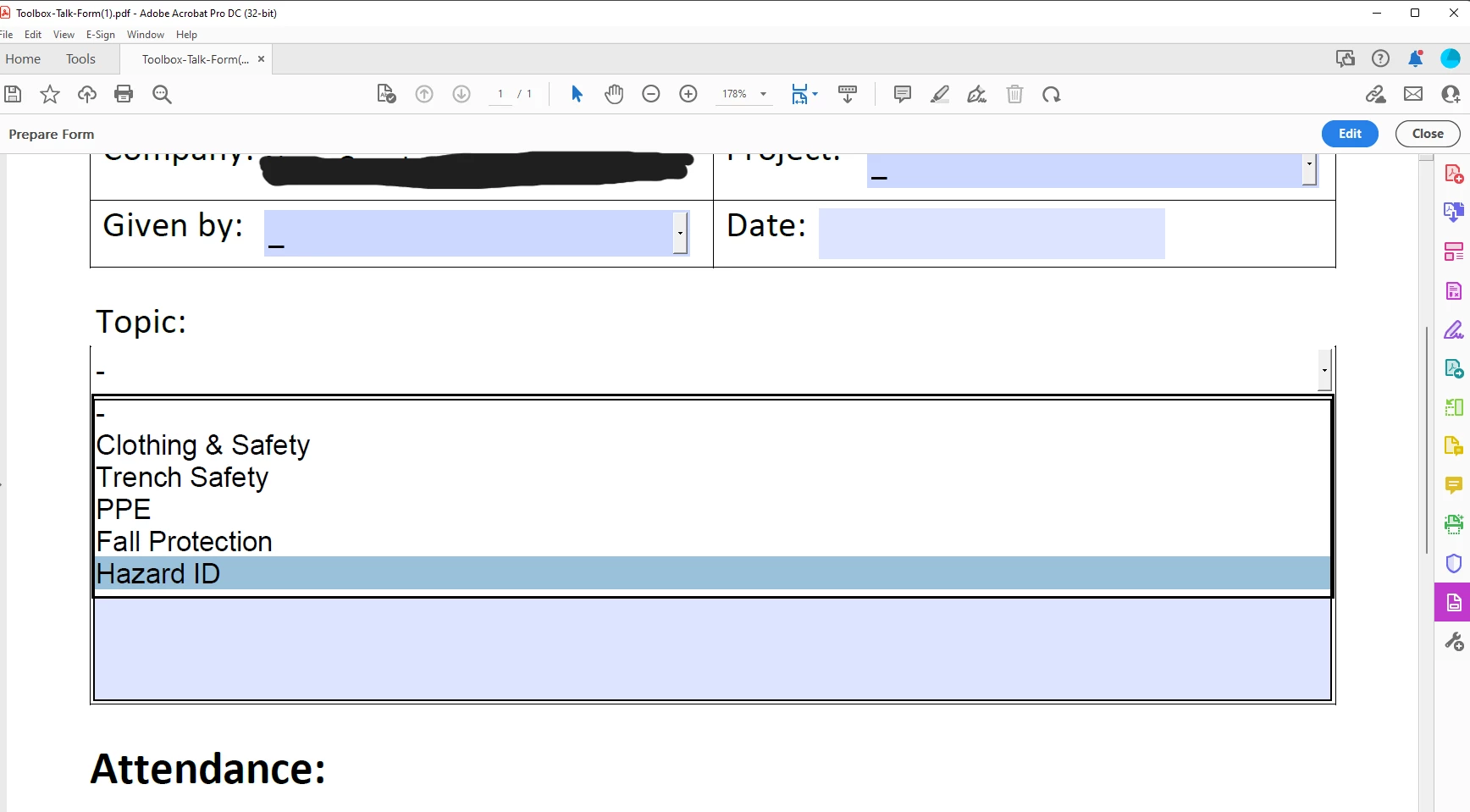
I'm trying to create a form where if the user picks an item from a drop down list, it'll autopopulate text in the next field.  So, for example, if the user chooss "Hazard ID" (Screenshot 1), I would need/want the form to autofill the description of that topic in the next field (Screenshot 2).


How can I do this?  I have no clue how to write code or custom scripts.


TIA!
This topic has been closed for replies.
Correct answer Nesa Nurani

Lets say text field is called "Description", here is an example for 'Hazard ID' and 'Fall Protection' use script as 'Validation' script of dropdown field:

var f = this.getField("Description");
switch(event.value){
case "Hazard ID":
f.value = "Here goes description for Hazard ID";
break;

case "Fall Protection":
f.value = "Here goes description for Fall Protection";
break;

default:
f.value = "";}

 Add more cases for other dropdown options if needed

1 reply

Nesa Nurani
Community Expert
Nesa NuraniCommunity ExpertCorrect answer
Community Expert
July 6, 2022

Lets say text field is called "Description", here is an example for 'Hazard ID' and 'Fall Protection' use script as 'Validation' script of dropdown field:

var f = this.getField("Description");
switch(event.value){
case "Hazard ID":
f.value = "Here goes description for Hazard ID";
break;

case "Fall Protection":
f.value = "Here goes description for Fall Protection";
break;

default:
f.value = "";}

 Add more cases for other dropdown options if needed

Jfro72Author
Participant
July 6, 2022

yes!  That's works GREAT!  Thank you!


But now, I need to be able to have the text fall within the boundaries of that Description box.  Right now, when it's added, it's too long and it scrolls outside of the box.  How can I fix that?

Nesa Nurani
Community Expert
Community Expert
July 6, 2022

If it's one line field set font to 'auto', if you want it to be more lines, in field properties under 'options' tab select 'Multi-line'