
Not possible to copy German Umlaut letters and Danish letters in Adobe Acrobat ??
I just got a new Mac (clean slate install, not Migrant Assistant) and now, out of a sudden, it is impossible to copy letters containing ö ü ä / æ ø å, which have totally killed my workflow since I'm studying a lot of German and Danish text books.
When I try to copy this sentence: Dieser knappe historische Überblick diskutiert die Problematik dieses Verständnisses in historischer Perspektive...
It looks like this: Dieser knappe historische berblick diskutiert die Problematik dieses Verst ndnisses
in historischer Perspektive .... (as can be seen: the ü and ä is missing).
I've been in contact with Adobe regarding this and they said "it is not an adobe or pdf issue." - Well, how come that when I use the native OS Preview-app as PDF-app, then I can ⌘ + C copy the setence including the German umlaut letters without any issue??
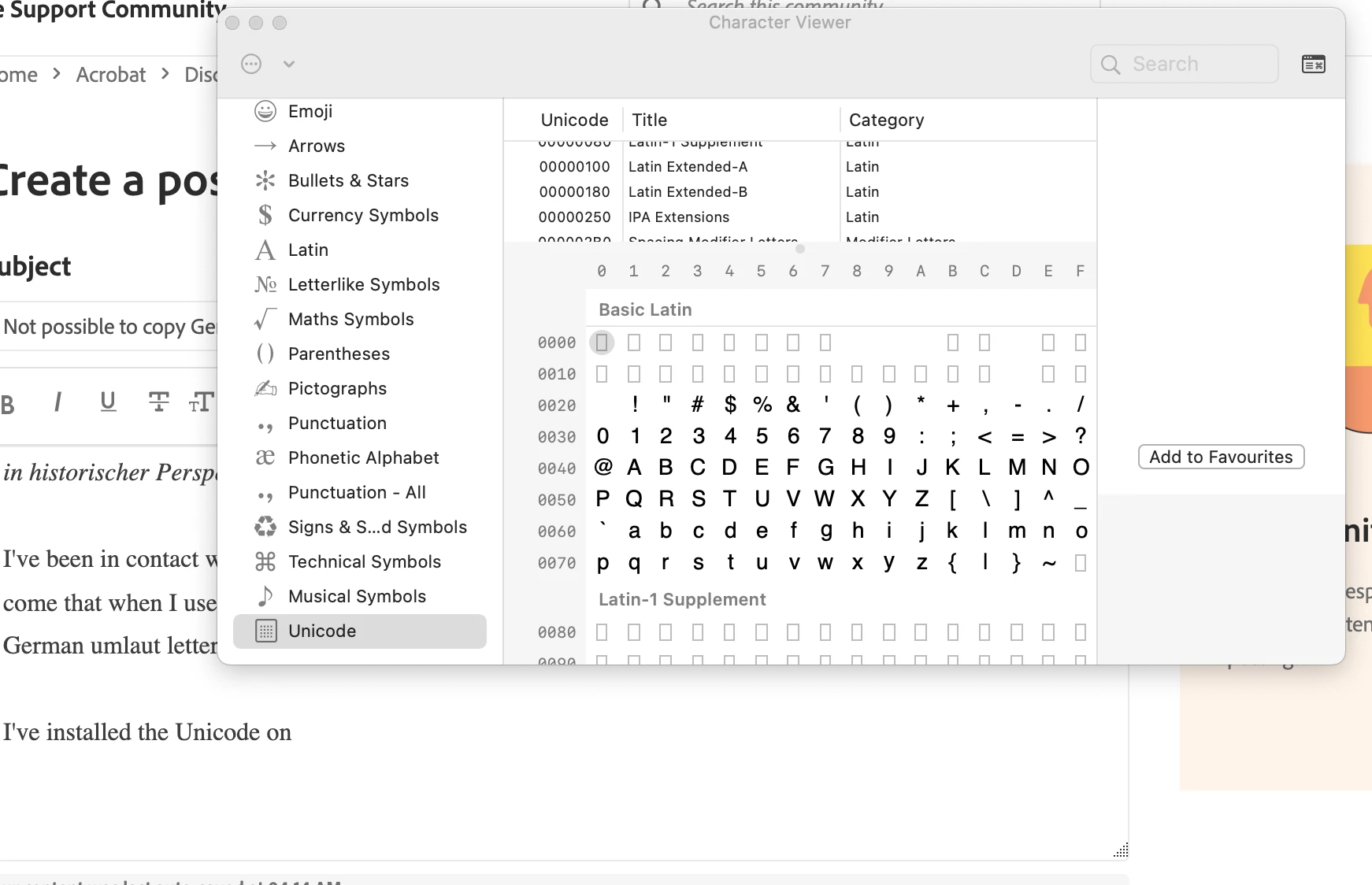
I've installed the Unicode in the character viewer (see screenshot below), but in vain. Is there anything I can do so I can ⌘ + Copy German/Danish letters from Adobe Acrobat PDF texts?
PS: I'm aware of the right-click and select "copy with formatting" feature, but this solution doesn't work for me since I need a fast keyboard shortcut as ⌘ + C and the "copy with formatting" feature puts the copied text in quotation marks.
Thanks ! 🙏
 AdChoices