
Dwayne Dibbley
Participant
October 25, 2021
Answered

OCR'd document filled fonts d's B' 0's ?

  • October 25, 2021
  • 1 reply
  • 718 views

I have OCR'd a document and at certain zoom levels the d's B's and 0's are filled like:
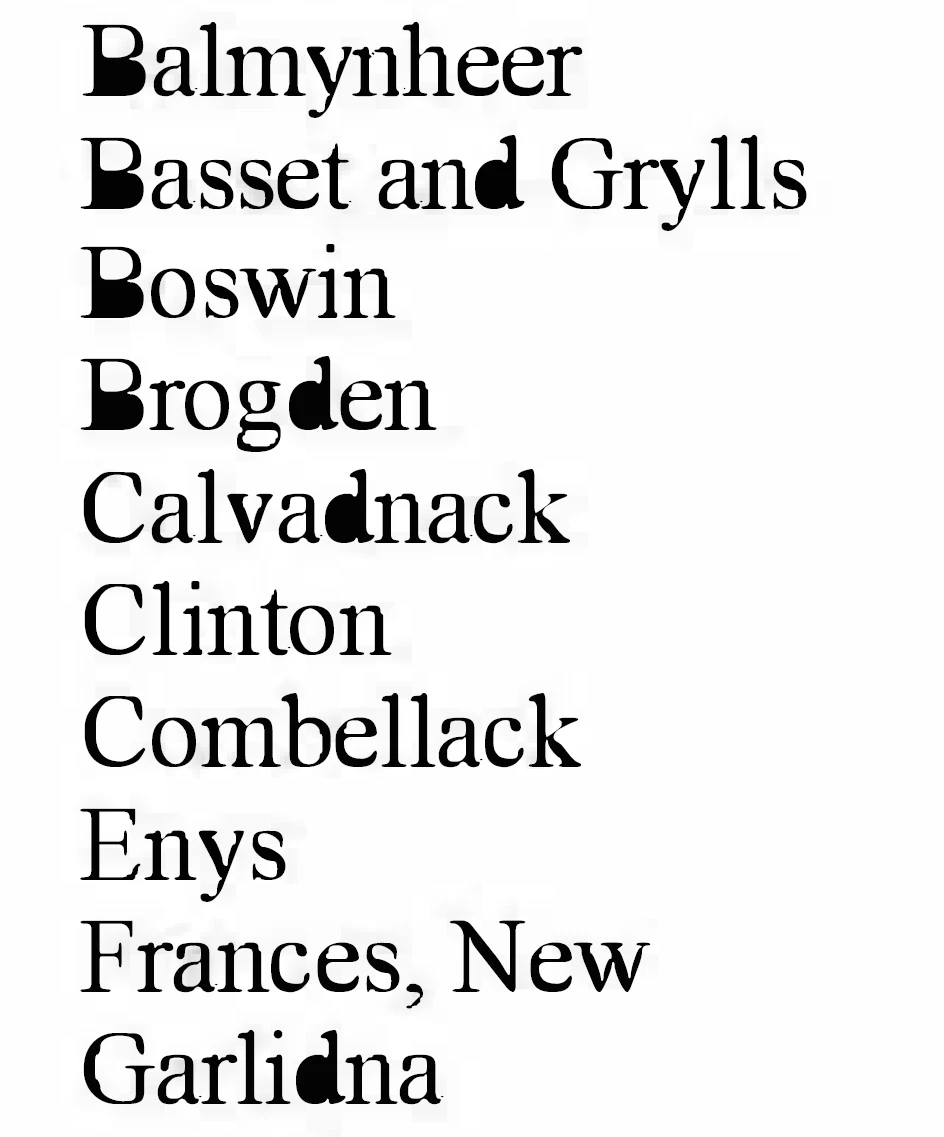
 

On desktop if I set Font Smooth to None it fixes the filling, but on mobile there is no options?

Is this an issue with the embedded fonts somehow? 


Thanks

This topic has been closed for replies.
Correct answer Karl Heinz Kremer

There is a good chance that your fonts are actually embedded, because they were created on the fly, based on the scanned data. One option to avoid this problem is to scan as to save the OCRed document as "original image" with searchable text. This way, the OCRed text is saved "behind" the image, and the image is used for display purposes. This should look the same on both desktop and mobile. 

1 reply

Karl Heinz  Kremer
Community Expert
Karl Heinz KremerCommunity ExpertCorrect answer
Community Expert
October 25, 2021

There is a good chance that your fonts are actually embedded, because they were created on the fly, based on the scanned data. One option to avoid this problem is to scan as to save the OCRed document as "original image" with searchable text. This way, the OCRed text is saved "behind" the image, and the image is used for display purposes. This should look the same on both desktop and mobile.