
Question
On MacOS/Citrix with dual monitors, Adobe doesn't respect preferred monitor choice
Running Adobe and other Windows applications in a corporate Citrix/Windows Server environment.
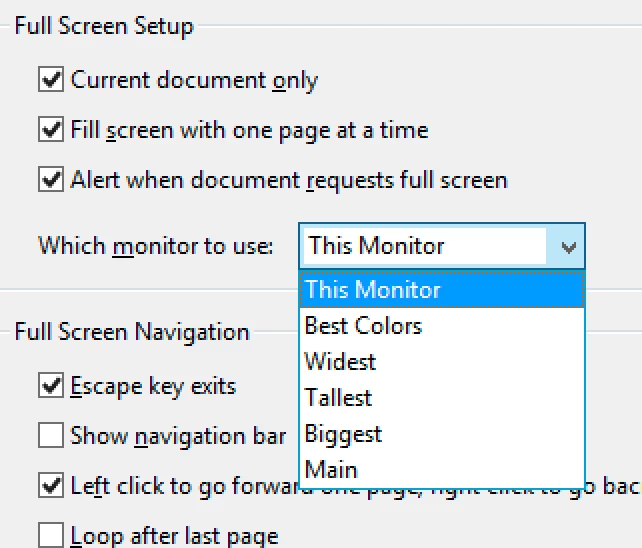
I am unable to have Acrobat consistently open on my monitor 2 (external). Through rote repetition of dragging the window from monitor 1 to monitor 2 (possibly 10-20 times) it will eventually start opening on monitor 2. Works well until circumstances (such as Zoom presentation) require that I drag the window to monitor 1. From this point on, it's back to monitor 1. Rinse and repeat. Acrobat doesn't seem to respect this monitor preference, or is there another setting that I need? See screen snippet below from Preferences (Ctrl-K)


 AdChoices