

Answered
Out of Memory error when try to access Acrobat Pro Plug-in Settings (Mac M4 Sequoia 15.3.1)
Just staged a new MacMini M4 running Sequoia 15.3.1, and installed some proprietary plug-ins in Acrobat Pro (2024.005.20414).
The plug-ins set their preferences through a Acrobat > Settings > Plug-ins dialog.
I'm unable to launch the Settings... dialog, which throws the error message: "Out of Memory. Try to increase the amount of memory dedicated to this program." I have tons or RAM memory and the hard disk has tons of room on it for VM spooling.
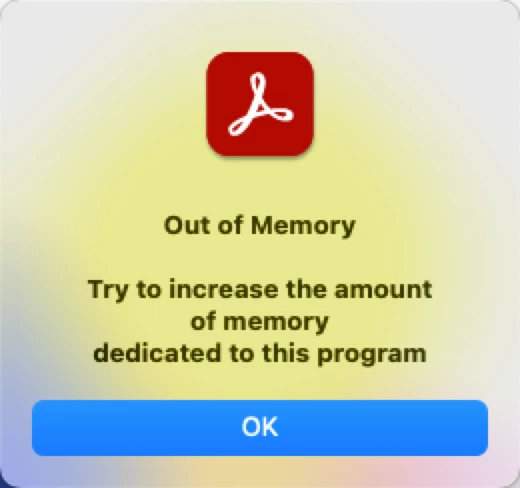
I don't know of any way on modern Macs to allocate more memory to applications.
Has anyone seen this error before? Any suggestions as to how to fix or workaround?
I'm unable to launch the plug-in without being able to set a license server IP in the plug-in preferences dialog.


 AdChoices